

A VPS does not need publicly reachable SSH, database, or administration ports when operators connect through an authenticated private overlay network. Tailscale can provide that path over WireGuard while the cloud firewall drops unsolicited inbound traffic. This guide describes a safe migration sequence, service binding, and directional access controls, while preserving a recovery route to avoid accidental lockout.
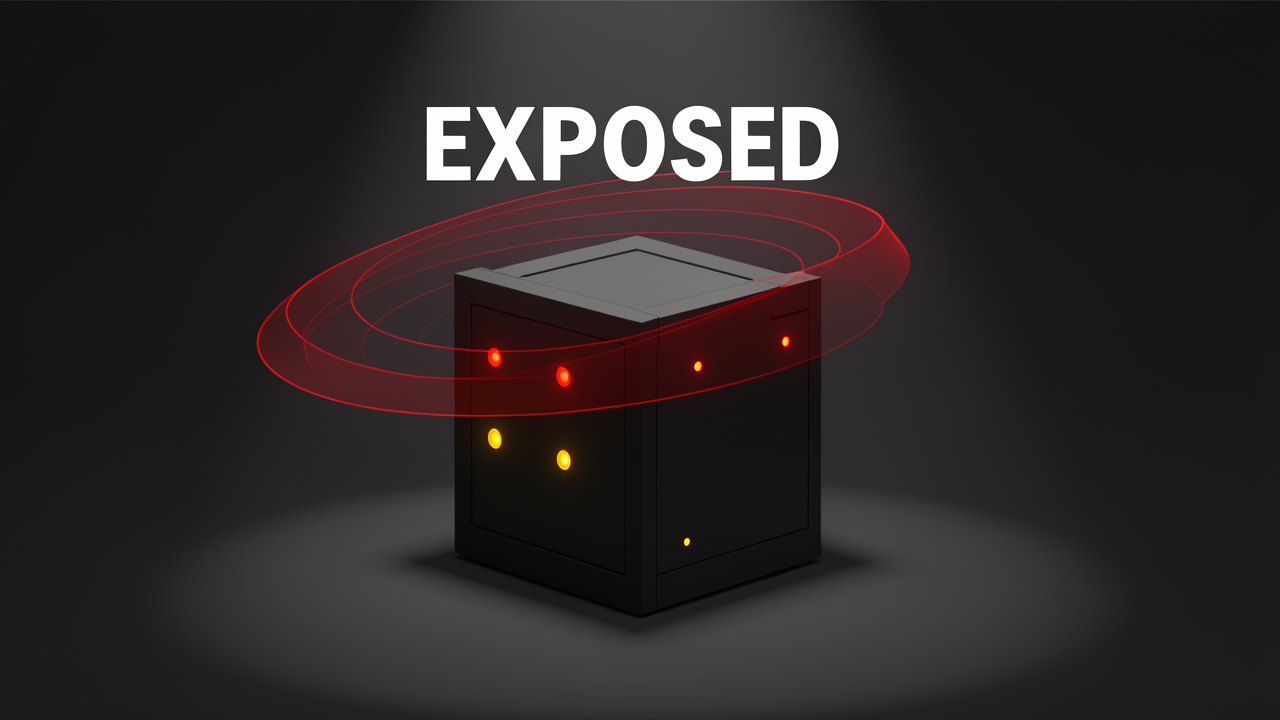
Let's zoom into what that first scan actually reported, because the specific ports matter more than the headline count of five. The nmap output on a typical unhardened VPS reads like this:
When I look at that list, three entries stand out immediately: 22, 5432, and 8080. None of them should accept connections from strangers, yet every port scanner on the internet can see all five at the same time. That visibility is the core problem — the box isn't just attackable, it's indexed. Services like Shodan crawl and catalog exposed ports continuously, which means your fresh server gets a public profile before you've deployed anything worth protecting.
Run nmap again once the migration is done and the output shrinks to exactly two lines:
That's it. Based on typical port exposure, the visible attack surface drops by roughly 60%, and what an attacker scanning your IP actually finds is a web server and nothing else:
The box also stops being easy prey for port-indexing services, because there's simply nothing left to catalog beyond a standard web stack.
In my experience reading auth logs and traffic captures, management ports are the main noise generator here. Leaving SSH on port 22 or RDP on port 3389 open to the public internet produces constant scanner and brute-force traffic, hour after hour, whether or not anyone actually breaks in. Moving management access onto a private tailnet changes the math completely: since you reach the box over a WireGuard tunnel instead of a public route, you can close those ports in the server firewall entirely and lose nothing operationally.
That asymmetry — a major security gain with almost no overhead — is why guides covering this migration consistently describe it as the biggest single improvement available for a cloud box. Everything else in this guide is just the concrete path to that state.
Before I delete a single firewall rule, I want to be precise about why zero inbound rules even works, because it's the load-bearing assumption behind this entire setup. Tailscale takes WireGuard — an excellent protocol that is, frankly, painful to configure by hand — and wraps it into a zero-config mesh. Every enrolled device, whether it's my laptop, a co-founder's desktop, a CI runner, or the VPS itself, receives a stable private IP in the 100.x.x.x range. Physical location becomes irrelevant; the address follows the device.
The key insight: a service bound to your Tailscale IP is reachable only by devices on your tailnet. The public internet has no route to that socket at all. There is nothing to scan, because from the outside there is no listener — the port exists, but only inside an encrypted overlay network.
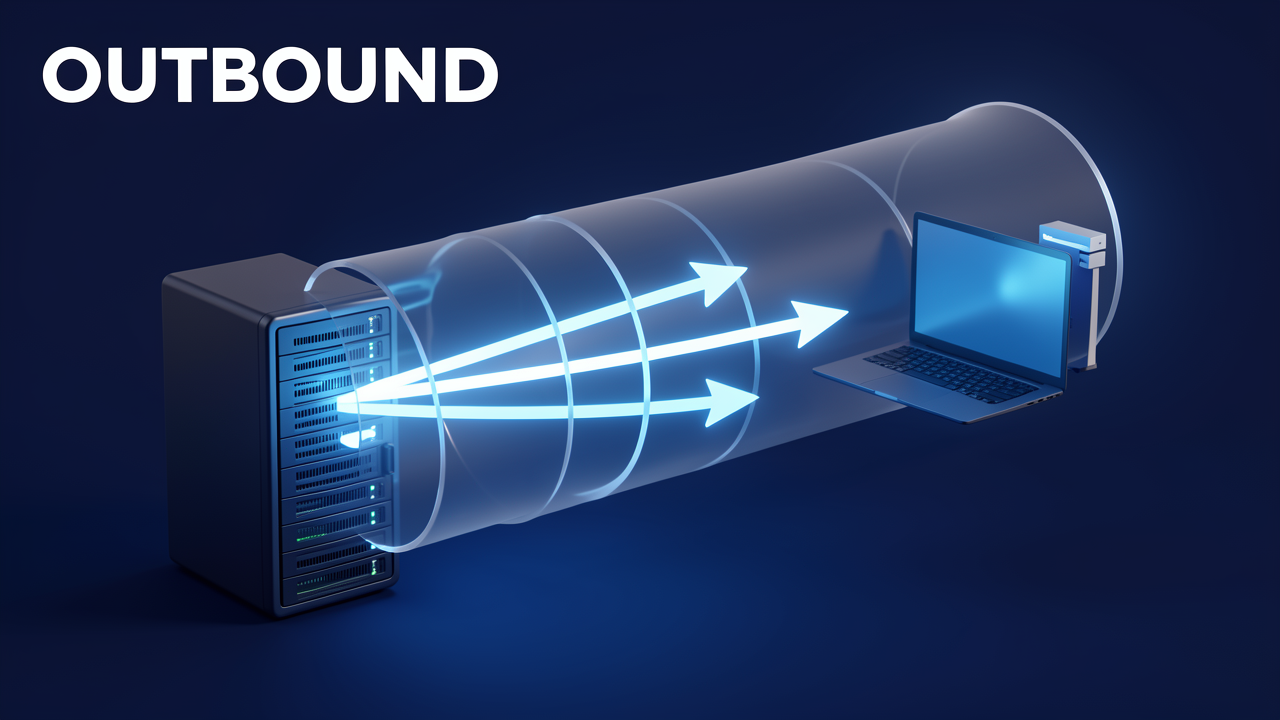
What makes this architecture work is the direction of every connection. A Tailscale node makes exactly two kinds of outbound calls:
Nothing in this design has to accept an inbound connection. That is precisely the property that lets me drop every inbound firewall rule while the tailnet keeps working.
The obvious question: if two machines sit behind different firewalls and neither accepts inbound traffic, how do they find each other? Tailscale solves this with STUN (RFC 5389) and ICE (RFC 8445)-based traversal:
Once services bind to the right addresses, the traffic pattern splits cleanly, and I find this the most satisfying part of the whole design:
With the theory in place, the next step is making it real on an actual server.
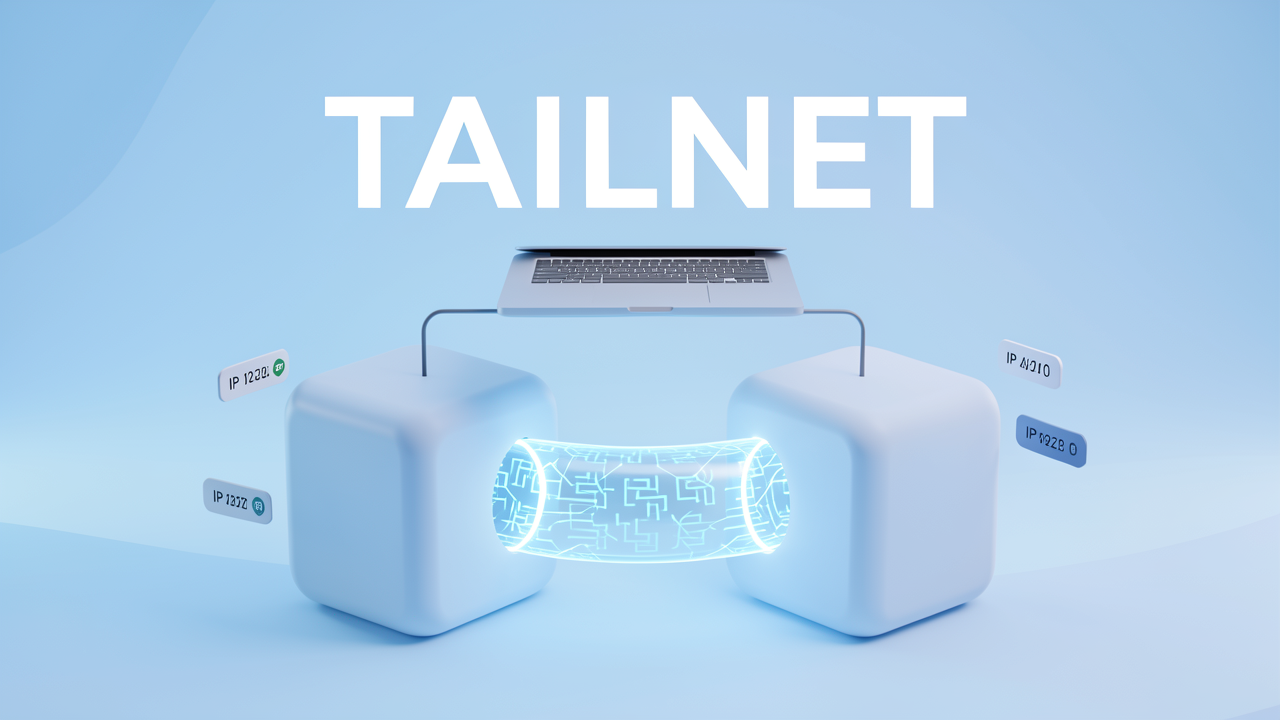
Time to deliver on the fifteen-minute claim from the opening. The reference setup I build for this walkthrough is deliberately small: two boxes, one tailnet, and nothing exposed to the public internet.
The API queries Postgres across the two boxes over the encrypted tailnet tunnel, pointed at the data box's stable tailnet IP. From my PC, I reach everything — the API, the database, and the Grafana dashboards — no matter which network I'm sitting on. The internet sees none of it, because every Docker port is published on a tailnet IP only and the cloud firewall carries zero inbound rules. Two layers, and both of them have to hold.
Publish a port the way most tutorials show it — -p 5432:5432 — and Docker binds it to 0.0.0.0, meaning every interface on the machine, including the public one. That single habit quietly reintroduces the exact exposure this architecture exists to remove. The fix is pinning the first field of the mapping to the tailnet IP:
# vps-data
services:
  postgres:
    image: postgres:18
    ports:
      - "100.64.0.3:5432:5432"
  grafana:
    image: grafana/grafana:12.1.0
    ports:
      - "100.64.0.3:3000:3000"
# vps-app
services:
  api:
    image: my-api-image
    ports:
      - "100.64.0.2:8080:8080"
A tailnet IP is just an IP address, so the API's connection string stays completely plain:
Host=100.64.0.3;Port=5432;Database=app;Username=app;Password=...
Nothing in the application code or the database driver changes. And because that tailnet IP is stable, a hardcoded connection string is safe here — no service discovery, no environment gymnastics.
curl http://vps-app:8080/health — the API answers, addressed by its tailnet name rather than a raw IPpsql -h vps-data -p 5432 -U app app — straight into Postgres from my laptop, on any networkBoth commands work because the traffic rides the WireGuard tunnel outward — the same "dial out, never listen" property from the intro, now doing real work.
Since WireGuard already encrypts every byte between devices, private services skip the usual public-facing infrastructure entirely:
One caveat I hit in practice: some compose files are pinned to 127.0.0.1:3000 and you may not want to touch them. That's exactly what tailscale serve is for — it proxies the local port out to the tailnet without editing your docker-compose.yml.
That's the whole build: roughly fifteen minutes of work, and an external port scan now has nothing to report. What it doesn't solve yet is a compromised device inside the tailnet — which is precisely what the directional ACLs in the next section are designed to contain.
Deleting the last public rule is the one step in this guide that can genuinely lock you out of your own box, so I treat it as a strict sequence: prove the new path works before you break the old one. Every brute-force attempt that filled my auth log on day one arrived through port 22 — this is where that door stops existing.
ssh [email protected] (or use the machine's tailnet name). Log in, run a command, and verify you actually have a working session.The instant that rule disappears, SSH stops existing as far as the internet is concerned. There is no reachable listener, so there is nothing to scan, brute-force, or exploit — not because the port is hardened, but because it simply isn't there. The service keeps running and stays fully administrable, only now it answers exclusively through the encrypted WireGuard tunnel. That's the difference between filtering a port and eliminating it.
The cloud firewall guards the perimeter; UFW gives the host its own independent layer. The rule set is short:
ufw --force reset
ufw default deny incoming
ufw default allow outgoing
ufw allow 80/tcp
ufw allow 443/tcp
ufw allow in on tailscale0
ufw --force enable
The line that carries all the weight is ufw allow in on tailscale0 — notice it names an interface, not a port. That single rule permits all traffic over the encrypted tunnel: SSH, database connections, admin access, everything. Meanwhile every other inbound connection is dropped by default, and 80/443 stay open only as long as you genuinely host public web services.
With SSH gone, the remaining public inbound rules shrink to the bare minimum:
Anything beyond that is attack surface with no job to do.
Binding applies to dashboards too. Grab the address programmatically so the configuration survives reboots:
TAILSCALE_IP=$(tailscale ip -4)
Then bind the console to ${TAILSCALE_IP}:8080 while public web traffic stays on 0.0.0.0:80 and 0.0.0.0:443. The result: the dashboard opens directly at http://100.64.0.1:8080 in your browser, with no SSH tunnel required — yet a port scanner sees absolutely nothing on 8080, because the process never listens on a public interface. From outside, that service doesn't exist.
When I look at the end state, it's the cleanest possible answer to that first nmap report: scan the public IP again and there is nothing to find. A fleet of servers, zero open ports, and every one of them still fully under my control through the tailnet.
With the public side of the server sealed off, the only traffic left to police is what happens inside the tailnet — and this is where Tailscale's ACL model surprises anyone arriving from cloud security groups. The instinct is to picture a central gatekeeper inspecting packets at some checkpoint. That model is wrong, and once I understood why, it changed how I write every rule.
A Tailscale ACL entry is directional: it states that source X may initiate a connection to destination Y on port Z. The interesting part is where that rule gets applied. Enforcement happens on the destination device. When a connection arrives, the receiving node checks whether it comes from a permitted source, and drops it on the floor if not.
This is the mesh answer to "where does the firewall live?" — in every single node. The coordination server's only role is to distribute the policy to every device in the tailnet; after that, each device applies the rules to connections targeting it, directly, with no further involvement from the coordination server. Disallowed incoming connections get blocked at decryption time, exactly where the packet lands. You get central control over policy with efficient, distributed enforcement — no chokepoint, no extra hop, no per-connection round-trip to ask a server what's allowed.
Mapping the mechanics is one thing; the security implication matters more. A compromised device retains all the permissions its owner already has. An attacker who lands on one of my devices doesn't need to pivot through bastion hosts or proxy through segmented networks — they connect directly to whatever the ACLs already permit that device to reach. Worse, they can scan from the compromised machine, probing every port on every reachable host, because the policy can't tell their traffic apart from mine.
So my rule of thumb is simple: write your ACLs assuming the source device is already compromised. In practice, that means:
Two scope notes worth pinning down before we write the actual rules:
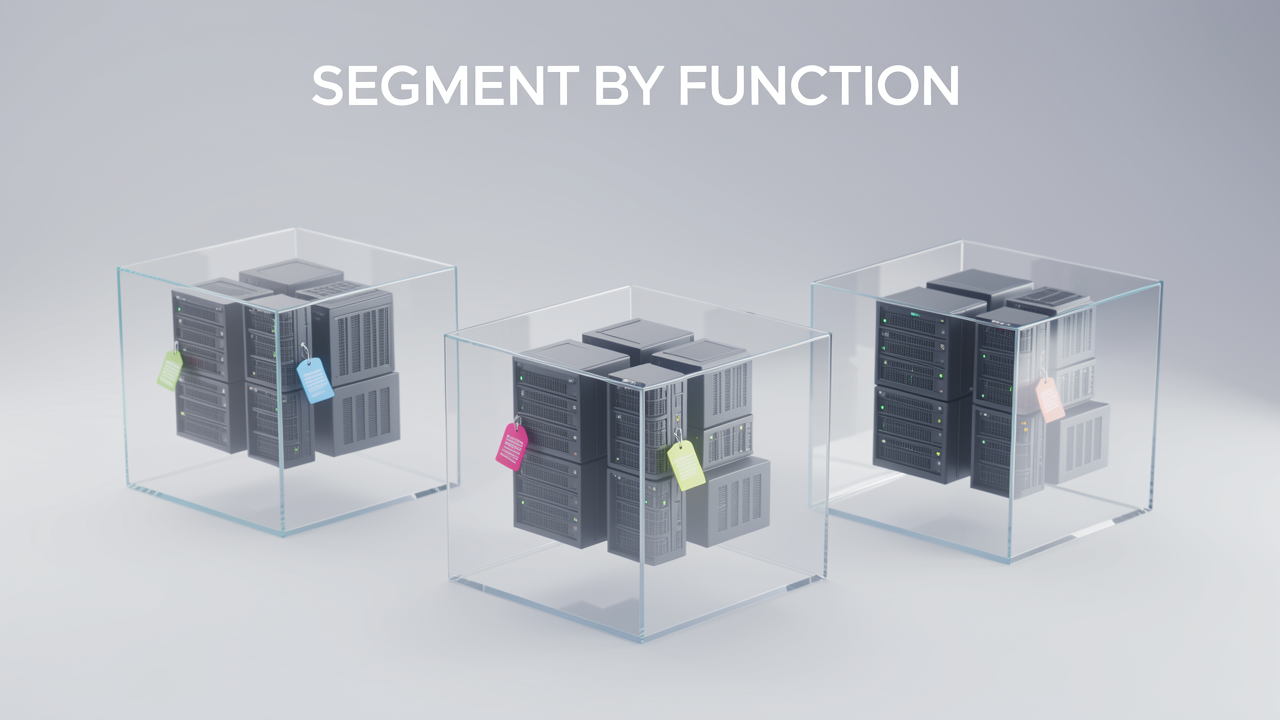
The weakest link in most tailnet ACLs is the human behind the enroll command. If a server's identity belongs to whoever ran tailscale up on it, then every rule you write is really a rule about a person — and people get phished, change roles, and leave the team with their identity still attached to machines they no longer administer. Tags fix this: they give servers an identity based on purpose, not on which teammate happened to enroll them. For my own ACL files, that shift is what turns a pile of per-user rules into something I can actually reason about.
The canonical docs example builds a one-way chain where each tier only reaches the next:
tag:frontend can access tag:backend:*tag:backend can access tag:logging:*Three lines of JSON, and the topology is locked: frontend talks to backend, backend talks to logging, nothing talks sideways. When I read rules like these, what stands out is everything they don't say — no frontend-to-logging path, no peer-to-peer access within a tier, and no rule that breaks the moment a username changes.
Segment by function, not just environment. The canonical hardening scenario: a compromised frontend developer's laptop should not be able to reach the backend infrastructure. If that laptop carries only frontend-tier access, an attacker sitting on it can reach exactly what the frontend can reach — and nothing more. That's blast-radius containment in practice: when an attacker compromises a node, the tag boundaries define what they can touch from it.
These are the same lessons most standard networks quietly ignore — flat VLANs where one hacked workstation sees the database subnet — except here they're a few lines of JSON in Tailscale's ACL format instead of a week of switch and firewall reconfiguration.
When you need harder walls, microsegmentation divides devices, access, and communications into unique logical units that cannot access other microsegments. The official example: members of group:support and devices tagged tag:support can access both tag:segment-abc and tag:segment-xyz on port 443, while ACL tests assert that tag:segment-abc is denied access to tag:segment-xyz on port 443 — and vice versa. Two segments, one shared entry point, zero lateral movement between them. The test suite is what makes this trustworthy: denials become assertions you run on every change, not assumptions you hope hold.
An identity scheme is only as trustworthy as the process for handing out identities. Declare every tag in the tagOwners section along with who may assign it — for example, only autogroup:admin. Now tagging a server is a deliberate, auditable act rather than something any enrolled user can do mid-enrollment.
With identity in place, the rest falls out naturally:
tag:lab-devices) via nodeAttrs, so internet exposure becomes an opt-in property of a tier, never a default.tag:smb-access can be added for a task and removed when it's done, giving you time-boxed permissions without touching a single allow rule.For the two-server reference setup, this is where the design clicks into place: the machines have roles, the roles have owners, and the ACLs enforce the boundaries between them — while the public internet still sees nothing at all.

Everything in this setup so far assumes the Tailscale client runs on both ends of every connection. At some point you hit infrastructure where that isn't realistic: an AWS VPC with dozens of instances, legacy hardware you can't modify, office printers, or managed services like RDS where nobody will ever let you install anything. That's the job of a subnet router — a machine running Tailscale that advertises a CIDR range and forwards traffic between your tailnet and the network behind it. Your ACLs still apply to forwarded traffic, which is a plus. What worries me is what this single machine becomes in a threat model where I assume devices are already compromised.
When I map a tailnet's attack surface, subnet routers stand out immediately, because they concentrate an enormous amount of reach into one node:
10.0.0.0/16 exposes 65,536 addresses. Compromise the laptop running that router — not the router process, just the laptop — and you've turned it into a pivot point for an entire AWS VPC: databases, internal services, everything on that segment.The wider the advertised range, the more one compromised device is worth to an attacker.
Where the option exists, I reach for app connectors instead. They advertise specific applications rather than entire subnets, so a compromised device can reach the named services you published — but it cannot sweep the segment around them. That shrinks the blast radius from "everything behind the router" down to "the handful of apps you actually exposed," which is exactly the reduction you want when planning for failure.
The second fix concerns how routes come into existence. Tailscale can auto-approve subnet advertisements based on groups, and the dangerous shortcut is autogroup:member:
Require manual approval instead, so every new subnet route becomes a visible, deliberate event that a human reviews. Then add one line to your regular tailnet reviews: are there any subnet route advertisements I can't explain? — the same reflex you'd have toward unknown SSH keys in an auth log.
Removing every inbound rule shifts your attack surface, but it doesn't eliminate it. Once the public internet can't see my VPS at all, the tailnet becomes the entire perimeter — and the interesting question changes from "which ports are open?" to "who is allowed to join?". I treat this layer with the same paranoia I used to reserve for iptables, because a compromised identity provider account is now the functional equivalent of an open port 22.
Three settings do most of the heavy lifting:
The official hardening guide reads like a checklist you can apply almost directly:
Hardening decays if nobody maintains it, so I spread these checks across three tiers:
The principle I keep coming back to: a realistic schedule you maintain beats an ambitious one you abandon. A zero-port VPS stays invisible only for as long as the tailnet behind it stays disciplined.