

Windmill can be deployed on a single VPS without handing control of scripts, secrets, or audit data to a third-party cloud. This guide focuses on the production-oriented self-hosted architecture: a server container, one or more worker containers, and a Postgres database fronted by an optional Caddy reverse proxy. The article documents the default Docker Compose stack, recommended minimum host specifications, and managed-Postgres alternatives such as Ubicloud for teams that prefer to externalize the database. Readers are expected to already understand Windmill scripts, flows, and apps concepts.
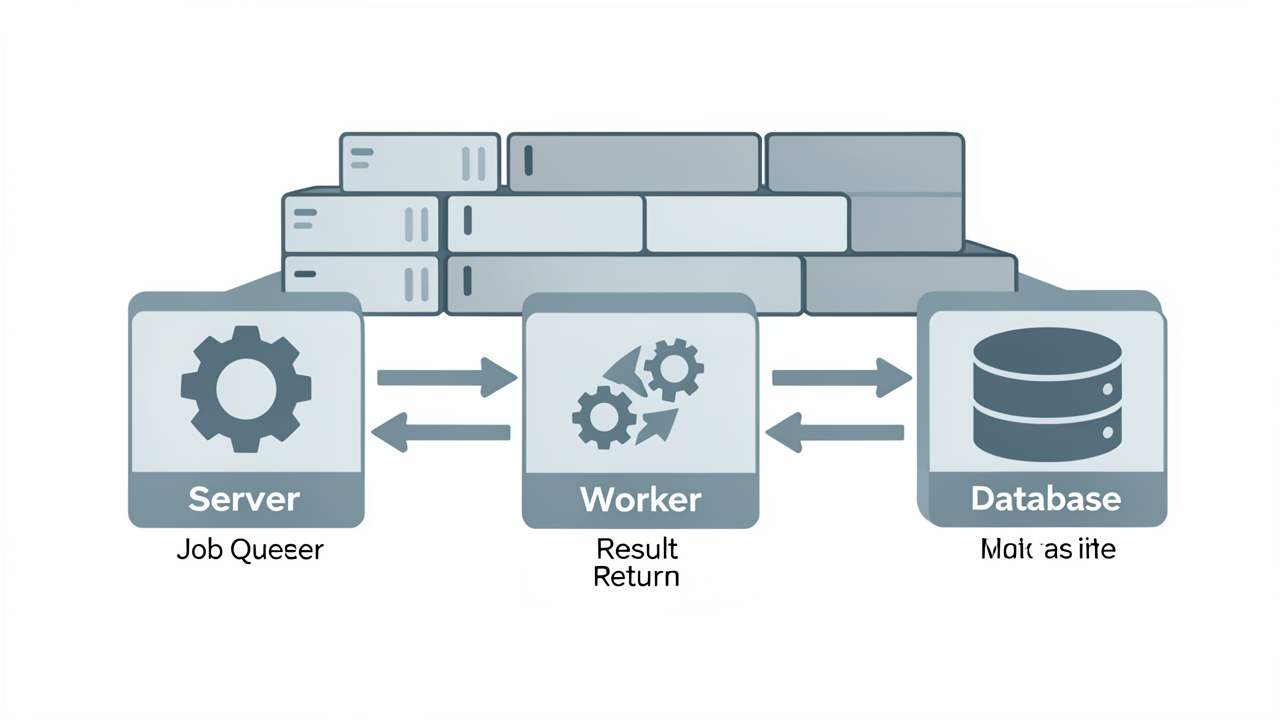
Windmill's self-hosted edition is structured around three logical services that together provide the full workflow platform:
Everything outside the database is stateless, which means each layer can be scaled independently. The server does not communicate directly with workers; both connect only to Postgres, as documented in the official self-hosting guide.
When a script, flow, schedule, or webhook fires, the server writes a job row to Postgres. Workers continuously poll the database for new work, claim a job, run it inside their language sandbox, and write the result back. This pull-based model has two practical consequences:
NUM_WORKERS per replica or scaling the replicas themselves.The official Docker Compose stack ships three worker images, each pre-loaded with a specific language runtime:
windmill/worker-python — Python 3 with uv for dependency resolution.windmill/worker-deno — TypeScript and JavaScript on Deno (with Bun also available as an alternative runtime).windmill/worker-native — Go, Bash, and other native binaries.Production deployments typically pin one image per worker replica so that the correct runtime is always available for its job kind, rather than relying on a single fat image. The same language separation is described in the Windmill GitHub repository, which notes that workers are stateless Rust processes pulling jobs from a Postgres-backed queue.
This three-service shape — server, one or more workers, Postgres — is the same whether you run the official Docker Compose stack, the Helm chart on Kubernetes, or the raw binaries on a Linux host. The only differences are operational: Compose adds an optional Caddy reverse proxy in front of the server, while Kubernetes externalises proxying to an Ingress. The architectural contract between the three services does not change.
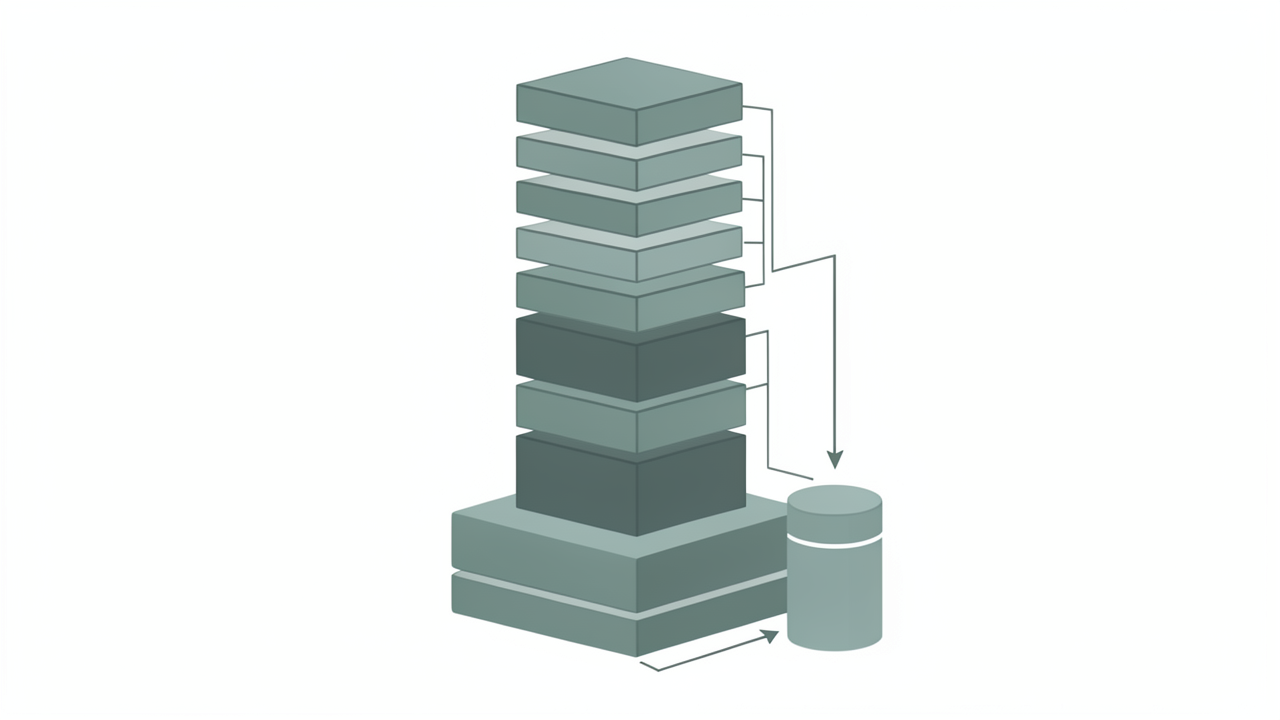
The Windmill self-hosting repository ships a reference docker-compose.yml, a Caddyfile, and an .env template that together bring the entire platform online with a single docker compose up -d. The stack is intentionally minimal: it assumes a single host and treats PostgreSQL as the only stateful component, with every other container being stateless and horizontally scalable. Migrations run automatically on startup, so no separate bootstrap step is required. Once the containers are up, the UI is reachable through the Caddy reverse proxy rather than directly on the application port.
The default Compose file defines the following services:
db — postgres:16, holding the entire state of Windmill, including the job queue.windmill_server — runs the same image as the workers (ghcr.io/windmill-labs/windmill:main) with MODE=server. It exposes the internal API on port 8000 and serves the web UI on port 8080.windmill_worker) — generic workers running with MODE=worker and WORKER_GROUP=default. They handle Python, TypeScript, Go, Bash, and other language runtimes pulled from the same image.windmill_worker_native — optional jobs runner with NATIVE_MODE=true and WORKER_GROUP=native. Native jobs run in-process and are much lighter than sandboxed jobs, so this worker can run with very low limits (for example, 0.1 CPU and 128M of memory).lsp — the Monaco editor language server, exposing its WebSocket endpoint on port 3001.caddy — built from ghcr.io/windmill-labs/caddy-l4:latest, which adds the L4 module used to forward TCP traffic on port 25 to Windmill's internal SMTP port 2525. It is the only service publishing ports 80 and 443 to the host.The Caddy service also publishes port 25 so that email triggers can be received without an extra relay.
localhost DefaultThe shipped Caddyfile is configured for local development and binds Caddy to localhost only via a bind {$ADDRESS} directive, where {$ADDRESS} defaults to 127.0.0.1. Before exposing the instance publicly, two placeholders must be replaced:
{$HOST} — the public hostname (for example, windmill.example.com) that Caddy will match in the site block.{$TLS_EMAIL} — the contact address used by Let's Encrypt when issuing the automatic ACME certificate.Until both placeholders are filled in, the server will start but will not be reachable from outside the host. The Caddyfile also forwards /ws/* to the lsp service on port 3001 and everything else to windmill_server:8000.
Three bind mounts persist state across container restarts:
./data/db — Postgres data directory../data/caddy/data — Caddy's certificate and ACME account storage; persisting this directory avoids hitting Let's Encrypt rate limits../data/caddy/config — Caddy's runtime configuration.The windmill_server service is driven by three core variables:
DATABASE_URL — a standard Postgres connection string in the form postgres://<user>:<password>@<host>:<port>/<database>. All other services consume the same variable.MODE — selects the binary's role (server, worker, agent, or standalone). For the server container this must be set to server.BASE_URL — the externally reachable URL of the instance (defaults to http://localhost:8000). It must be updated to match the public domain and protocol so that links, OAuth callbacks, and webhook URLs are generated correctly.Sizing follows a simple rule of thumb: roughly one worker per vCPU with 1–2 GB of RAM. For most single-VPS deployments, two default workers and two native workers are sufficient, and they can be tuned later via the deploy.replicas and resources.limits fields in the Compose file.
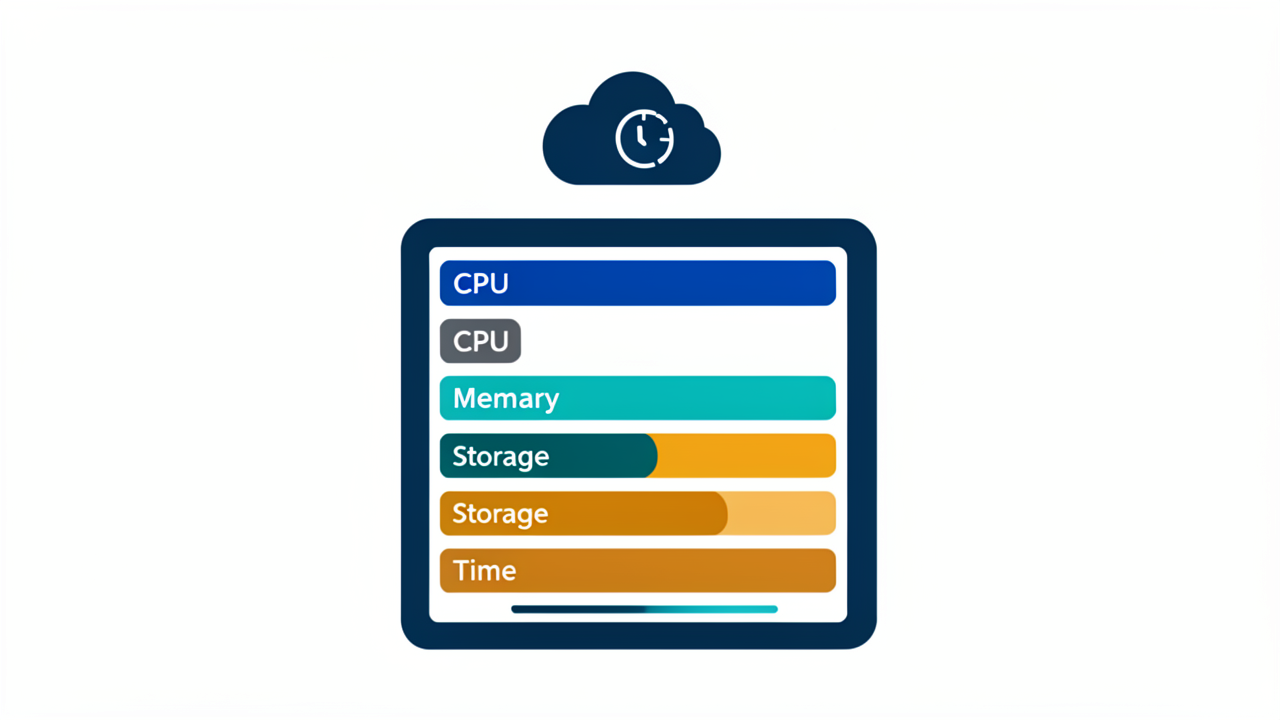
Windmill's documentation gives a clear floor and a production-oriented ceiling for an all-in-one single-host deployment that runs the server, workers, Postgres, and Caddy on one VPS:
| Profile | vCPU | RAM | Storage |
|---|---|---|---|
| Absolute minimum (light usage) | 2 | 4 GB | ~20 GB SSD |
| Recommended for production | 4 | 8 GB | 40–60 GB SSD |
The 4 vCPU / 8 GB / 40–60 GB SSD profile is the comfortable target because it leaves headroom for Postgres, which is the dominant memory consumer, alongside the Windmill server and one or more worker containers.
A 2 vCPU / 4 GB VPS is listed as the official minimum, but it is only adequate for very light, single-user usage. In practice, swap-backed 4 GB instances are prone to out-of-memory (OOM) kills when several scripts run concurrently, because Postgres buffers, the Rust server binary, and worker runtimes compete for the same small pool. If you cannot move past 4 GB, plan to keep concurrent script execution low and monitor cAdvisor or docker stats for pressure on the Postgres container.
Beyond raw disk, prefer an SSD-backed VPS. The 40–60 GB figure accounts for:
Thin-provisioned or HDD-backed VPS instances will noticeably slow down Postgres vacuuming and worker startup.
For an engineer comfortable with Docker on a clean Ubuntu 22.04 or 24.04 VPS, end-to-end provisioning typically takes 15–30 minutes. The rough breakdown:
docker-compose repository: ~1 minute.Caddyfile and the BASE_URL / DATABASE_URL environment variables: ~3–5 minutes.docker compose up -d, wait for healthchecks, and create the first admin user: ~5–10 minutes.Add buffer time for DNS propagation if BASE_URL points at a fresh domain, and for pulling images on a slow link.
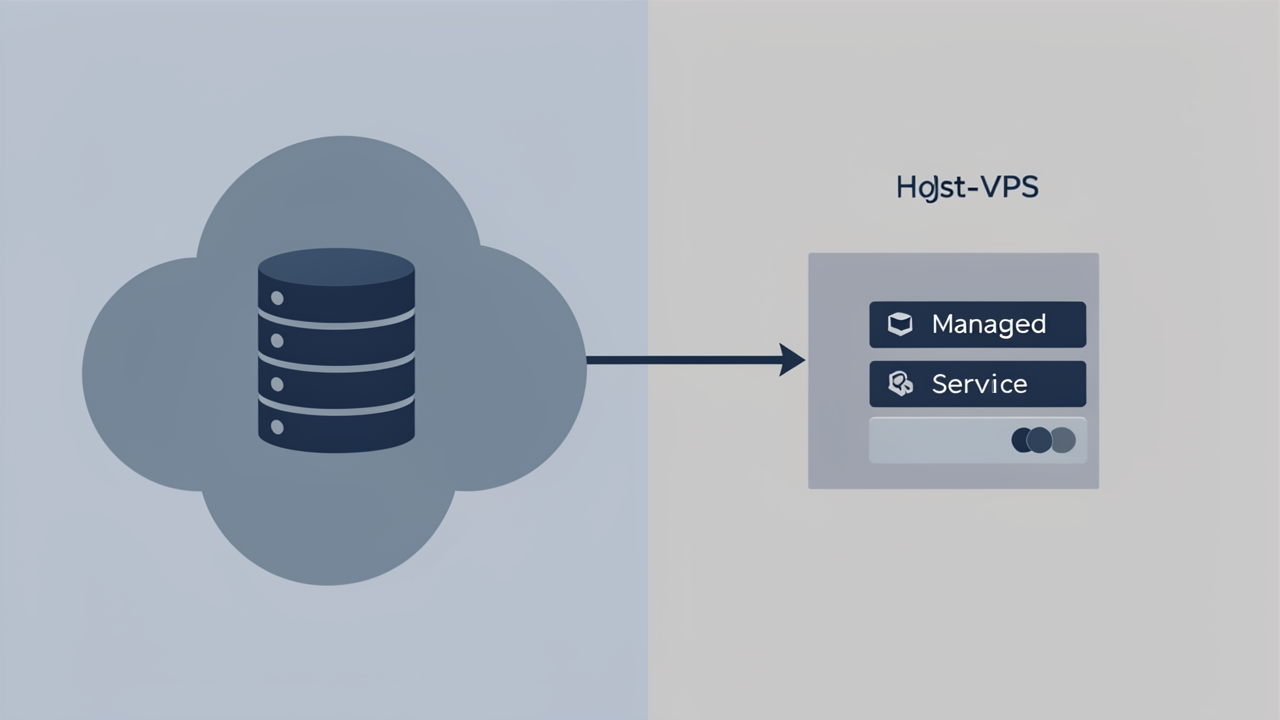
Postgres is the only stateful piece of Windmill's architecture: it holds the entire workspace state and acts as the job queue, while the server and worker containers remain stateless and can scale independently (windmill.dev/platform/self-host). Running db externally therefore removes backups, point-in-time recovery, and disk sizing from the VPS operator's responsibilities, and leaves a smaller surface area (server, workers, optional Caddy) on the host.
Windmill's official self-host guide describes the procedure in two lines (windmill.dev/docs/advanced/self_host):
DATABASE_URL in the .env file to the connection string of the managed database.db service replicas to 0 in docker-compose.yaml so the in-stack Postgres does not start.The GitHub repository repeats the same recipe and explicitly calls out AWS RDS, GCP Cloud SQL, Azure Database, and Neon as supported targets (github.com/windmill-labs/windmill). Once db is removed, only the Windmill server, one or more workers, and the Caddy reverse proxy remain on the VPS, with Caddy continuing to expose the frontend on :443 for public traffic.
Ubicloud is listed by Windmill as a supported provider that offers cost-efficient managed Kubernetes and managed PostgreSQL (windmill.dev/docs/advanced/self_host). Ubicloud's own tutorial deploys Windmill via the official Helm chart rather than Docker Compose, but the same architectural split applies: the Windmill pods run on Ubicloud Managed Kubernetes while the Ubicloud Managed PostgreSQL instance holds state, with its connection string stored in a Kubernetes Secret and passed to the chart through values.yaml (ubicloud.com/docs/managed-kubernetes/windmill-tutorial). Exposure is handled by either a LoadBalancer service on port 8000 or an NGINX Gateway Fabric Gateway with Let's Encrypt via cert-manager.
Because Windmill speaks the standard Postgres wire protocol, any provider that exposes one works. Practical choices that fit the same shape as the bundled db include:
Two operational details matter when the database is no longer colocated:
windmill_admin and related roles must be created manually before the first start, otherwise the initial migration fails with role "windmill_admin" does not exist. Providers that support IAM- or certificate-based auth (for example, Azure's Entra ID integration on AKS) can further reduce the number of long-lived passwords stored on the VPS.
A fresh Windmill stack comes up with [email protected] / changeme. The first operational task is to log in as that user, rotate the password to something generated, and create a dedicated admin account. Local email/password login should be considered a fallback only; once a second user is invited, configure SSO (Google, Azure, GitHub, or generic OIDC) from Instance Settings so that authentication is delegated to an identity provider that supports MFA and audit trails.
BASE_URL to the Public HostnameWindmill generates webhook URLs and callback links from the BASE_URL environment variable on the server container. If it is left at the default http://localhost:8000, worker-to-server callbacks and external integrations will resolve to the wrong origin. Set it to the exact scheme and hostname users will reach, for example BASE_URL=https://windmill.example.com, and apply the same value consistently so worker modules that issue HTTP callbacks find the server.
Password resets, user invitations, failure notifications, and the email-trigger feature all rely on SMTP. Without it, password reset emails never leave the instance and email-based triggers cannot fire. Configure the SMTP host, port, credentials, and sender address in .env so the Forgot password? flow (which sends a 1-hour-expiry reset link) and scripted error handlers work as expected.
WORKER_GROUP to Workspace ExpectationsEach worker reads its concurrency limits and configuration from a worker group defined in the workspace. The default is default, but production deployments usually benefit from dedicated groups (for example, cpu-light, gpu, or ephemeral) that map to distinct scaling policies. When adding workers with docker compose up -d, point them at the right group so jobs land on the intended pool.
Windmill's state lives entirely in Postgres, so the database is the primary backup target. Two viable approaches:
db container: stop the container (docker compose stop db) before running pg_dump -U postgres -F c -d windmill so the dump is consistent, or use a cron job that runs pg_dump against the running container if short downtime is acceptable.In addition, snapshot ./data/caddy/config, which holds Caddy's automatic HTTPS certificates and on-disk ACME account, so a fresh host can reissue or reuse certificates during disaster recovery.
Windmill ships an update path of pulling a new image and recreating the containers; database migrations run automatically on startup. Pin WM_IMAGE to a tagged release (for example ghcr.io/windmill-labs/windmill:v1.500.0) rather than riding :main, then read the project's upgrade notes before bumping the major version because schema migrations are not always backward-compatible. Test upgrades on a staging copy of the production dump first.