

Flowise ships as a single Node.js container that idles around 300 MB of RAM, which is light enough to run on a 2 GB VPS yet rich enough to anchor production agent workflows. This article maps the practical hosting choices a DevOps engineer or solo builder faces when running Flowise outside of Flowise Cloud. It contrasts Flowise's footprint against Dify's heavier multi-container stack, walks through the four real self-hosting paths (Docker, PaaS templates such as Railway and Northflank, bare VPS, and Kubernetes), and ends with a concrete decision rule for when Kubernetes pays for itself. The goal is to size the right platform before the first container is pulled, not after the second outage.
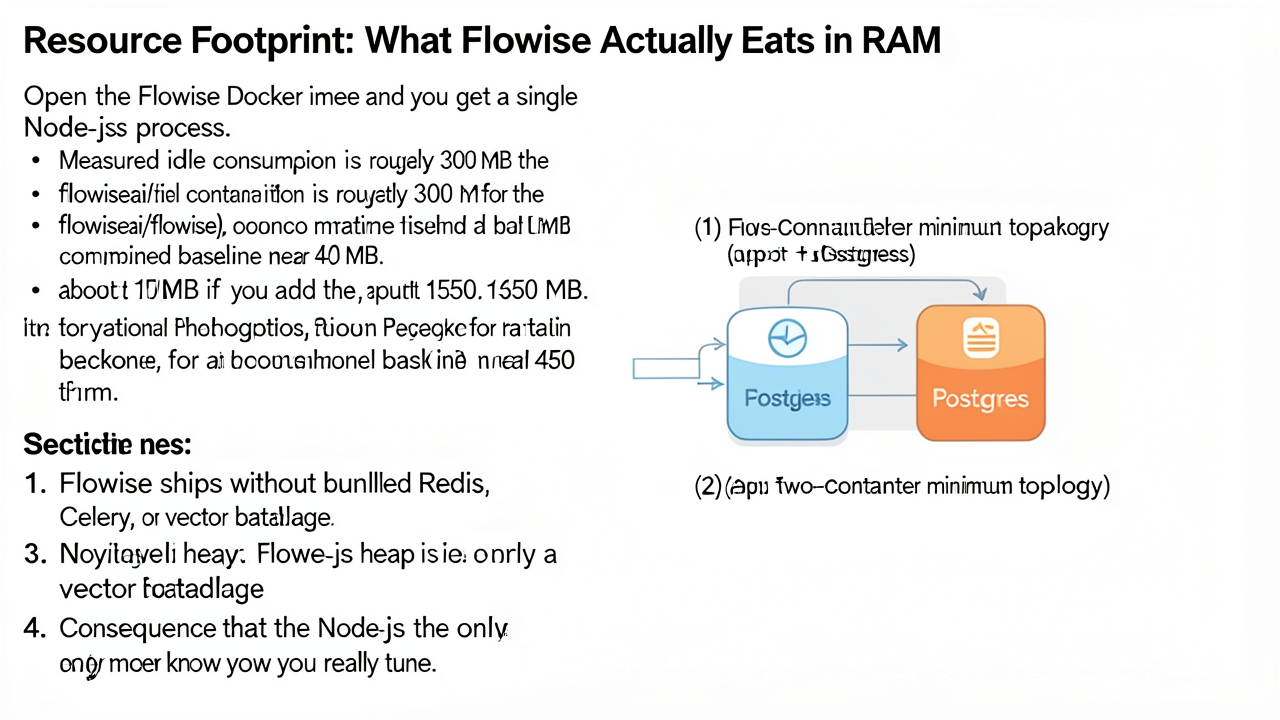
Open the flowiseai/flowise image and you get one Node.js process. That single-container design is the root cause of Flowise's reputation for a lean footprint, and it shapes every sizing decision downstream. Measured idle consumption for the application container sits at roughly 300 MB of RAM, and adding the optional PostgreSQL backend brings the combined baseline to about 450 MB (use-apify.com).
The two-container minimum. A production-ready Flowise deployment is essentially two services:
flowise — the Node.js server that hosts the visual editor, API endpoints, and chatflow runtime. Default port3000.postgres — required when you move off the bundled SQLite default, which is fine for tinkering but not recommended for concurrent production traffic. PostgreSQL itself idles around 150 MB.Nothing else is mandatory. There is no bundled Redis, no Celery worker pool, and no in-image vector database. Flowise deliberately delegates embedding storage to external systems (Pinecone, Qdrant, pgvector inside the same Postgres, etc.) and leaves queueing to the host or to the customer's existing infrastructure.
The Node.js heap is the only memory knob that matters in practice. Because the runtime is a single Node process, the levers available are the standard V8 ones: --max-old-space-size, NODE_OPTIONS, and the implicit heap ceiling imposed by container memory limits. During image builds, Node's old-space is also the constraint — Flowise's own documentation recommends export NODE_OPTIONS="--max-old-space-size=4096" before pnpm build to avoid out-of-memory errors (hub.docker.com). At runtime, that same knob caps how much flow execution and conversation history the in-process engine can juggle.
Headroom for LLM API bursts and embedded embeddings. A 450 MB baseline leaves a generous buffer on a typical 2 GB VPS. Outbound calls to OpenAI, Anthropic, or local Ollama endpoints consume negligible container RAM — the response payload flows back into the Node event loop rather than sitting resident. The heavier memory case is embedded embeddings held in memory during retrieval-augmented generation, but those typically resolve through an external vector store rather than the Node heap, so the process rarely spikes above its baseline unless dozens of long chat sessions are active concurrently.
Measure your own number. The figures above are illustrative and version-sensitive. After the first boot, confirm reality with docker stats flowise and check that the process RSS matches the assumption before sizing production capacity. The Flowise health endpoint at /api/v1/ping is the right companion signal for uptime monitoring (oneuptime.com).
Practical implication. Because the baseline is ~450 MB and spikes are modest, a 2 GB VPS is a comfortable production minimum, not a tight squeeze. Anything smaller begins to crowd out the OS and reverse proxy; anything larger is paying for headroom you will rarely use until you horizontally scale.
The headline difference between these two self-hostable agent builders is not the feature list — it is the idle RAM bill you pay before a single chat request lands. Side-by-side docker stats snapshots published in 2026 show Dify's stock Compose stack consuming roughly five times the memory of a default Flowise deployment, and almost all of that gap comes from architectural choices baked into the two products (use-apify.com).
Per-container idle RAM at rest
| Dify container | Idle RAM | Flowise container | Idle RAM |
|---|---|---|---|
dify-api (Python FastAPI) | ~600 MB | flowise (Node.js) | ~300 MB |
dify-worker (Celery) | ~400 MB | PostgreSQL (optional) | ~150 MB |
dify-web (Next.js) | ~300 MB | ||
| Weaviate (vector DB) | ~900 MB | ||
| PostgreSQL | ~200 MB | ||
| Redis | ~30 MB | ||
| Nginx | ~20 MB | ||
| Total | ~2,450 MB | Total | ~450 MB |
Why the gap exists. Dify ships its own vector database (Weaviate) and a separate Celery worker pool inside the default Compose file, plus a Next.js frontend tier and an Nginx reverse proxy in front of it all. Each tier carries its own runtime overhead — Python imports, the Node.js SSR runtime, JVM-adjacent Go heaps in Weaviate, and the Redis broker — and none of it is shared. Flowise, by contrast, is a single Node.js process that defers embedding storage to an external vector store (Qdrant, Pinecone, pgvector, or similar) you connect to at runtime. The optional PostgreSQL only appears when you turn on Flowise's credential or chat-history features.
What that means for the host you buy. Dify's comfortable production minimum is an 8 GB VPS; a 4 GB box will boot the stack but leaves almost no headroom for inference traffic or concurrent embeddings (contabo.com). Flowise runs comfortably on a 2 GB VPS with room to spare for a reverse proxy, a small external vector store, and occasional traffic spikes — which is the headline that motivates every deployment decision in the rest of this article.
A caveat on the numbers. These figures are version-sensitive. Image updates, model-loader changes, and the choice of vector backend all shift the baseline by tens of megabytes at minimum. Treat the table as an order-of-magnitude reference and capture your own docker stats snapshot on the target host before you commit to a plan.
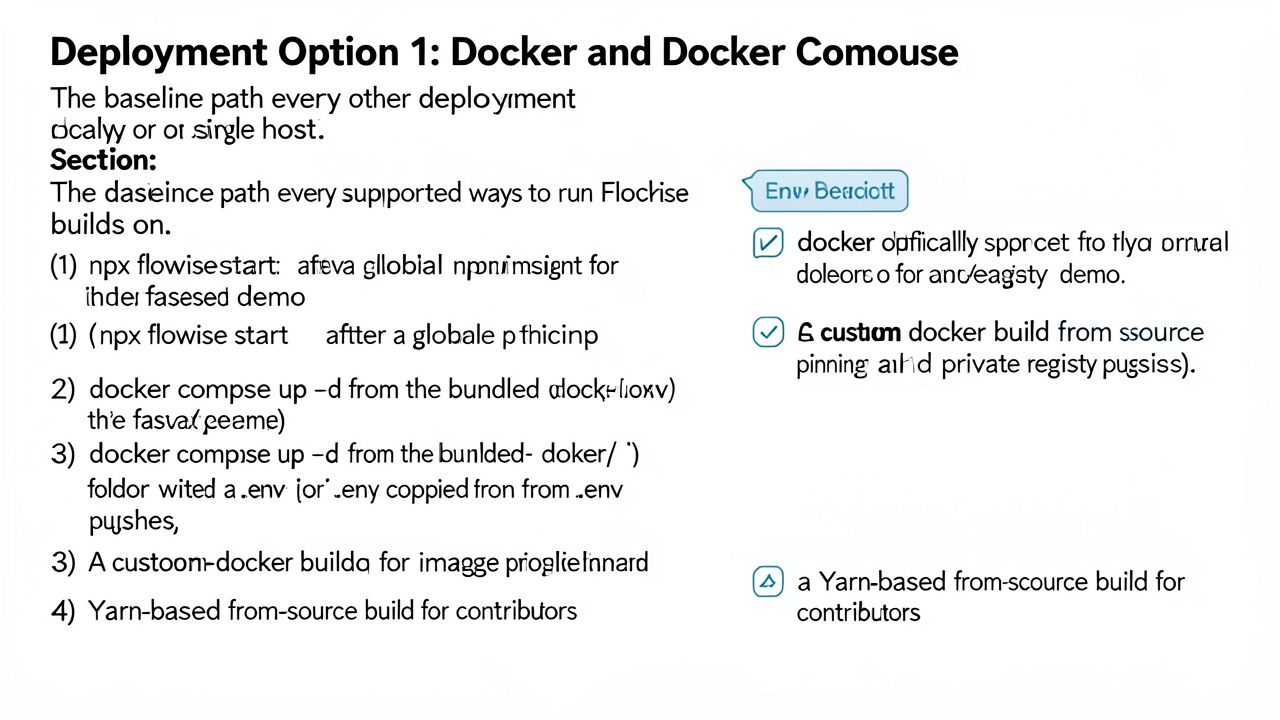
Docker and Docker Compose form the baseline on top of which every other deployment is built. Flowise documents four ways to stand an instance up at this layer; the choice mostly comes down to whether you want a quick demo, a reproducible container, or a build you control down to the commit.
1. npx flowise start after a global npm install — the fastest demo. Install Node.js (the upstream README states >= 20.0.0, while older docs and forks reference >= 18.15.0), then run npm install -g flowise followed by npx flowise start. The UI appears at http://localhost:3000. This path uses an in-memory or local SQLite store and is meant for evaluation, not persistence.
2. docker compose up -d from the bundled docker/ folder — the default containerized setup. Clone the Flowise repository, enter the docker/ directory, copy .env.example to .env, then run docker compose up -d. The image is flowiseai/flowise, the default port mapping is 3000:3000, and a named volume (flowise_data) persists /root/.flowise, which holds flows, credentials, logs, and blob storage (OneUptime guide). Stop the stack with docker compose stop.
3. Custom docker build from source — for image pinning and private registries. Cloning the repo and running docker build against the bundled Dockerfile produces a tagged image whose contents you control. This is the path to take when you need to lock a build to a specific commit, push to a private registry, or apply patches before they reach latest.
4. Yarn-based from-source build — for contributors. Install Yarn v1, clone the repo, then yarn install, yarn build, and yarn start. The upstream has since moved to pnpm for the same workflow (pnpm install, pnpm build, pnpm start), but Yarn remains a documented path in several forks and works for hot-reload development with yarn dev on port 8080.
Before exposing the container beyond localhost, set at minimum:
FLOWISE_USERNAME / FLOWISE_PASSWORD — app-level login gate (Docker Hub docs).DATABASE_URL — points Flowise at Postgres instead of the bundled SQLite once you leave a single host.PORT — defaults to 3000; change it when a reverse proxy is in front of the container.In production you should also rotate the JWT, session, and credential-encryption secrets (JWT_AUTH_TOKEN_SECRET, JWT_REFRESH_TOKEN_SECRET, EXPRESS_SESSION_SECRET, TOKEN_HASH_SECRET, FLOWISE_SECRETKEY_OVERWRITE) and restrict CORS_ORIGINS to your own domains.
This baseline is free, reproducible, and excellent for development. Backups, TLS termination, uptime monitoring, and database administration remain entirely on the operator — which is the exact gap the PaaS, bare-VPS, and Kubernetes paths in the next sections try to close.
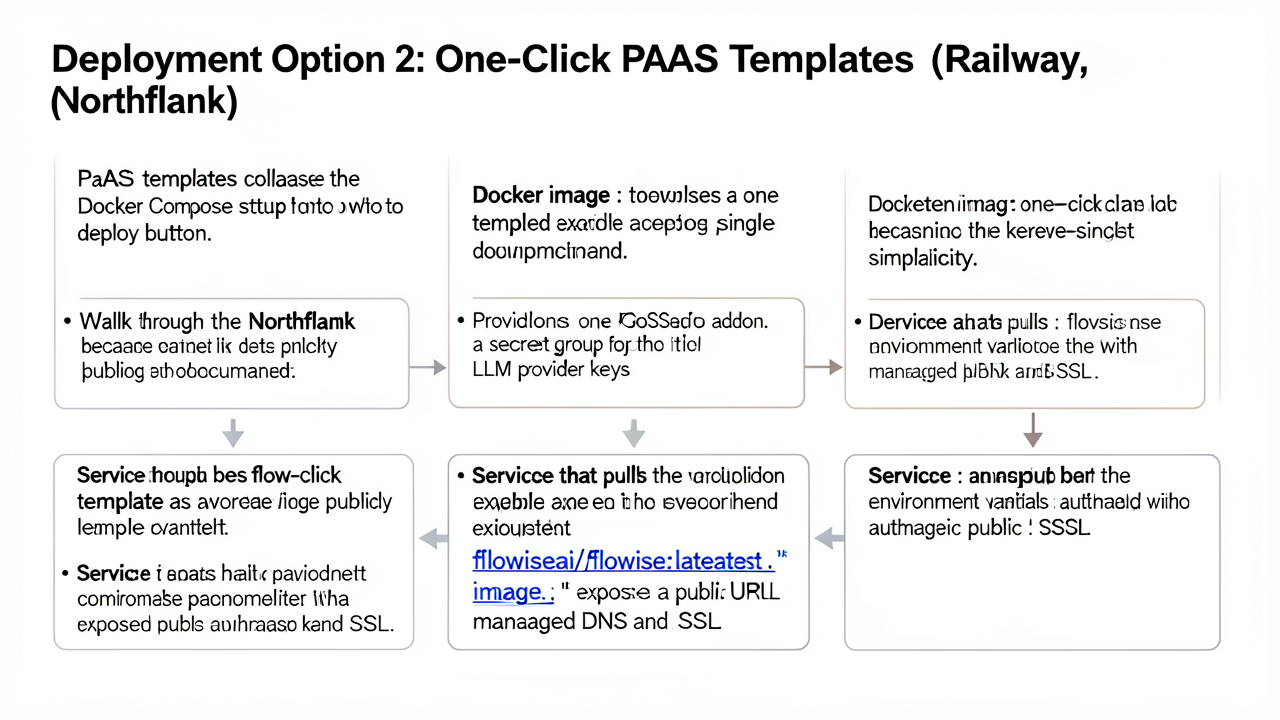
Northflank publishes a step-by-step guide for FlowiseAI that demonstrates exactly what a PaaS template removes from your plate. Hitting the deploy button provisions three components automatically:
nf-compute-50 plan; the smallest tier is fine for evaluation.FLOWISE_USERNAME, FLOWISE_PASSWORD, and DATABASE_TYPE="postgres". Linked addon credentials rotate automatically so the database password does not need to be re-entered by hand.flowiseai/flowise:latest image, exposed behind a public URL with managed DNS and SSL.The end state is a reachable Flowise builder UI without writing a docker-compose.yml, configuring a reverse proxy, or requesting a certificate. You still need to add provider keys (OpenAI, Anthropic, Hugging Face, etc.) after the deployment finishes, because those secrets are user-specific.
Railway ships a Flowise template that follows the same pattern: pull the flowiseai/flowise Docker image, attach a PostgreSQL service, set the environment variables in the Railway dashboard, and accept the auto-generated *.up.railway.app domain. Railway does not publish a per-template walkthrough as detailed as Northflank's, but the mechanics — image-based service, managed database, variable injection, public domain — are identical. SSL is handled by the platform and a custom domain can be attached through Railway's settings once you are ready.
The two platforms sit on opposite sides of the same usage-based axis:
The key point is that both platforms bill on consumption, so an idle Flowise service costs less than one running hot, and neither publishes a flat "Flowise plan" price.
A PaaS template keeps all of Flowise — application, database, and any sidecar — on a single host. Northflank abstracts Kubernetes behind the scenes, but it does not provide automatic multi-region failover for a one-click Flowise deployment. If that single host goes down, the Flowise UI goes down with it. Backups, snapshots, and restores are available through the platform, but active-active failover is not part of this tier.
You are exchanging the flexibility to choose your host, image registry, ingress controller, and database engine for a setup measured in minutes rather than hours. There is no reverse-proxy to configure, no certificate renewal to schedule, and no Postgres user to create by hand. For solo builders and small teams that have not yet outgrown a single host, that exchange is almost always worth it; the moment you need horizontal replicas or multi-region routing, the abstraction becomes the bottleneck and the next section's bare-VPS or Kubernetes paths start to look attractive again.
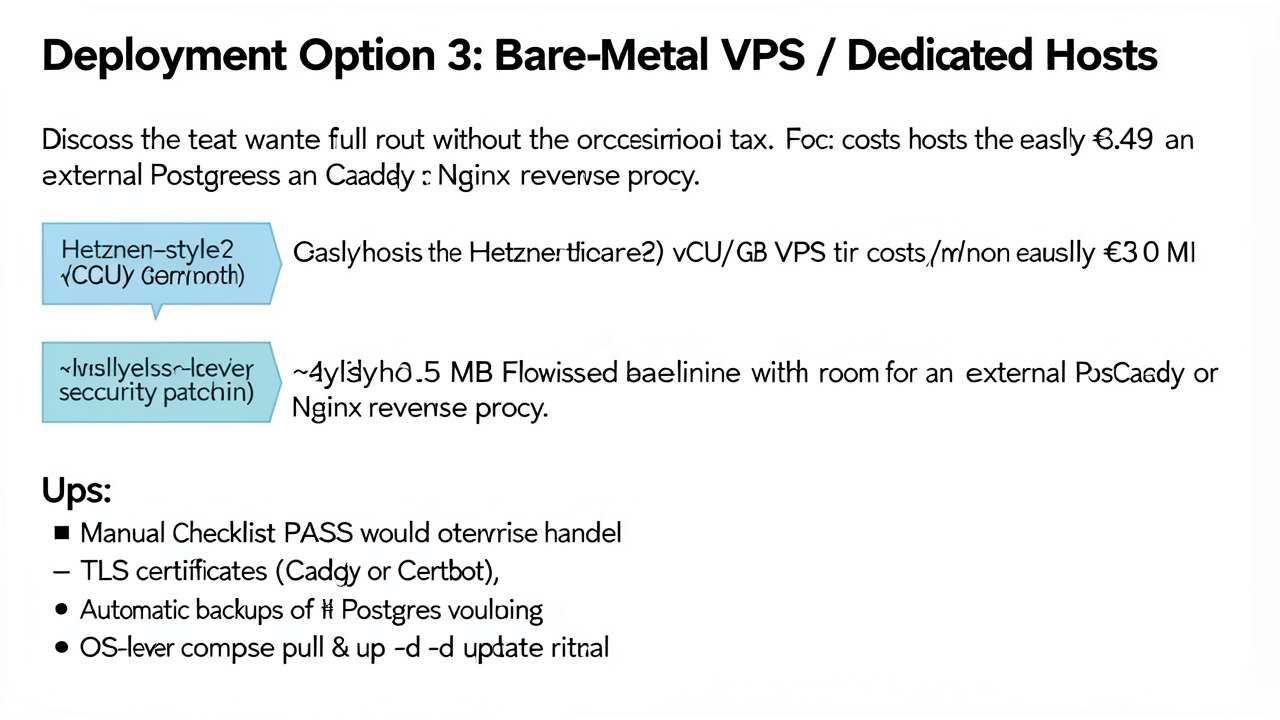
A small VPS is the natural production home for a single-instance Flowise deployment. The reference tier is a Hetzner-style shared-hosting plan with 2 vCPUs and 4 GB of RAM, which historically starts at roughly €3.49/month and currently lists around €5.49/month for the CX23 after the June 2026 price adjustment, including 20 TB of EU egress and full root access. Against the Flowise baseline — roughly 300 MB of idle RAM for the Node.js container and around 150 MB for an external PostgreSQL, for a ~450 MB working set — that leaves several gigabytes of headroom for a reverse proxy, log buffers, and the occasional inference spike.
The trade is that everything a PaaS would handle silently becomes a manual checklist:
pg_dump (or pg_basebackup) shipped off-host — restic to an S3-compatible bucket is the usual pattern — because a single VPS failure takes the volume with it.unattended-upgrades on Ubuntu or the equivalent on Alpine covers security advisories, but kernel and Docker Engine upgrades still need a maintenance window.docker compose pull && docker compose up -d rolls the Flowise image forward, ideally gated behind a docker image prune so old layers do not fill /var/lib/docker.The upside is predictability. Pinned mem_limit and cpus keys in docker-compose.yml (for example, mem_limit: 1g and cpus: '1.5') keep the host's resources observable; the OOM killer targets the right container instead of the kernel. With one tenant per box, capacity planning becomes arithmetic rather than guesswork.
The risk profile, however, is the inverse of a managed platform. There is no automatic failover, no multi-AZ resilience, and no hot replica. A host crash — kernel panic, bad upgrade, datacenter incident — is recovered by hand: rebuild, restore Postgres from the last dump, point DNS, redeploy. Realistic recovery-time objectives sit in the tens-of-minutes range, not seconds. For a solo builder running a single agent workflow against a small user base, that cost is acceptable; for anything billing on uptime, it is the constraint that pushes the workload up the stack toward Kubernetes in the next section.
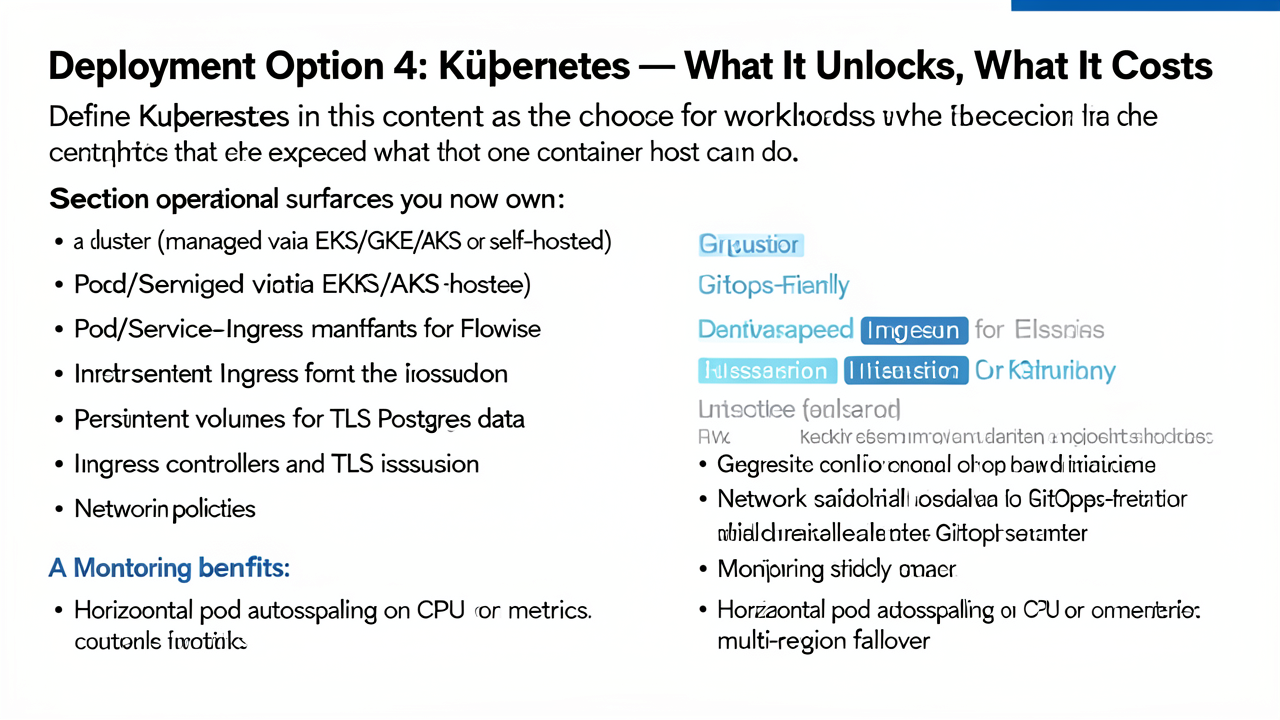
In this context, Kubernetes is the choice a team reaches for when one container host, whether a Docker daemon on a VPS or a single PaaS project, can no longer satisfy a workload requirement. It is not a step up in convenience; it is a step up in operational surface area. A Flowise instance that idles at roughly 300 MB of RAM and pairs with a ~150 MB Postgres does not need an orchestrator to run (use-apify.com). Kubernetes enters the picture only when the workload pattern around Flowise demands it.
Once Flowise runs inside a cluster, the following components become your responsibility:
The payoff, when justified, is real:
The costs are concrete:
A clear guideline from practitioners is that Kubernetes is only required for auto-scaling across multiple regions, running hundreds of services on one control plane, or specific enterprise scaling requirements; for most teams, simpler platforms remain more cost-effective (sliplane.io).
Adopt Kubernetes only when a simpler platform demonstrably cannot meet a named requirement: cross-region autoscaling, hundreds of colocated services, or mandated GitOps delivery. If none of those apply, the operational and financial cost of the cluster outweighs what Flowise actually needs.
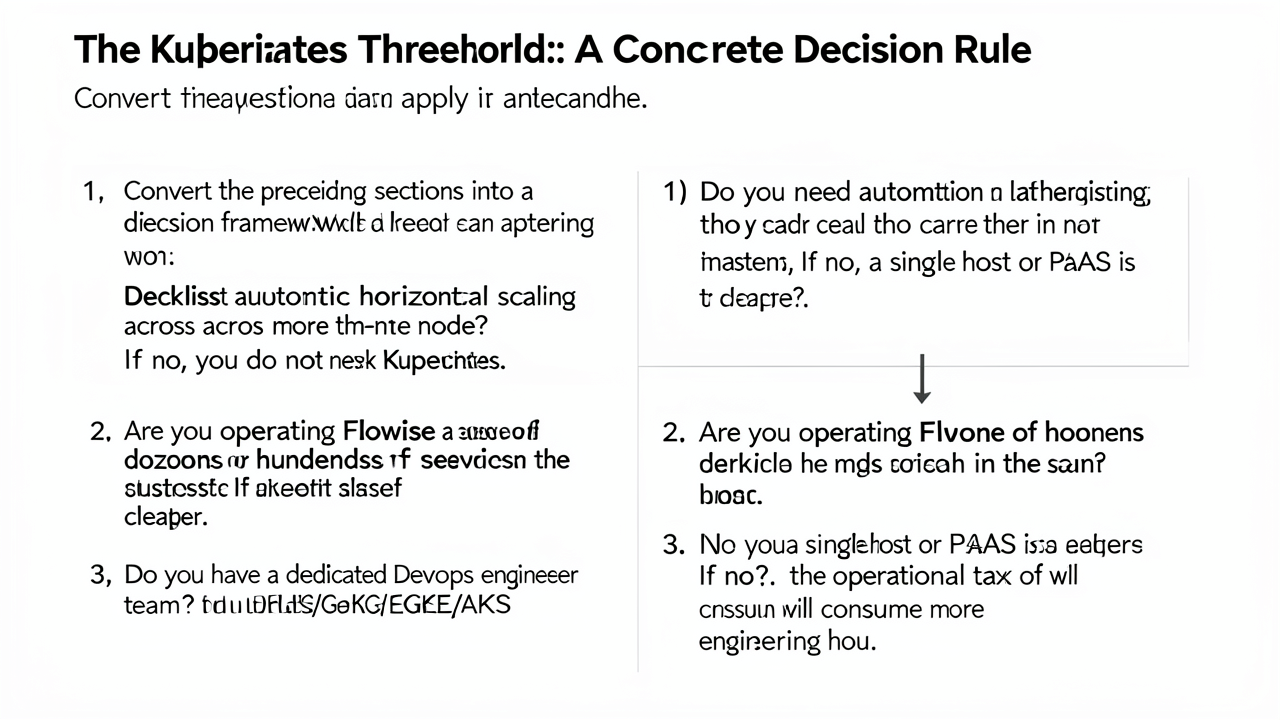
Work through these questions in order. Any "no" answer is a reason to stop and pick a simpler host.
| Profile | Recommended host |
|---|---|
| Solo builder, prototype or hobby traffic | 2 GB VPS (e.g. Hetzner €3.49/month) or local Docker |
| Small startup, < 10 services, no platform team | PaaS template (Railway, Northflank, Sliplane around €9/month) |
| Team already running a broader platform on a cluster | Kubernetes, once the platform itself is on a cluster |
The choice is not final. Flowise exposes chatflows through both the UI (Export Chatflow) and the REST API, returning JSON that can be re-imported into any other Flowise instance — production data stays in the database, so the same flows move between a VPS, a PaaS template, and a Kubernetes pod without rewriting nodes. Plan for this: provision a managed Postgres or a persistent volume from day one, and keep the encryption key and credential store together with the exported JSON so a later migration does not strand encrypted credentials.