

Langflow presents itself as a drag-and-drop canvas for LLM workflows, but the canvas is a thin client over a Python backend with a deliberately small execution model. At runtime, every saved flow is reconstructed as a directed acyclic graph of typed components, sorted topologically, and walked node by node. This article walks through that path: the FastAPI and SQLAlchemy stack that serves the API and UI, the JSON flow format that crosses the wire, the Component class that defines every node, and the engine that turns edges into a build order. The goal is to give a developer enough mental model to read the codebase, extend a component, or debug why a flow did not behave as the graph implied.
langflow run — or starting the official Docker image (docker run -p 7860:7860 langflowai/langflow:latest) — boots a uvicorn-style ASGI server on port 7860 that serves the JSON REST API, the websocket endpoints used by the chat playground, and the bundled React frontend from the same process (Langflow overview, Medium; Langflow installation guide). There is no separate worker process to attach a debugger to in a default setup: HTTP requests, streaming chat, and background build calls all funnel through the same FastAPI application instance.The backend is built on FastAPI, with SQLAlchemy as the ORM layer for persistence. Flow definitions, custom components, users, and execution metadata are stored in a relational database. Historically the default was SQLite, but recent releases ship with PostgreSQL as the default; for production deployments, the docs explicitly recommend an external PostgreSQL database for scalability, concurrent access, and data integrity (Langflow deployment architecture). Developers should therefore treat the storage backend as version-sensitive and confirm the current setting in pyproject.toml and the deployment guide before relying on it.
The FastAPI layer auto-generates an OpenAPI document, browsable at the /docs endpoint (for example, http://localhost:7860/docs). From there you can inspect the endpoints covering flow CRUD, custom component management, and flow execution (Langflow API reference).
The Langflow repository reflects this two-process-in-one design. The codebase is roughly 44% Python (the FastAPI backend, components, and the execution engine) and 42% TypeScript/JavaScript (the React frontend, which uses React Flow as the canvas library). The remaining share covers configuration, documentation, and supporting tooling. This split is worth keeping in mind when navigating the source: a UI bug and a build error live in different trees, even though they share a single running process.
For a developer reading the codebase or deploying for the first time, the practical consequence is that almost everything you need to inspect — the API, the canvas, the executor — is reachable through one local port, backed by one Python process and one database.

Langflow's canvas is a React + TypeScript single-page application that uses the React Flow library for node-and-edge rendering — the same library Flowise uses for its diagram editor. The frontend owns nothing authoritative about execution: it renders the graph, captures user edits, and shuttles documents to the FastAPI backend. The codebase roughly mirrors this split, with TypeScript and JavaScript making up the bulk of the UI and Python providing the runtime and API layer (Medium). The OpenAPI specification for the API is published under the deployment's /docs endpoint, which makes the JSON contract between the two sides inspectable from a browser (Langflow API docs).
When the user saves a flow, the frontend serializes the entire canvas into a single JSON document and POSTs it to the backend. That document contains:
nodes array, where each entry carries an id, a canvas position, the component type, the user-edited parameters, and an optional code override that lets advanced users patch the underlying Python directly.edges array, where each entry identifies the source and target nodes together with their named input/output ports.This JSON is the canonical representation. Langflow writes it under the configured config directory — controlled by the LANGFLOW_CONFIG_DIR environment variable (ProjectPro) — and can also export it as a standalone .json file named after the flow (Milvus blog). The backend persists an equivalent row in the database, and flows are described in the docs as "fully serializable" — loadable from disk on any installation (Langflow concepts: flows).
Pinning the wire format to plain JSON has three practical consequences for developers:
One subtlety worth flagging: the "Export as Python" option in the UI is a generated artifact — a LangChain-style script produced from the JSON — and is not the runtime representation. The JSON document remains what the engine reads when rebuilding the graph.

Every node on the Langflow canvas is an instance of a single base class, Component, defined in src/lfx/src/lfx/custom/custom_component/component.py. From the engine's perspective, a component is an ordinary Python class: it has a __init__, regular methods, and state. What makes it a canvas node is a small set of class-level attributes that the UI reads to draw, validate, and run it:
display_name and description populate the node label and tooltip.documentation provides a longer Markdown reference.icon, priority, and name control how the component appears in the sidebar and in serialized flows.These attributes describe the node; the inputs and outputs lists describe its wiring. Both are typed lists whose entries the editor introspects to render ports, validate edges, and surface the right fields in the configuration panel (Langflow Components concepts).
Outputs are where the model becomes interesting. Each entry in outputs carries a method field whose value must match the name of a Python method on the component. The engine calls that method during graph traversal and routes its return value along outgoing edges. The return type annotation matters twice:
Message output cannot be wired into a Language Model input without a converter.Ports also have a group_outputs flag. Setting group_outputs=True exposes several ports at once, one per entry in the outputs list, and the component emits all of them in a single run. With group_outputs=False (or omitted) the component shows a single port and the user picks which output type to emit at runtime — a Language Model component, for instance, can return either a Message or a Language Model object depending on the chosen label (Langflow Components concepts).
A custom component is just a subclass of Component with the attributes above filled in and the inputs/outputs lists declared. To register it in the codebase, the file is dropped under src/lfx/src/lfx/components/<category>/ and an import is added to that category's __init__.py. Any new Python dependencies belong in pyproject.toml (Contributing Components; Custom Components overview).
During execution the engine hands each component a small set of attributes rather than relying on global state:
self.status reports the current run state to the UI.self.stop() lets a component short-circuit a flow early.self.log() emits structured log lines the editor displays.self.ctx is a per-run context object components use to share data without globals.Together these attributes make a Component feel like a Python script with a typed port signature and a runtime channel — which is precisely what the editor needs to render and walk the graph.
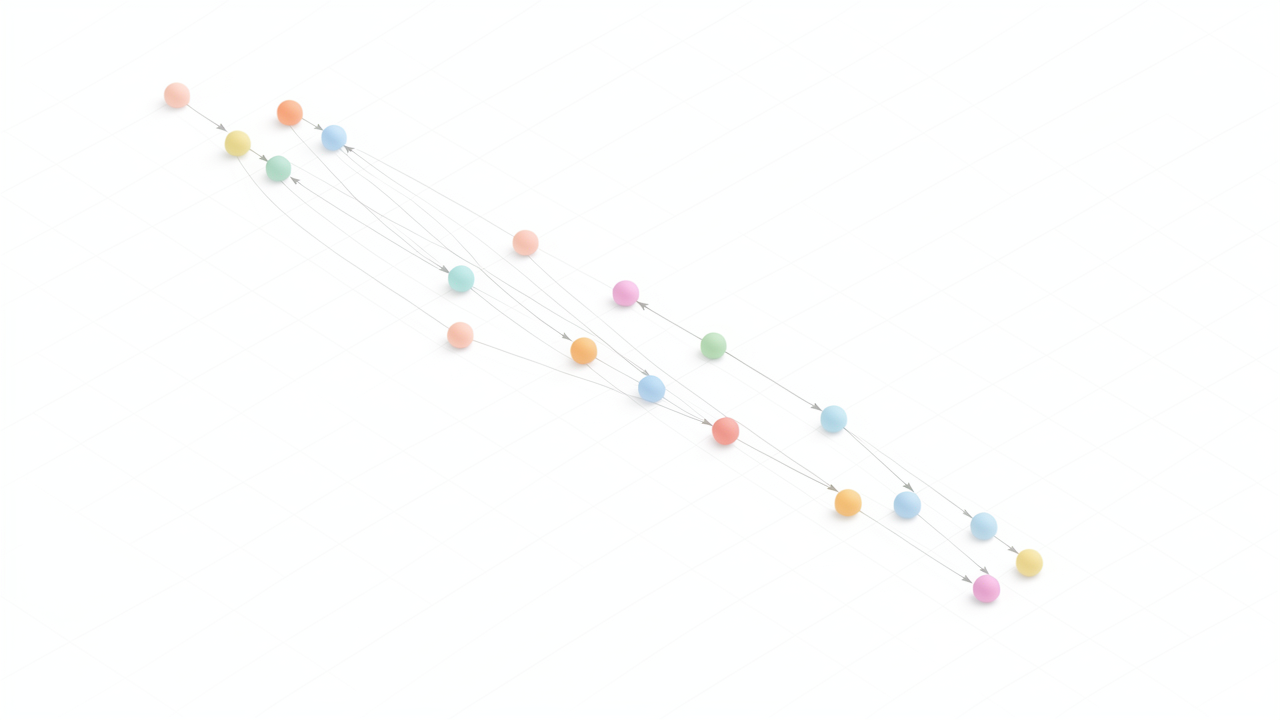
When a flow is triggered — from the playground, the /run endpoint, or an embedded widget — the saved JSON is loaded and handed to Langflow's engine, which constructs a Graph object. In that object, every node becomes a Vertex instance that wraps a Component and tracks its incoming and outgoing edges. The edges themselves are not just visual lines; they carry the typed connection metadata declared on each output port (for example, Message or Language Model), so the engine knows what kind of payload is allowed to cross them.
def_buildBefore any node runs, the graph walks every vertex and invokes its def_build function. This is the contract every Component subclass implements: it validates that required inputs are connected, resolves template references like {prompt_template}, and prepares the node's internal state. If a vertex reports a failure here — a missing input, an incompatible type, a malformed template — the entire flow stops with a precise error pointing at the offending node. This is why a "broken" flow usually fails fast at the playground rather than mid-execution.
Once validation passes, the engine performs a topological sort over the vertex list. The sort is what distinguishes a Langflow flow from a linear pipeline: branches, fan-in, and parallel-ready subgraphs are all honored automatically because they are encoded in the edge structure. Vertices are then walked in dependency order, and each one only builds after all of its incoming edges have resolved. Results from an upstream vertex are propagated downstream, so a Message output becomes a typed Message input for its successor without any manual glue code.
The flow model is explicitly acyclic. If a saved JSON contains a cycle — which is easy to introduce by accident when wiring feedback — validation rejects it. This is a deliberate contrast with LangGraph, which models state graphs and allows cycles for looping agents and human-in-the-loop flows. Langflow's acyclicity keeps execution deterministic and lets the topological sort produce a single, repeatable build order.
Most built-in nodes wrap LangChain objects under the hood — language models, retrievers, agents — but the engine itself has no knowledge of LangChain. It only knows about the Component interface (display_name, inputs, outputs, def_build, build). Because custom components satisfy that same interface, the engine treats them identically to shipped ones, which is why adding a new node type requires no changes to the scheduler, the API layer, or the persistence layer.
Source: Langflow concepts — Flows, Langflow concepts — Components, Contributing Components to Langflow.
Langflow splits build-related state across three locations with sharply different lifecycles: a SQL database, a config directory on disk, and the Python process heap.
Flow definitions, user accounts, project folders, and flow execution records all live in the same SQLAlchemy-backed database. For local development this is the bundled SQLite file; for production, the documented guidance is to point Langflow at an external PostgreSQL for scalability and durability (deployment architecture). Per-run execution artifacts and message history are written to that same database, which is why the run endpoint can return a transaction id and replay prior executions. In effect, the database is the only source of truth that survives a process restart.
Logs, log files, and any user-uploaded assets that are not embedded inside a flow JSON live under the Langflow config directory, whose path is controlled by the LANGFLOW_CONFIG_DIR environment variable. According to the flows documentation, flow logs are stored alongside other Langflow logs in this directory (concepts-flows). Anything that needs to be inspectable from the host filesystem — rather than queried through the API — ends up here.
Transient build state lives only for the duration of a run. The parsed Graph object, the in-flight Vertex results, and any streaming buffers are kept in the Python process and discarded when the response completes. There is no automatic cross-request memoization of node outputs at this layer; a component that "forgets" its output between requests is behaving as designed.
This three-way split is a useful diagnostic lens. If a flow fails to load after a restart, suspect the database connection or the config directory path before suspecting the engine. If outputs disappear between calls, suspect that you were relying on in-memory state that was never persisted. If execution history is missing, the database — not the cache — is where to look. Reading the code with this model in mind makes it easier to predict where any given piece of state will be found.
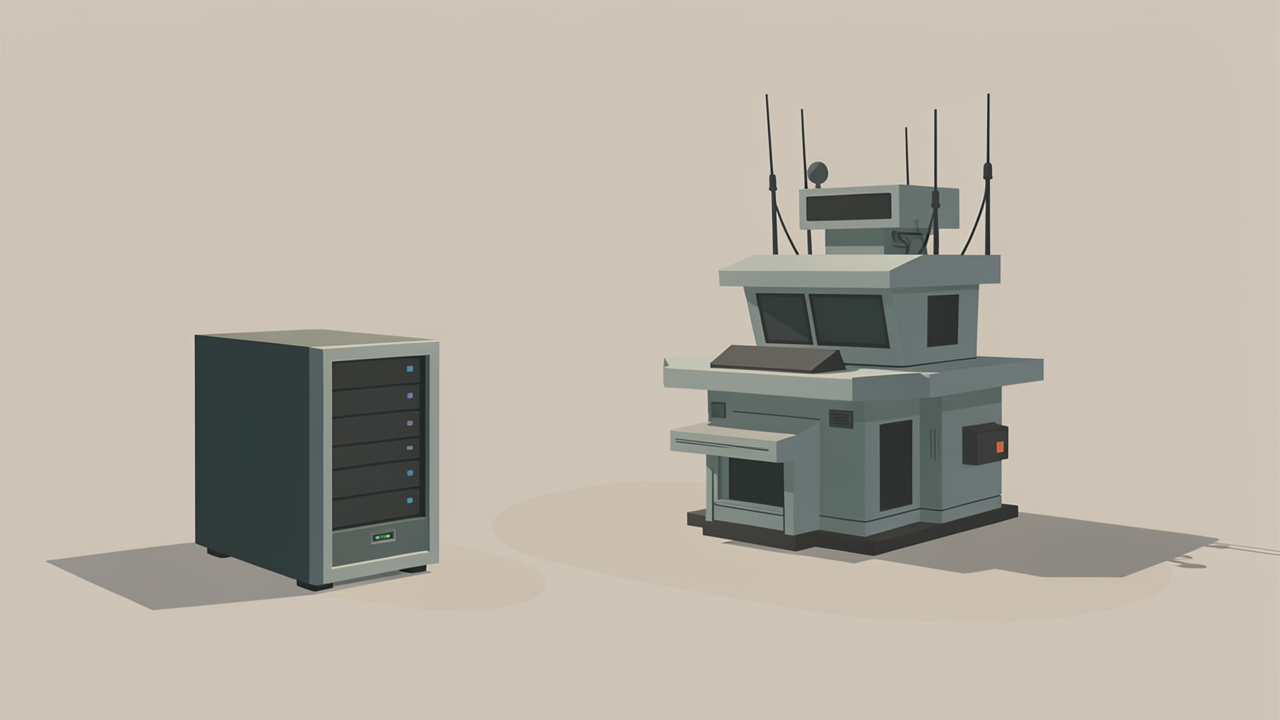
Langflow is distributed as two deployment shapes that share the same execution engine but expose very different surfaces.
The IDE deployment bundles the FastAPI Python backend together with the React-based visual editor in a single image. This is what langflow run produces locally and what the repository's example docker-compose.yml builds (Langflow deployment architecture). It is intended for development environments: developers use the drag-and-drop canvas to design flows, validate them in the Playground, and iterate before promoting artifacts to a runtime environment. Because the editor is served from the same process, IDE mode also carries the websocket traffic and editor-specific routes that stream validation messages and live build events back to the browser.
The runtime deployment is a headless, backend-only service that exposes flows as API endpoints without serving the visual editor (Langflow deployment architecture). It runs only the processes necessary to serve each flow, and an external PostgreSQL database is strongly recommended for this mode to support scalability and persistence of flows treated as version-controlled artifacts. There is no canvas, no Playground UI, and no editor websocket connections.
In both modes the runtime path is the same. A request hits the FastAPI server, the flow JSON is loaded from storage, the Graph is constructed, def_build validates each vertex, and the topological walk executes the nodes one by one. The runtime deployment simply removes the websocket traffic and editor-specific routes from that same pipeline. Anything that depends only on the run endpoint therefore works in both modes; anything that depends on a live editor websocket, such as the interactive Playground or real-time schema validation, only works in IDE mode.
When extending the platform, the IDE/runtime split has direct consequences. Components and custom logic that touch build(), edges, or def_build are portable across both modes and safe to ship. Features that assume a browser session over the websocket (live logs, drag-and-drop validation, the flow editor itself) must be guarded or limited to IDE deployments. For production use, treating the IDE as the prototyping surface and the runtime as the serving surface — typically in separate environments with different access policies — keeps the attack surface smaller and isolates developer activity from end-user traffic (Langflow deployment architecture).

Langflow exposes three extension points, and the choice between them is mostly a question of where the code should physically live and who needs to maintain it. All three converge on the same engine contract, which is why understanding that contract once pays off for every kind of extension.
The first extension point is a true Component subclass placed under the lfx package, treated by the platform no differently from a built-in node. The base class itself lives at src/lfx/src/lfx/custom/custom_component/component.py, so any subclass inherits the typed inputs and outputs list, the build-time validation hooks, and the self.status, self.stop(), self.log(), and self.ctx helpers used during execution (Langflow docs — Contributing Components, Langflow docs — Custom Components).
The mechanical recipe is short:
Component and define the class-level metadata (display_name, description, documentation, icon, priority, name) plus the input and output lists.method field declared in the outputs list.src/lfx/src/lfx/components/<category>/ (for example, the data subdirectory for data components).__init__.py so the loader picks it up.pyproject.toml.After a backend restart, the new node appears in the sidebar grouped under its category and behaves indistinguishably from a built-in. This path is the right choice when the component is shared, versioned in Git, or destined for an upstream contribution.
The second extension point lives entirely inside the flow. A user writes a Python class that implements the same Component interface, but the source is stored as part of the flow JSON rather than as a file under lfx/. The engine evaluates it at runtime, so the node works without any backend restart, but the code travels with the flow export rather than with the codebase. That makes in-pane components portable across environments and trivially shareable, but harder to version-control or audit, since the logic is buried inside the flow document rather than in a tracked Python module.
The third extension point skips the component model altogether. Instead of building a node, an external script either imports lfx directly to construct and execute a Graph programmatically, or hits the FastAPI endpoints to run a saved flow by ID. This is the right shape when the goal is to embed flow execution inside a larger application, a batch job, or a serverless handler — situations where the canvas is not part of the user experience and a node in a graph would be overhead.
Across all three paths, the engine contract is identical: declare inputs, declare outputs, implement a method, and the DAG walker handles ordering, validation, and data propagation (Langflow docs — Flows). Components that respect that contract slot into the graph without special handling; components that smuggle in side effects or hidden global state are where flows start misbehaving.