

Revenue operations and growth teams are starting to wire AI agents directly into Salesforce, Slack, and Notion so that post-call admin, pipeline updates, and follow-ups happen in the same conversation. The Model Context Protocol (MCP) is what makes that composition possible: instead of building a separate integration for each tool, an agent connects to hosted MCP endpoints like mcp.notion.com and mcp.slack.com and treats each system as a set of callable tools. This guide focuses on the practical subset that matters to a sales organization: which MCP servers to adopt, how the documented Sales Call Follow-up template wires them together, and how to scope permissions so that an autonomous agent never gets more access to your customer records than a careful junior rep should have.

Sales Development Representatives (SDRs) and Account Executives (AEs) typically run 5–10 customer calls per day, and each one is followed by the same administrative loop: update the opportunity in Salesforce, file a structured meeting note, and message the rep or the next owner with follow-up steps and deadlines. Done manually, that loop is 10–20 minutes of context switching per call, which is why RevOps leaders are now treating post-call admin as an automation target rather than a workflow problem.
The Model Context Protocol (MCP) is an open standard that exposes external systems to an AI agent as a set of callable tools, so the agent can read a CRM record, write a Notion page, and post a Slack message inside a single session. Rather than building a separate integration for Salesforce, a separate one for Slack, and a separate one for Notion, the agent connects to hosted endpoints such as https://mcp.notion.com/mcp and https://mcp.slack.com/mcp, and treats each system as a tool it can call on demand. Salesforce is reached through a custom MCP server URL configured by the user. This composition model is the practical reason MCP matters for revenue operations: one agent, one conversation, three systems, and no bespoke connector per use case.
The documented Sales Call Follow-up MCP agent template is a working reference for this pattern. Out of the box it wires together two hosted MCP servers and one user-supplied Salesforce endpoint, then runs a three-step composition after every call: it updates the relevant Salesforce opportunity, creates a structured meeting note in Notion, and DMs the rep on Slack with a follow-up checklist and deadlines. The template ships with the MCP server endpoints, a default model, and a system prompt already configured, so a RevOps team can validate the loop in a sandbox before promoting it to a production workspace.
The audience here is revenue operations and growth teams evaluating AI automation, not engineers building custom agent frameworks. The questions that matter are practical: which MCP servers to adopt first, how a documented template like the Sales Call Follow-up example composes them, and how to scope permissions so an autonomous agent never gets more access to customer records than a careful junior rep should have. MCP is the integration layer that makes those answers tractable.
The Slack MCP server, documented in Slack's official Guide to Model Context Protocol in Slack, exposes a focused set of tools to third-party AI assistants. The documented capabilities fall into: search across messages, files, members, and channels; retrieve and send messages in any conversation type; create and read Slack canvases; and read member profile information including custom profile fields and statuses. Slack explicitly notes that these tools let agents act on a user's behalf with secure, scoped access to workspace data, and that workspace admins approve and manage which AI clients can connect.
For the post-call workflow, the load-bearing tool is retrieve and send messages, because the agent needs to read the call thread for context, post the summary back to a deal channel, and DM the rep or deal desk. Search and member info are secondary but useful when the agent has to look up the right person to loop in.
Notion ships a hosted, OAuth-authenticated MCP server at https://mcp.notion.com/mcp, described in the Notion developer MCP overview. The toolset covers the workspace: notion-search and notion-fetch for reading; notion-create-pages, notion-update-page, and notion-create-comment for writing; notion-query-data-sources for structured queries; and longer-tail tools such as notion-create-database and notion-move-pages. The server also surfaces a current_tool_access map on the self payload, marking each tool as available, available_with_limit, upgrade_required, or not_enabled so callers can detect plan gates before invoking.
For the post-call workflow, the load-bearing tool is query data sources, which lets the agent look up the call playbook, MEDDPICC scorecard template, and competitor one-pagers that drive follow-up quality. Create-comment is the secondary tool used to append the meeting note to the deal's Notion page after human confirmation.
Salesforce's own hosted MCP offerings were still in beta at the time of the Skyvia MCP server review. Production teams therefore compose against third-party Salesforce MCP connectors that authenticate via OAuth and respect the connected user's profile, field-level security, and custom object permissions. As the Skyvia coverage notes, unlike HubSpot's read-only MCP, the Salesforce connectors expose SOQL queries plus create, update, and delete on standard and custom objects, and work with Enterprise, Unlimited, and Developer editions that expose API access.
For the post-call workflow, the load-bearing tool is SOQL query against Opportunity, Contact, and Activity, because the agent needs to pull the current stage, open tasks, and last activity timestamp before drafting any update. Record create/update on Activity is the secondary tool, used only after a human confirms the follow-up note.
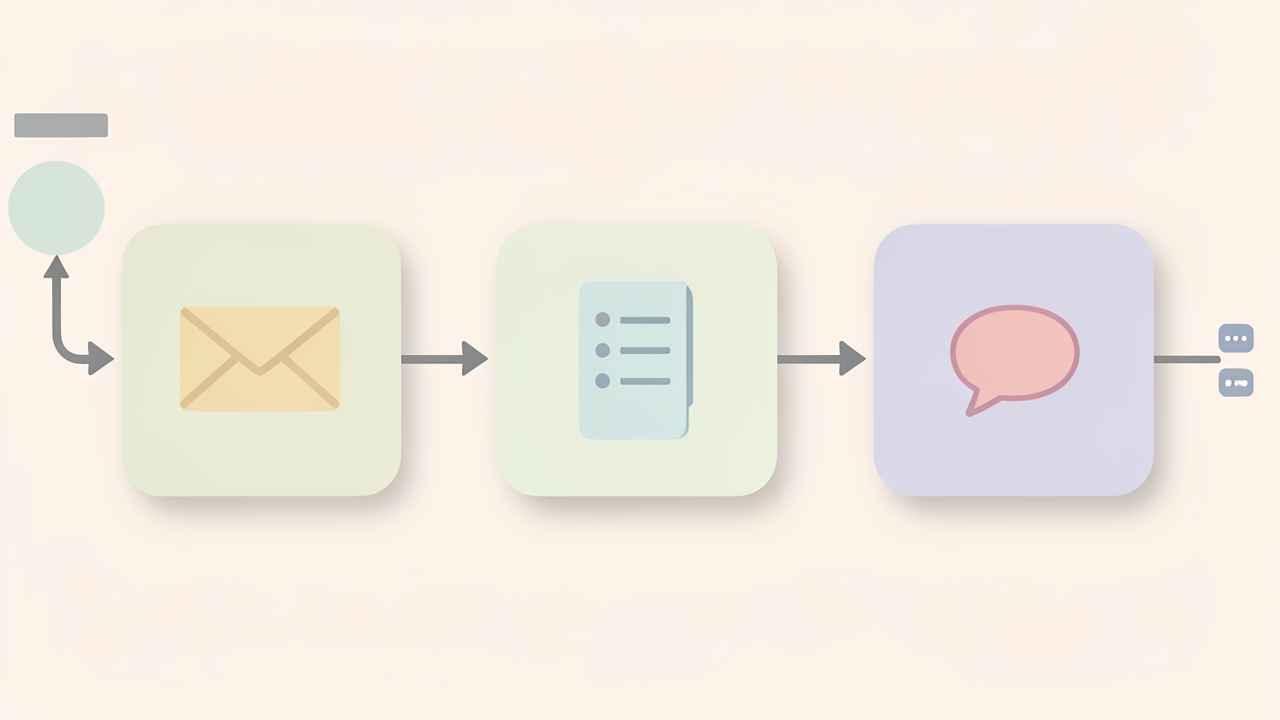
The Sales Call Follow-up template ships with two hosted MCP endpoints already wired in:
https://mcp.notion.com/mcphttps://mcp.slack.com/mcpSalesforce is added as a third, user-supplied MCP server. The template expects a Salesforce MCP Server URL plus a matching access token, so organisations can point the agent at a sandbox, a production org, or a thin wrapper that scopes which objects are exposed. All three endpoints can be swapped or extended later inside Agent Studio without rebuilding the prompt.
The default model is Claude Sonnet 4.5. Agent Studio lets you switch models mid-session to compare answers, which is useful when one model is faster for short follow-ups and another is more reliable for longer deal summaries.
According to the mcpplaygroundonline.com template page, going from template to a live conversation takes three actions:
The template page lists four ready-to-copy prompts that exercise the full Notion + Salesforce + Slack loop:
These four prompts are the practical contract the template is designed against: write to CRM, persist context in Notion, and notify the rep or channel in Slack, all from a single natural-language instruction.
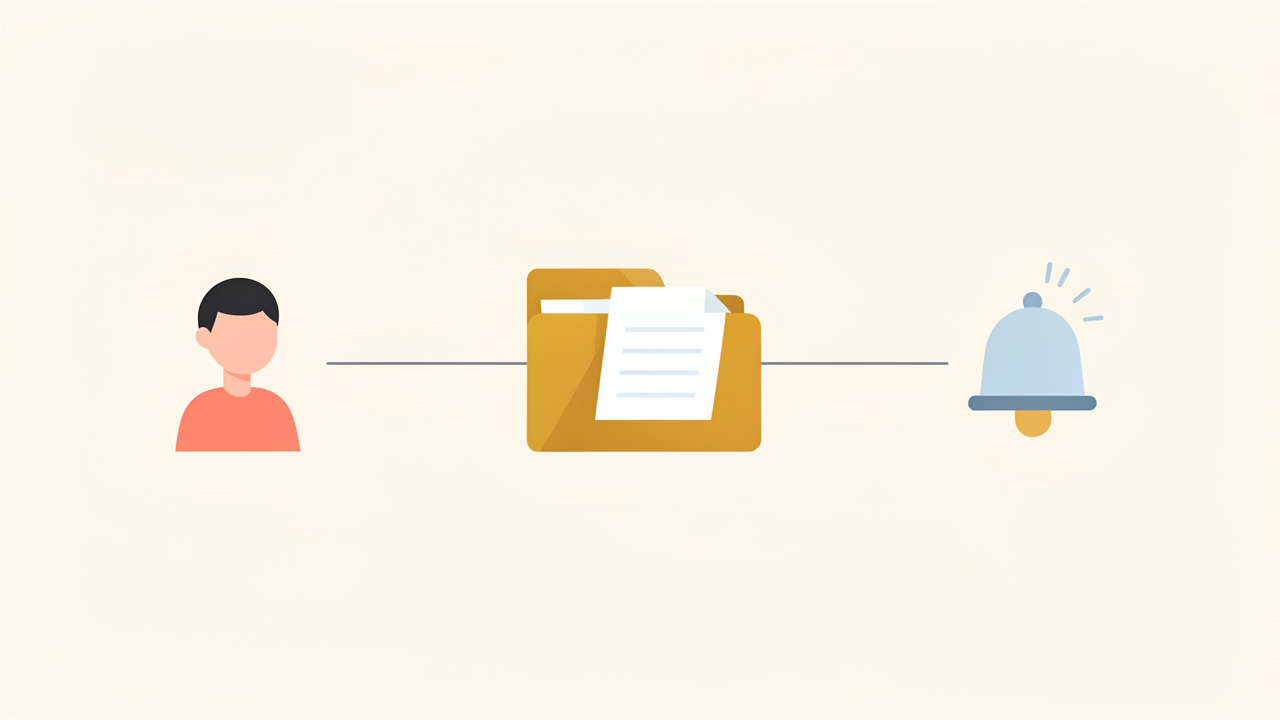
Consider one realistic post-call prompt that an SDR might type into an agent wired to the Sales Call Follow-up MCP agent template:
"Just finished a demo with Acme Corp. They liked the product but pushed back on pricing. Update the Salesforce deal to 'Negotiation', create a Notion note with the objections, and Slack me a follow-up checklist."
That single sentence is actually three independent tool calls, dispatched in parallel because none of them blocks the others. Mapping each clause to the underlying MCP server:
Opportunity object. The agent issues a SOQL lookup to resolve the Acme Corp deal, then an object API write that flips StageName from its current value to Negotiation. Because the token inherits the rep's own Salesforce profile, the agent can do no more than the rep could do manually — which is the permission property you want.https://mcp.notion.com/mcp exposes a notion-create-pages tool (alongside search and update). The agent composes a structured page with sections for Discussion summary, Pricing objections, and Open questions, and writes it into a pre-agreed sales-call database. Notion's MCP integration uses OAuth, so the page is filed under the agent's granted workspace scope.https://mcp.slack.com/mcp exposes a message-sending tool. The agent opens a DM with the rep, posts a checklist (pricing follow-up, ROI recap, procurement timeline, second-stakeholder intro), and pins the message for follow-through.What is worth pausing on is not any individual call but the loop they close. As sprintx.net puts it, "the biggest payoff comes from this combination — answer in Slack, grounded in Notion, sourced from the CRM — but it is a destination to build toward, not a day-one requirement." In practice that means: stand up one server first (usually Slack, because it is the lowest-risk interface), prove the workflow on a single rep, then add Notion for the meeting-note half of the loop, and only then turn on the Salesforce write path with confirmation gating. The Acme Corp prompt is the destination shape, not the starting configuration.
The first scoping decision is not which OAuth scope to request; it is which system can hurt you most when the agent gets something wrong. The sprintx.net comparison of Slack, Notion, and Salesforce MCP servers places Slack and Notion at medium sensitivity — internal collaboration surfaces where a stray post or page edit is recoverable — and the CRM at high sensitivity because a bulk update against customer records is not. That ordering should drive the order in which you hand authority to the agent: collaboration tools first, CRM last, and the CRM always one rung below whatever the rest of the stack enjoys.
The Model Context Protocol security best practices recommend a progressive, least-privilege scope model: start with a minimal initial scope set for discovery and read, then elevate through targeted WWW-Authenticate challenges when a privileged tool is first invoked. Requesting every scope a server advertises up front expands the blast radius of a stolen token, raises consent friction, masks audit trails, and invites the privilege-chaining path an attacker would actually take.
A few concrete rules from the same guidance and the Scalekit implementation guide:
mcp:read:models, not mcp:exec:functions.*.crm.read, crm.write) so a compromised token cannot both exfiltrate and mutate.WWW-Authenticate scope="..." challenges instead of returning the full catalog when a privileged call is attempted.The same sprintx.net case study that produced the sensitivity table is the one to copy for the rollout shape. The production deployment was kept read-mostly for the first weeks, every CRM write was gated behind a human click, the team watched the logs, and permissions were widened only after they trusted what the agent was doing. That maps cleanly onto the documented Sales Call Follow-up template, which composes mcp.notion.com, mcp.slack.com, and a custom Salesforce MCP endpoint: the Notion side starts read-only on the chosen pages, the Slack side starts on a single channel with read-plus-post, and the Salesforce side starts as a query-only role. Once the logs show clean reads, the write scopes get introduced in the same order — Notion page appends, Slack DMs, then CRM opportunity updates — each one still behind an explicit human confirmation.
The posture to keep in mind is the one a careful junior rep would have: nothing about customer records should change without a person looking at it first, and only after that pattern has held for a real week does it make sense to talk about autonomy.

The wiring is the easy part. The harder work for a revenue operations team is deciding how an autonomous agent gets adopted inside a sales organization without breaking trust with reps, RevOps, or the customer. A phased rollout, governed by documented artefacts, is the pattern that holds up in practice.
Most teams do not need all three MCP servers on day one. A typical sequence looks like this:
This is the destination, not the starting point. A phased sequence lets RevOps prove value, build trust, and learn the operational patterns before stacking more servers onto the agent.
A documented field deployment followed a simple set of rules that translate cleanly to a sales org:
For a sales organization this means: the post-call summary the agent drafts never auto-commits to the opportunity stage. A human rep confirms it. Permissions widen only after weeks of clean behavior, not after a flashy demo.
The Vendasta deployment described at virtasant.com gives RevOps a defensible reference point: 282 working days per year lost to SDR handoff admin, 15 minutes saved per call on post-call work, roughly 1,200 minutes of work freed per day across 20 reps, and ~$1M in missed pipeline recovered. That is the size of the prize if the rollout is done carefully — and it is also the size of the exposure if writes are flipped on too early.
Before any write tool goes live, three artefacts should exist in writing:
Handled this way, MCP in a sales org is closer to disciplined workflow automation than a science experiment — powerful, and controllable.