

Leaving a managed PaaS means giving up the automatic failure emails that come for free with Heroku-style push-to-deploy. Recreating that experience on self-hosted infrastructure requires rebuilding the entire feedback loop: building images, handing them to a runtime, and proving that the new version actually came up healthy. This article walks through a three-stage pipeline in which GitHub Actions owns the build, Coolify owns the runtime, and a two-phase polling loop in CI turns silent deployments into visible pass-or-fail signals. The target reader is a developer or small team that already runs Coolify and wants CI to act as the single source of truth for whether a push is safe.
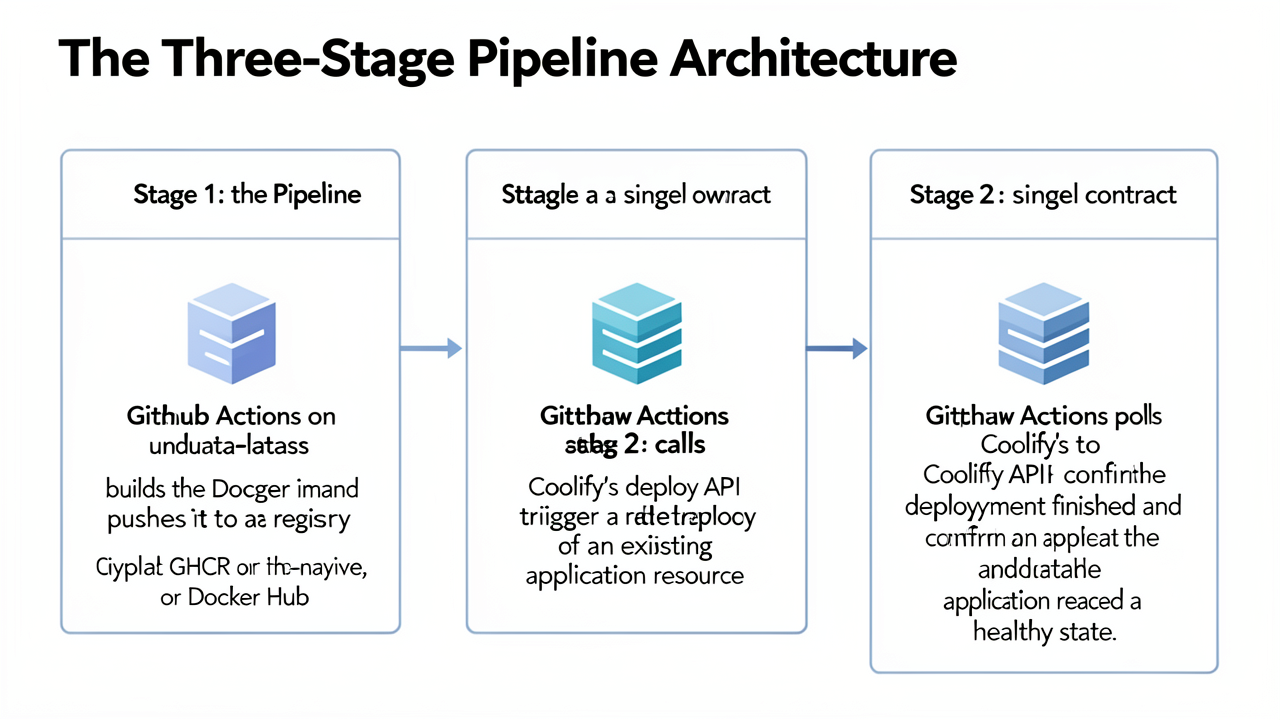
The pipeline splits into three discrete stages so that each one has a single owner and a single contract. Keeping the boundaries explicit is what turns a loose "build and ship" script into a deployment loop that fails loudly when something goes wrong.
The three stages are:
ubuntu-latest, builds the application as a Docker image and pushes it to a container registry. For most GitHub-native repositories this is the GitHub Container Registry (GHCR); Docker Hub is an equally valid target (Coolify docs — GitHub Actions).Why the split matters: Coolify is reduced to a runtime concern — Traefik routing, build queues, container scheduling, and health checks stay on the Coolify side, while CI is promoted to the single source of truth for whether a push is safe. When Stage 3 fails, the GitHub Actions run turns red exactly the way a Heroku build-error email used to, which restores the feedback loop that managed platforms provide for free.
A practical prerequisite: the Coolify application resource has to be configured for a prebuilt image rather than a source build. Concretely, the resource must use the Docker Image deployment type or, for Docker Compose, a compose file that pulls via an image: directive instead of declaring a build: block. If the resource still expects Coolify to run the build, the registry push from Stage 1 is silently ignored and Stage 3 will appear to "succeed" against the old image. Coolify's documentation calls this out explicitly, noting that "your Coolify application then pulls the prebuilt image instead of building it on the server" (Coolify docs — GitHub Actions). The reference workflow at andrasbacsai/github-actions-with-coolify follows this same shape.
With ownership and contracts defined, the next step is wiring Stage 2's redeploy trigger correctly so the API call actually reaches the right application.
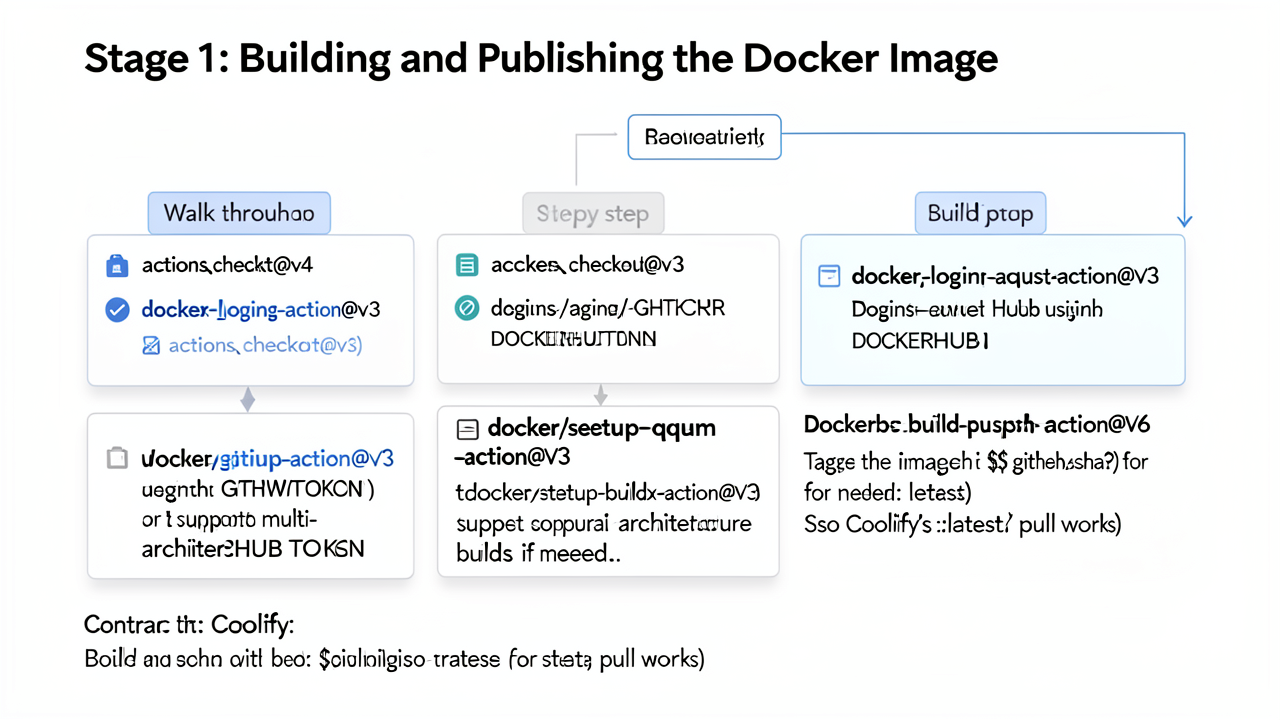
The first job of the pipeline is responsible for turning the commit into an image artifact. Every step in this job exists to make that artifact unambiguous, reproducible, and pullable by Coolify.
The job starts with actions/checkout@v4, which fetches the commit that triggered the run. Once the source is on the runner, the next step is authentication against the container registry. For GHCR, the credential is GITHUB_TOKEN; for Docker Hub, it is DOCKERHUB_TOKEN. Both are wired into docker/login-action@v3:
- uses: docker/login-action@v3
  with:
    registry: ghcr.io
    username: ${{ github.actor }}
    password: ${{ secrets.GITHUB_TOKEN }}
The login is mandatory — without it, docker/build-push-action@v6 cannot push the image it builds.
If the image needs to run on both amd64 and arm64 hosts (typical when Coolify runs on an ARM VPS or a Mac mini), two preparatory actions are added before the build:
docker/setup-qemu-action@v3 registers QEMU's user-mode emulators so Buildx can produce foreign architectures inside a single runner.docker/setup-buildx-action@v3 creates a persistent builder instance capable of multi-platform builds and BuildKit features.For single-arch targets these steps can be skipped, but leaving them in costs only a few seconds.
The core step uses docker/build-push-action@v6. Two tags are applied so the image is both traceable and usable by Coolify's :latest pull:
- uses: docker/build-push-action@v6
  with:
    context: .
    push: true
    platforms: linux/amd64,linux/arm64
    tags: |
      ghcr.io/org/app:${{ github.sha }}
      ghcr.io/org/app:latest
Tagging with ${{ github.sha }} gives every commit a permanent, immutable reference, while the latest tag is what Coolify will resolve on its next redeploy.
Because the image is built externally, the Coolify application must be configured for a prebuilt-image deployment. According to the Coolify CI/CD documentation, this means either:
ghcr.io/org/app:latest) as the image name, orimage: field instead of a build: directive.If the registry is private, Coolify's server must be authenticated separately. On the Coolify host, run:
echo $GH_TOKEN | docker login ghcr.io -u $USERNAME --password-stdin
This one-time docker login populates the daemon's credential store so the next :latest pull succeeds without any further action from the pipeline. Docker Hub authentication follows the same pattern using docker login directly.
Decoupling the build from the runtime means the registry becomes the source of truth for what can be deployed. To roll back, point Coolify at an older ${{ github.sha }} tag and redeploy — no rebuild, no re-pipeline, and no risk of "works on my machine" drift between CI and production. The CI build is also the natural place to embed smoke checks before the tag is ever published, which feeds directly into the polling stages described in later sections.
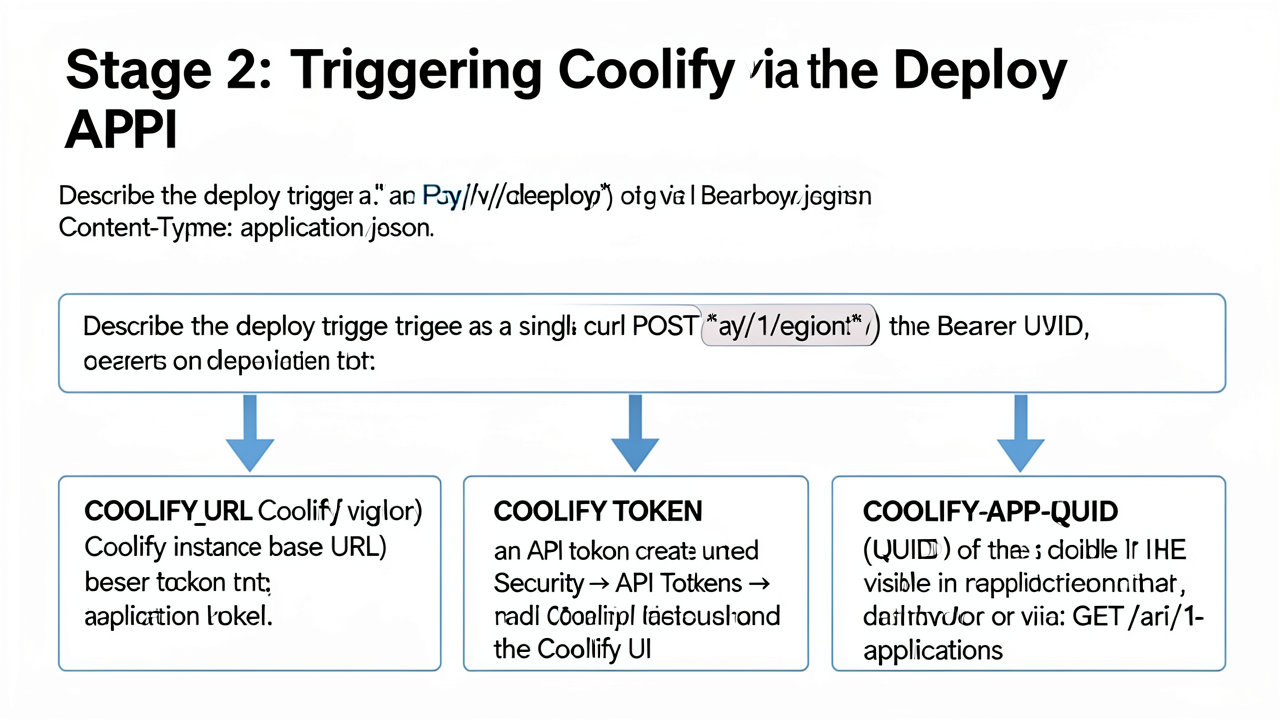
The handoff from CI to Coolify is a single HTTP call. Stage 2 is essentially a trigger — every step after this one in the pipeline observes the runtime rather than drives it.
Triggering a deployment is a POST to ${COOLIFY_URL}/api/v1/deploy:
POST /api/v1/deploy
Authorization: Bearer ${COOLIFY_TOKEN}
Content-Type: application/json

{
  "uuid": "${COOLIFY_APP_UUID}"
}
The body identifies the application resource Coolify should redeploy. Authentication uses a Bearer token, and the payload is a small JSON object rather than a webhook with signature verification, which keeps the trigger reproducible from any CI runner or developer laptop with curl.
The workflow depends on three GitHub repository secrets, set under Settings → Secrets and variables → Actions:
COOLIFY_URL — the base URL of the Coolify instance, for example https://cool.example.com. No trailing path; the workflow concatenates /api/v1/deploy.COOLIFY_TOKEN — an API token created under Security → API Tokens in the Coolify UI. The Deploy permission must be checked at creation time, and the token is shown only once, so it should be pasted into GitHub secrets immediately (Coolify docs).COOLIFY_APP_UUID — the UUID of the application resource. It is visible on the application's dashboard page, or it can be retrieved programmatically with GET /api/v1/applications, which returns the UUID alongside each application's name, status, and tags (Coolify changelog).Before any of this works, Settings → Configuration → Advanced → API Access has to be enabled. The API surface is off by default, and an enabled token is not enough if the endpoint itself is disabled (Coolify docs).
The most important behavioural detail of /api/v1/deploy is that it is non-blocking. Coolify accepts the request, queues the deployment, and returns immediately — typically with a small JSON body and a 2xx status. It does not wait for the container to pull, start, pass its health check, or even exist.
This is precisely the failure mode a self-hosted pipeline is trying to avoid. A naive workflow that runs curl -X POST …/deploy and exits will report a green CI run even when the new image crashes on startup, fails a migration step, or never gets past docker pull. The CI job sees a successful HTTP response and concludes the deploy succeeded; Coolify, meanwhile, is still trying to bring the container up — or has already given up and rolled back.
That asymmetry is the reason the next stage exists. Once Stage 2 returns, the pipeline is no longer commanding Coolify; it is asking Coolify, repeatedly, what actually happened. The two-phase polling loop in Stage 3 turns this silent queue-and-forget handoff into a visible pass-or-fail signal that mirrors what a managed PaaS would have emailed you automatically.
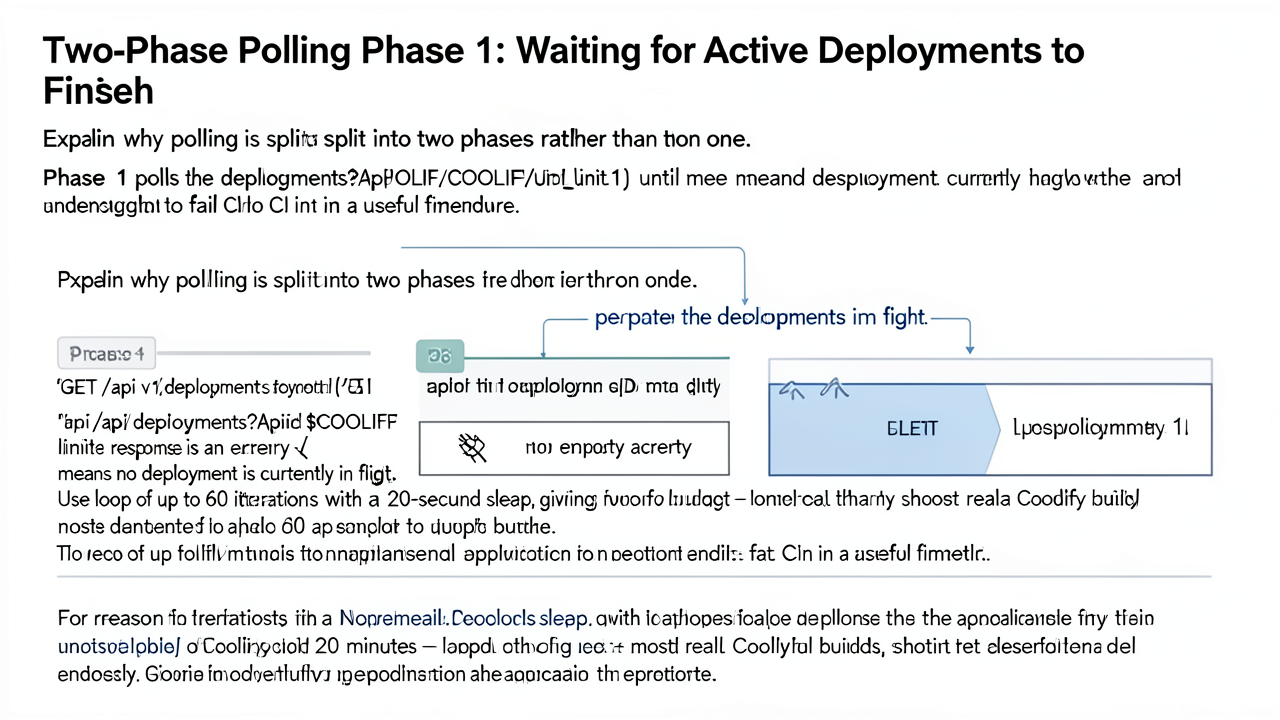
The two-phase split exists to keep each loop answerable to exactly one question. Phase 1 asks the narrow question "is Coolify currently building or rolling anything for this app?" — answered by whether the deployments list is empty. Phase 2, covered in the next section, asks the broader question "is the app serving healthy traffic?" — answered by reading status, updated_at, and git_commit_sha from the application endpoint. Conflating the two would make it ambiguous whether a failure came from a stuck deploy, a crashed container, or an unhealthy response after rollout.
Phase 1 targets Coolify's deployments endpoint and treats the empty array as the green light to move on:
for i in {1..60}; do
  response=$(curl -s -H "Authorization: Bearer $COOLIFY_AUTH_TOKEN" \
    "$COOLIFY_BASE_URL/api/v1/deployments?appId=$COOLIFY_APP_ID&limit=1")
  if [ "$response" == "[]" ]; then
    break
  else
    sleep 20
  fi
done
Each call returns at most one record because of limit=1, so the only meaningful response shapes are [] (nothing in flight) or a single JSON object representing the active deployment. The Authorization: Bearer header reuses the same token that triggered the deploy, and appId is the Coolify application UUID stored as a repository secret (Automating Coolify deployments with GitHub Actions).
Sixty iterations at twenty seconds between each call give roughly twenty minutes of total budget — comparable to a worst-case Docker build with a large dependency cache, but short enough that a stuck pipeline surfaces in CI rather than running alongside the developer's next commit. Twenty seconds is also a deliberately conservative interval that avoids hammering Coolify's API while still detecting completion promptly enough that the second phase has time to confirm health within a single CI job's typical ten-minute ceiling.
docker pull, or an OOM-killed build step — never empties the deployments list. The loop therefore runs to exhaustion and falls through. After the loop, the workflow checks whether [] was ever observed and exits with a non-zero status if it was not, so GitHub Actions marks the run as failed and any dependent jobs (notifications, downstream deploys, or merge gates) are blocked. This converts what would otherwise be a silent hang into an explicit red build, restoring the failure signal that managed PaaS platforms send by default. The pessimistic initialization pattern (deployment_status="in_progress" before the loop, then promoted to "failure" on timeout) is a standard way to make that signal machine-checkable downstream (Automating Coolify deployments with GitHub Actions).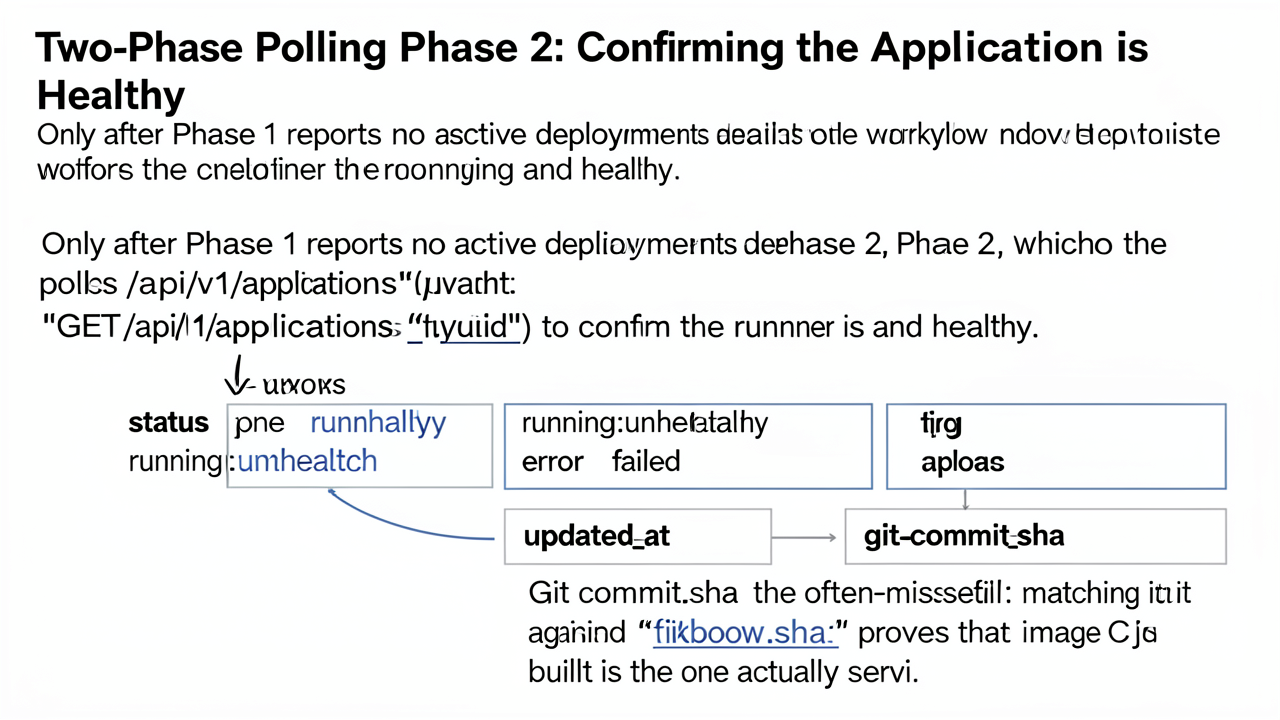
running:healthyPhase 1 only proves that Coolify has finished its part of the job. It does not prove that the container is alive, reachable, and serving the image CI just built. Phase 2 fills that gap by polling GET /api/v1/applications/{uuid} and extracting three fields with jq:
status — one of running:healthy, running:unhealthy, error, or failedupdated_at — the timestamp of the most recent state change, used to reject stale responses that pre-date the current deploygit_commit_sha — the commit the running container was actually built fromThe full loop, modeled on the pattern described in the Coolify deployment automation walkthrough, looks like this:
for i in {1..30}; do
  response=$(curl -s -H "Authorization: Bearer $COOLIFY_AUTH_TOKEN" \
    "$COOLIFY_BASE_URL/api/v1/applications/$COOLIFY_APP_ID")

  app_status=$(echo "$response" | jq -r '.status')
  update_time=$(echo "$response" | jq -r '.updated_at')
  git_commit_sha=$(echo "$response" | jq -r '.git_commit_sha')

  if [[ "$update_time" > "$DEPLOY_START_TIME" \
 && "$app_status" == "running:healthy" \
        && "$git_commit_sha" == "$GITHUB_SHA" ]]; then
    echo "Application is healthy and serving the expected commit."
    exit 0
  fi

  sleep 10
done

echo "Health check failed: status=$app_status, sha=$git_commit_sha"
exit 1
Two details are worth calling out.
Shorter intervals, fewer iterations. Phase 1 tolerates long sleeps because a deploy can legitimately take many minutes. Phase 2 runs a tighter loop — roughly 30 iterations with a shorter sleep — because once the deployment record is gone the application should converge to a healthy state quickly. If it does not, the loop times out and exits non-zero.
The SHA match is the often-missed check. Coolify's UI sometimes leaves the "latest commit" pinned to HEAD even after a successful deploy, which means visual inspection of the dashboard is not a reliable way to confirm which code is live. Comparing git_commit_sha against github.sha rules out three failure modes that a status-only check would miss:
The step exits non-zero on any status other than running:healthy, on a running:unhealthy/error/failed result, or on a SHA mismatch. Combined with the GitHub commit-status call from the same workflow, a broken deploy now produces a red CI run, an annotated log line pointing at Phase 2, and a clear message about which check stopped the pipeline — the same feedback signal that a managed PaaS would have delivered by email.
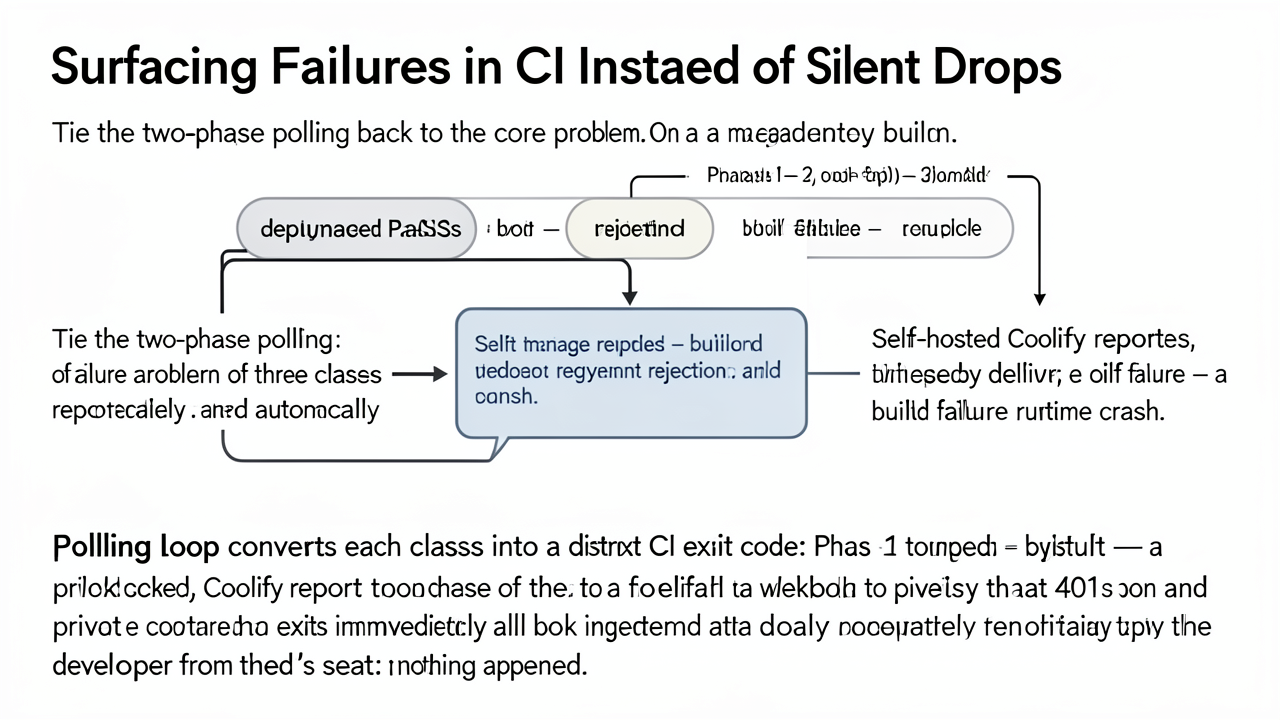
On a Heroku-style platform, every push produces a verdict that arrives in your inbox: build failure (compile, lint, or test errors caught in the slug compiler), deployment rejection (the platform refuses the release because a health check, a slug size limit, or a registry precondition fails), or runtime crash (the new dyno boots and exits within seconds, triggering an automated rollback and an email). Three distinct signals, each pointing at a different layer of the stack.
Self-hosted Coolify reports none of them by default. The webhook that connects Git to Coolify can fail to deliver — wrong payload URL, firewall blocking GitHub's IPs, or the GitHub App being uninstalled — and from the developer's seat the push simply vanishes. The same is true when a private registry 401s on pull because the credential secret rotated, or when a container exits immediately because CMD is malformed. In all three cases the developer's view is identical: nothing happened.
The polling loop introduced earlier turns each silent failure into a distinct CI exit code:
/api/v1/deployments list never returns [] within the budget. This covers both build/pull failures (the deployment object is never created or never advances past queued) and webhook delivery failures (no deployment exists at all). The workflow exits non-zero with "deployment did not complete."status never reaches running, or updated_at stops advancing. This catches runtime crashes: the container started, exited, and Coolify left it in exited or restarting.git_commit_sha on the application does not equal ${{ github.sha }}. This catches drift between the image CI built and the image Coolify is running, which is the only signal that proves "the code I pushed is the code that's serving traffic."The Phase 1 budget in the reference implementation is 60 iterations at 20-second sleeps — roughly 20 minutes. For larger images, slower registry pulls, or shared runners, this may need to grow. A reasonable approach is to parameterize the iteration count and sleep interval as workflow inputs and let per-service tuning live in the repository, not in the script.
One edge case deserves special handling: a Coolify restart during the polling window wipes in-flight deployment state. The deployments list returns [] not because the deploy succeeded but because the daemon lost the record. The workflow should treat this as a hard failure — for example, by requiring updated_at to have advanced past the captured DEPLOY_START_TIME before accepting a running status — rather than reporting a false success.
Once polling is wired in, the GitHub Actions run becomes the deployment log, the failure history, and the rollback signal in one place. Every push gets a red or green check, every check links to a timestamped record of what Coolify actually did, and branch protections can require the green check before merge. That is what push-to-deploy delivered before leaving the PaaS — restored, not rented.