

Apple Silicon Macs have become a credible platform for running open-weight large language models locally, primarily because the CPU, GPU, and Neural Engine share a single pool of high-bandwidth memory. This article is a practical guide for developers who want to understand the three layers of the local-Mac stack: the llama.cpp inference engine that does the actual number crunching, the Ollama wrapper that exposes a friendly REST API over it, and Apple's MLX array framework, which targets unified memory natively through MLX-LM. The goal is to clarify how these pieces fit together so engineers can pick the right starting point for prototyping, agent work, or production-style local serving on macOS.
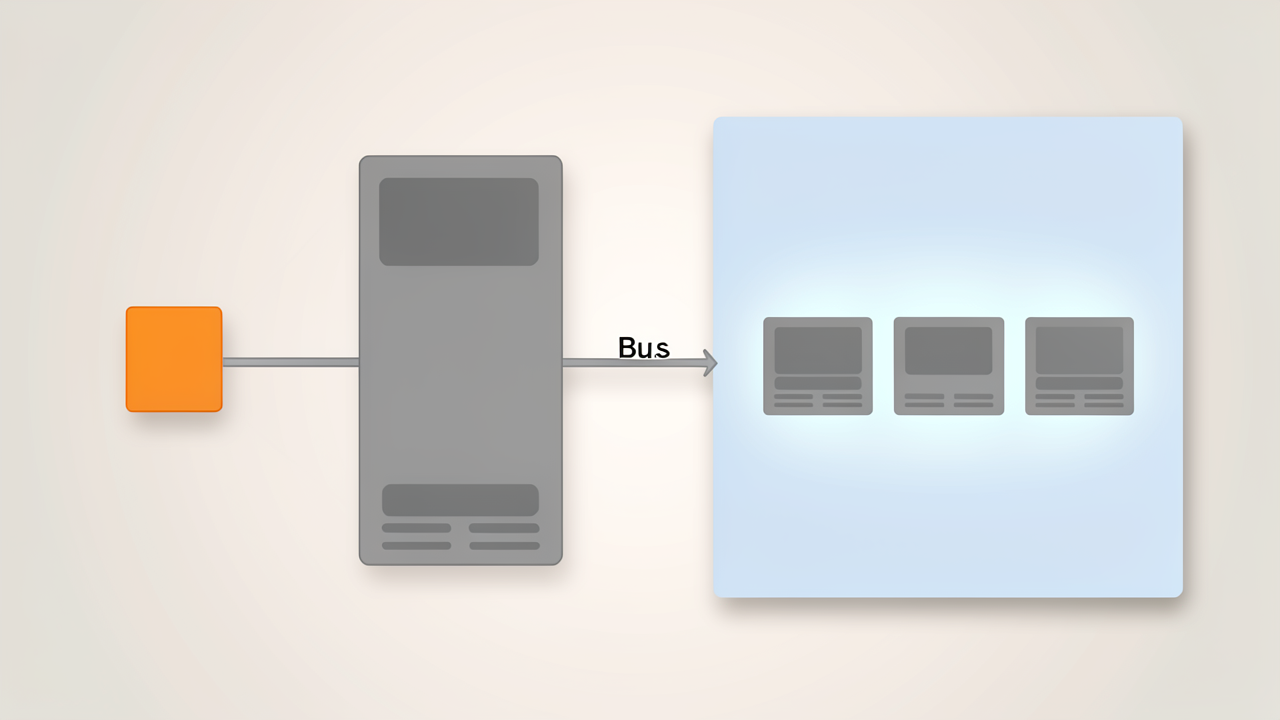
On Apple Silicon, the CPU, GPU, and Neural Engine share a single pool of high-bandwidth LPDDR5X memory. There is no separate VRAM partition, no PCIe copy step, and no "copy to VRAM" tax on the hot path. Frameworks like MLX exploit this directly with zero-copy tensor operations, so weights loaded into memory are immediately usable by the GPU at full bandwidth without an explicit cudaMemcpy-style transfer (vllm-mlx paper).
On a conventional laptop with an NVIDIA or AMD discrete GPU, model weights must live inside dedicated VRAM. A 12 GB or 16 GB mobile card hard-caps the model size you can load at any meaningful quantization, and once you exceed that ceiling, layers spill to system DDR5 over PCIe, where throughput collapses. Even desktop flagships such as the RTX 4090 cap out at 24 GB of VRAM, which is enough for a 14B model in good quality or a 32B model only under aggressive quantization (Corsair memory guide). When a model does not fit, you pay a steep penalty: a model running from system RAM manages roughly 8–15 tokens per second on a fast CPU setup, versus 40+ tokens per second when it sits entirely in VRAM.
The current high-water mark for Apple Silicon is the M4 Max, configured with up to 128 GB of unified memory at 546 GB/s of LPDDR5X-8533 bandwidth (cpu-monkey comparison). Lower tiers scale down predictably: M4 Pro tops out at 48 GB / 273 GB/s, while M3 Max reaches 128 GB at 400 GB/s (localaimaster chip table).
Two practical caveats matter when sizing a model load:
Apple Silicon memory bandwidth trails flagship NVIDIA cards. The RTX 4090 delivers about 1,008 GB/s and the RTX 5090 about 1,792 GB/s, roughly 1.8× to 3.3× the M4 Max's 546 GB/s (Spheron RTX 5090 vs 4090). Per token, that gap shows up directly. The capacity advantage runs the other way: a $999 Mac mini with 24 GB of unified memory will run 13B-class models and reasonable 30B quantizations that simply do not fit on a 12 GB or 16 GB laptop GPU, with no CUDA driver wrangling required (localaimaster buying guide). In other words, Apple Silicon trades raw token throughput for the ability to load larger models on power-efficient, quiet hardware.
Three software layers translate unified memory into usable inference, and the rest of this article examines each in turn:
llama.cpp is the C/C++ inference engine that the rest of the local-Mac stack inherits from. It is a minimal-dependency project that compiles on Apple Silicon, CUDA GPUs, ROCm, Vulkan, and plain CPUs, and it is the reference implementation that almost every higher-level Mac runtime — including Ollama and LM Studio — either embeds or directly builds on. When a developer interacts with a local model on a Mac, the actual tensor math, tokenization, sampling, and KV-cache bookkeeping are almost always happening inside llama.cpp.
llama.cpp loads GGUF files, a single-file format created by the same author that bundles the quantized weights, tokenizer, metadata, and chat template into one portable artifact. This means a model pulled from Hugging Face in GGUF form needs no conversion step before llama.cpp can run it. Quantization is a first-class feature of the format: llama.cpp supports quant types ranging roughly from 1.5-bit up through 8-bit, allowing trade-offs between model size and quality (for example, a 7B model at Q4_K_M can run in roughly 6 GB of memory).
Rather than a single monolithic binary, llama.cpp ships as a set of focused tools:
llama-cli — interactive chat and one-shot generationllama-server — an OpenAI-compatible HTTP API exposed on localhostllama-bench — throughput and performance measurementThis split CLI surface is also why llama.cpp doubles as the "escape hatch" layer: when Ollama's wrapper hides a quantization, context-length, or sampling knob, dropping down to llama.cpp directly gives access to every flag the moment it lands upstream.
On M-series Macs, llama.cpp's Metal backend provides GPU acceleration through Apple's Metal API, with kernel optimizations that run alongside the AVX/AVX2 path used on x86 CPUs. Two flags matter most when tuning:
-ngl (number of GPU layers) controls how many transformer layers are offloaded to the Metal device. Setting -ngl 99 offloads the entire model; partial values let a model that exceeds unified memory still run by spilling the remainder onto CPU.--ctx-size controls the context length, which scales KV-cache memory linearly with sequence length.Combined, these flags let a developer tune the GPU/CPU split and prompt-eviction behavior to fit the available unified memory. Benchmarks on M4-class hardware put llama.cpp's Metal path ahead of wrappers like Ollama for raw tokens-per-second on quantized 7B and 13B models.
llama.cpp is rarely the layer a developer interacts with day-to-day — that role belongs to Ollama or a similar wrapper — but it is the engine that makes the rest of the stack possible, and the right place to drop to when the abstraction above it gets in the way.
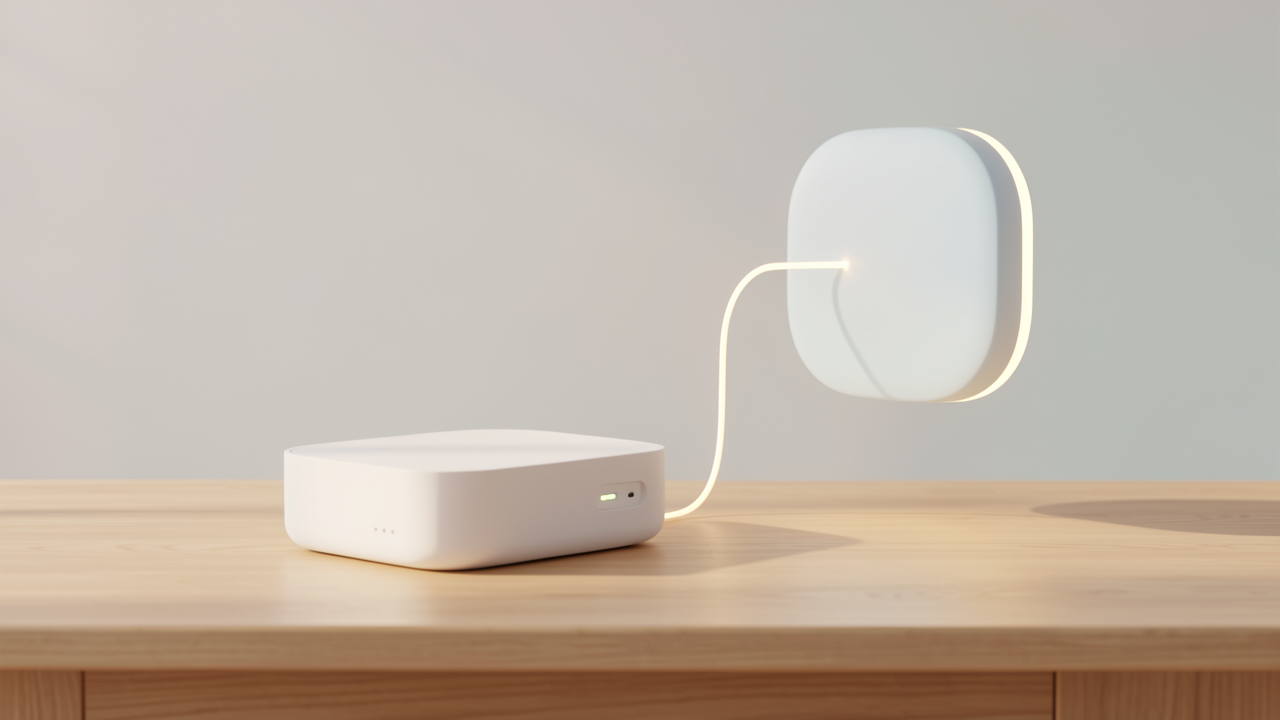
Ollama is a developer-friendly daemon that wraps llama.cpp and exposes it through a REST API bound to http://localhost:11434. Architecturally, the daemon is split into two components: an ollama-http-server written in Go that handles client requests, and the embedded llama.cpp inference engine that actually loads weights and runs the forward pass. The two communicate over HTTP internally, with the front server using llama.cpp's own /completion and /health endpoints to drive inference.
On Apple Silicon, this matters because llama.cpp ships a Metal backend, and the Go front server automatically selects it at startup — no flags, environment variables, or driver configuration required from the developer. The same binary also detects CUDA on Nvidia GPUs, ROCm on AMD GPUs, and AVX2/AVX-512 on bare CPUs, so the macOS path is just the Metal branch of the same detection logic.
The native Ollama API exposes a small set of JSON endpoints:
POST /api/generate — single-prompt completion.POST /api/chat — multi-turn conversations with a message array.POST /api/show — inspect a cached model.POST /api/pull — download a model from the Ollama registry.GET /api/tags — list locally cached models.GET /health — liveness probe.Models fetched through /api/pull are stored in a local cache (typically under ~/.ollama/models), and subsequent requests reuse those files without re-downloading.
Streaming is controlled per-request with a "stream" boolean. Setting it to true returns newline-delimited JSON chunks as tokens are produced, which is essential for responsive chat UIs; setting it to false waits for the full response. This behavior is identical across both /api/generate and /api/chat.
The most consequential feature for prototyping, however, is the OpenAI-compatible translation layer under /v1/:
/v1/chat/completions/v1/completions/v1/models/v1/embeddingsThese endpoints accept the same request schemas as OpenAI's API. Any script, agent framework, or web app already pointed at https://api.openai.com/v1 can be repointed to http://localhost:11434/v1 — typically by changing one environment variable — with no code changes. That single property is why Ollama is the default starting point for most Mac-based local prototyping: the inference is real llama.cpp with Metal acceleration, but the interface matches what the rest of the LLM ecosystem already speaks.
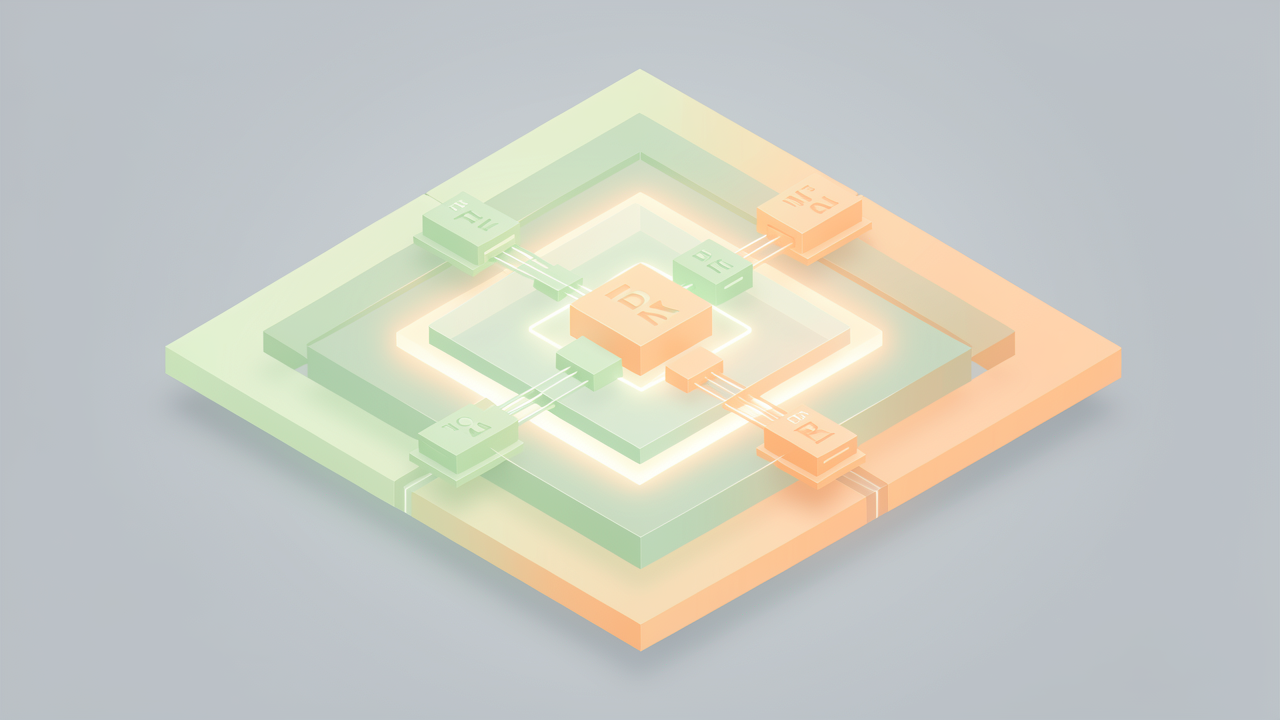
MLX is Apple's array framework, purpose-built for Apple Silicon's unified memory architecture. Where llama.cpp and PyTorch's MPS backend map CUDA-era abstractions onto Metal, MLX treats the shared memory pool as a first-class concept.
On Apple Silicon, the CPU, GPU, and Neural Engine draw from one physical memory pool rather than separate VRAM and system RAM connected over PCIe. MLX exploits this directly: tensors are allocated once and are accessible to any processor without explicit copies. By contrast, PyTorch's MPS backend adapts CUDA-style operations to Metal, which leaves copy traffic in places the model was never designed to require. For workloads where tensors cross the CPU/GPU boundary frequently — preprocessing, KV-cache management, dynamic shapes — that copy tax adds up.
MLX also ships with three properties that make it feel different from a generic NumPy clone:
MLX itself is a general array library. The LLM-specific ergonomics come from mlx-lm, which layers on top of it to provide text generation, Hugging Face integration, quantization utilities, and fine-tuning. The MLX-VLM sibling covers vision-language models on the same stack.
Quantization is built in rather than bolted on, with efficient dequantization kernels tuned for Apple Silicon. Most users do not run the converter themselves; they pull pre-quantized checkpoints from the mlx-community organization on Hugging Face, which publishes MLX-native builds (typically 4-bit) of popular open-weight models.
The canonical developer workflow is short:
pip install mlx-lmmlx-community, for example mlx-community/Llama-3.2-3B-Instruct-4bit.load and generate helpers, or launch a local server with mlx_lm.server for an OpenAI-compatible endpoint.That pattern is enough to get a model answering prompts, and it scales up to much larger checkpoints — community reports document multi-billion-parameter models running on machines with tens to hundreds of gigabytes of unified memory.
Compared with Ollama, mlx-lm is closer to the model and farther from the API surface. There is no managed model registry, no background daemon by default, and no built-in web UI. In exchange, you get a Python-native workflow that is well suited to research, fine-tuning, and prototyping where you want to inspect tensors, swap layers, or wire the model into a larger pipeline.
Performance is generally competitive with — and in several published comparisons, ahead of — llama.cpp on the same hardware. Because MLX avoids the copy traffic that adapted CUDA paths incur, public benchmarks on M-series Max chips commonly show MLX-based stacks running roughly 10–25% faster on token throughput for similarly quantized models. The exact gap varies by model size, quantization scheme, and batch configuration, but the directional result is consistent: native unified-memory design tends to win on memory-bandwidth-bound inference.
This makes mlx-lm the natural starting point for developers who specifically want native Apple Silicon performance, who need fine-grained control over the inference loop, or who are doing research-style work where Python integration matters more than a REST API.
On Apple Silicon, the CPU, GPU, and Neural Engine pull from the same physical memory pool, so there is no PCIe-style "system RAM vs. VRAM" split to think about. Whatever fits in unified memory is GPU-accessible at full bandwidth. That single fact reframes quantisation: instead of asking "how much VRAM do I have?", you ask "what is the largest model that fits in my unified memory tier after macOS takes its cut?".
GGUF is the de facto distribution format for llama.cpp and Ollama, and its k-quants mix precision across layers to hit a target average bits-per-weight. For a 70B parameter model the on-memory footprint is roughly:
A common sizing rule of thumb is that a Q4_K_M model uses roughly 0.6 GB per billion parameters: ~4.7 GB for7B, ~8 GB for 13B, ~19 GB for 33B, and ~40 GB for 70B.
Unified memory is shared, but not all of it is yours. Apple's Metal driver exposes a recommendedMaxWorkingSetSize that in practice behaves like a ceiling of roughly 75% of physical RAM. On a 128 GB Mac Studio, Ollama therefore reports about 96 GB of available "GPU memory"; a 64 GB Mac yields ~48 GB usable, and a 32 GB Mac ~21–24 GB. A 64 GB Mac is not equivalent to a 64 GB discrete GPU workstation where the full frame buffer is usually available to the model. Plan for this overhead plus headroom for macOS, the KV cache (which grows linearly with context length), and any other apps.
A practical rule: keep the model plus its context window inside roughly 80% of total unified memory.
When choosing between an Ollama tag (llama3.1:70b-instruct-q4_K_M) and an mlx-community MLX checkpoint, the sizing math is the same — only the runtime differs.

There is no single right answer, only the right starting point for the job in front of you. The three layers trade abstraction for control in a fairly predictable way.
Reach for Ollama first whenever you want to point an existing tool at a local model. It exposes an OpenAI-compatible REST API on http://localhost:11434, with a translation layer at /v1/chat/completions that lets OpenAI client libraries treat Ollama as a drop-in base URL (Towards AI). That single endpoint covers fast prototyping, agent frameworks, and any OpenAI-compatible client without writing server plumbing. The cost is that Ollama deliberately hides some llama.cpp flags behind its abstraction, and its Modelfile-based configuration is intentionally narrow.
llama-server and llama-cli are the right layer when Ollama's surface area is too small. llama.cpp ships every quantization option the moment it lands (GGUF supports 2-bit through 8-bit) (Tensor Foundry), plus low-level controls such as -ngl (number of GPU layers) and --ctx-size for context length, and the custom RoPE scaling parameters that some long-context models require (Developers Digest). You give up the friendly wrapper, though: model files, context windows, and offload ratios become your responsibility, and there is no built-in vision support.
When the goal is research, fine-tuning, or vision-language work that benefits from zero-copy access to the unified memory pool, use MLX-LM (text) and MLX-VLM (multimodal) directly. MLX is Apple's array framework designed for unified memory, so weights, KV cache, and activations live in a single shared pool without PCIe-style copies (arXiv). On hardware like the M4 Max (up to 128 GB unified memory, 546 GB/s bandwidth), that means long-context and multimodal workloads can fit and run where llama.cpp's text-only engine cannot. The tradeoff is more Python code, version pinning against Apple's release cadence, and no built-in OpenAI-compatible server unless you layer something like vllm-mlx on top.
For a typical solo Mac workflow, begin with Ollama for the API surface and switch to MLX-LM as soon as Apple-native performance, fine-tuning, or vision becomes the goal. Reserve raw llama.cpp for the cases where a specific flag the others don't expose is the blocker.