

Single coding agents routinely stall on work that outgrows one context window: long refactors, cross-repository research, and delivery pipelines that require parallel execution. Multi-agent orchestration addresses this by splitting a goal across specialized agents that delegate, run concurrently, and hand off results. A distinct class of MCP servers now packages the orchestration layer itself as installable tooling, from swarm orchestrators for Claude to workflow engines that expose entire pipelines as callable tools. This article rounds up the MCP servers aimed at multi-agent orchestration and autonomous workflows, including the Claude Multi-Agent Swarm Orchestrator referenced in current marketplace leaderboards. It explains the role of the context layer these systems depend on and positions orchestration servers against plain tool servers so developers can decide where each belongs in a stack.
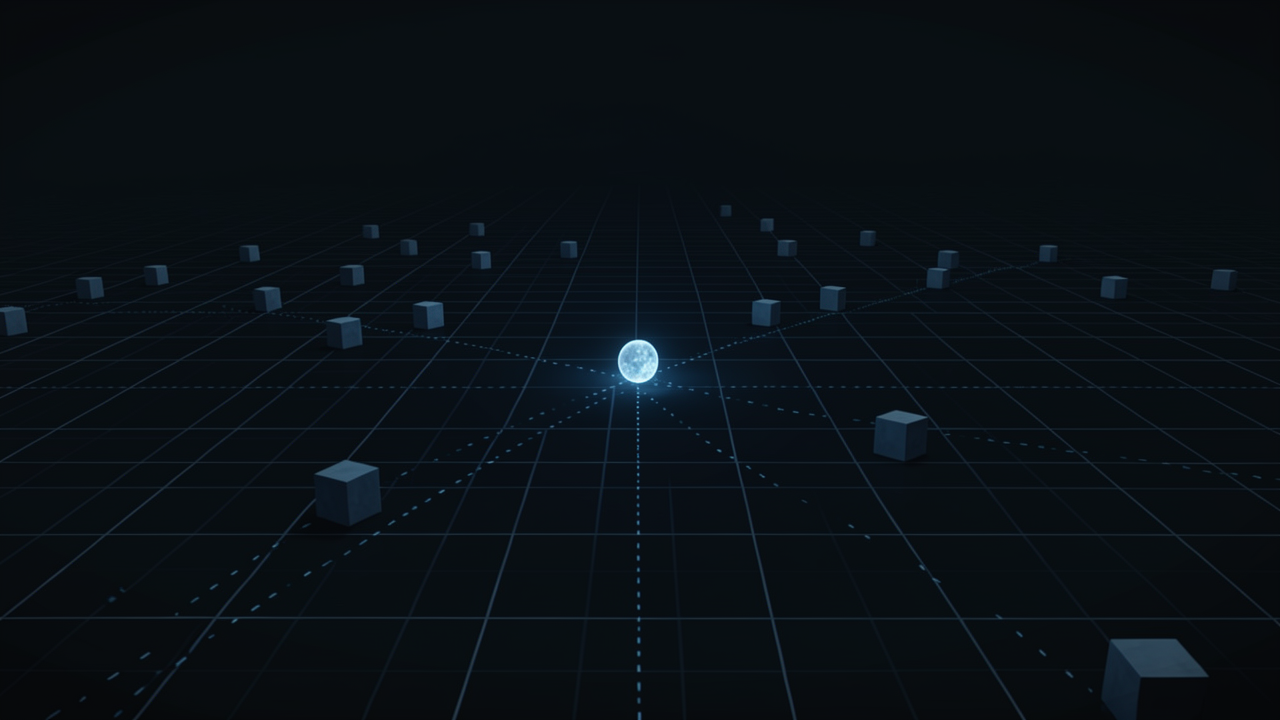
A lone LLM agent works with a single context window (typically 10–20 K tokens for Claude Sonnet 4, 200 K tokens for Claude Opus 4) and a flat list of tool definitions. When a task stretches over many turns—e.g., a large refactor, cross‑repository research, or a CI/CD pipeline—both the conversation history and the tool schemas accumulate. Intermediate results, retrieved documents, and tool outputs crowd the window, forcing the model to truncate older messages and causing reasoning to degrade.
The documented way to escape this limitation is the orchestrator‑worker (hub‑and‑spoke) pattern. Anthropic’s multi‑agent research system illustrates the approach: a LeadResearcher receives the user request, drafts a high‑level plan, writes it to external memory, and then spawns 3–5 subagents that each run in their own fresh context window. The subagents execute their isolated subtasks, return condensed summaries, and never see each other’s intermediate state. The lead agent finally synthesizes the summaries back into a coherent answer【1†https://theaiengineer.substack.com/p/how-anthropic-built-multi-agent-deep】.
Claude Code mirrors this design with built‑in sub‑agent modes. The /batch skill can launch dozens of parallel subagents in isolated Git worktrees, each handling a slice of the workload and reporting back a brief result【2†https://www.firecrawl.dev/blog/best-claude-code-skills】. This “fork‑and‑mailbox” style keeps the parent’s context small while still enabling concurrent execution.
Model Context Protocol (MCP) servers were created with exactly this multi‑agent use case in mind. Frameworks such as Microsoft Autogen and LangGraph can point all agents to a shared MCP server, letting them discover the same toolset without custom adapters. Moreover, an agent can expose its own MCP endpoint, allowing peer agents to call it as a tool—effectively turning agents into reusable services【3†https://www.getknit.dev/blog/integrating-mcp-with-popular-frameworks-langchain-openagents】.
Recommendation. Multi‑agent orchestration solves the context‑window bottleneck, but it introduces trade‑offs:
Adopt an orchestrator only when a problem can be cleanly split into parallel, independent subtasks (e.g., batch code analysis, multi‑repo literature review). For strictly sequential work, a single agent with judicious memory management remains more efficient.
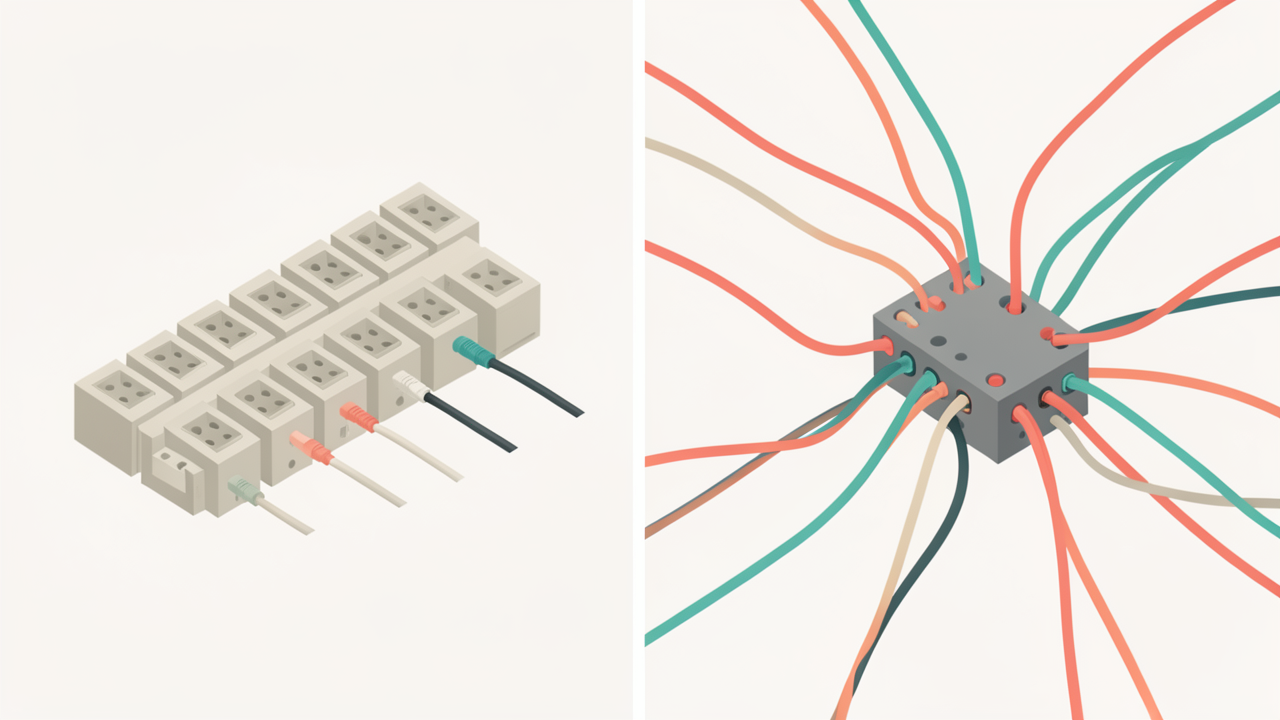
| Aspect | Plain tool server | Orchestration server |
|---|---|---|
| Primary focus | Exposes a single function that talks to one external system (e.g., a CRUD endpoint for a database, a GitHub issue creator, or a Slack‑post API). | Exposes work as a service – an entire agent, a multi‑step pipeline, or a delegation primitive that can spawn other agents or run a sequence of tools. |
| Tool description | Usually a brief name and HTTP signature; the model must already know when to call it. | Includes verbs such as delegate, spawn, run‑workflow, making the purpose of the tool itself an orchestration step. |
| Example | A MCP server that only provides create_jira_ticket(project, title, description). | A MCP server that presents create_support_ticket_from_slack(message) – internally it runs a Slack listener, performs sentiment analysis, creates a Jira ticket, and notifies a channel, all exposed as one callable tool【4†L1-L8】. |
| Typical implementation | Thin wrapper around an API; often generated from an OpenAPI spec. | A workflow engine (n8n, Langflow, Mastra, etc.) that chains several actions and may itself act as an MCP client to other servers. |
| Role in a stack | Supplies raw capabilities that a single agent can invoke directly. | Provides the context layer that lets higher‑level agents reason about how to achieve a goal, not just what API to hit. |
IBM’s framing of MCP stresses that the protocol creates a shared workspace of common tools, removing the need for point‑to‑point integrations between agents【2†L1-L4】. This shared workspace is the foundation on which orchestration servers build higher‑level capabilities.
n8n can act as both an MCP server and a client. An entire n8n workflow – e.g., “Slack message → sentiment analysis → Jira ticket → notification” – is published as a single tool called create_support_ticket_from_slack【4†L1-L7】. The same n8n instance can call other MCP servers from within a workflow, illustrating the dual role.
Langflow treats every visual flow as an independent MCP tool. After designing a flow on the canvas, it can be exposed to any MCP client (Claude Desktop, Cursor, etc.) as a callable tool【5†L9-L13】, and the flow itself can be discovered as a resource when Langflow runs as an MCP server【5†L19-L22】.
Mastra ships with native MCP support: agents, tools, and structured resources are automatically exposed as MCP servers【7†L12-L16】. This makes Mastra a one‑stop shop for both the orchestration primitives (agents that delegate) and the low‑level tool definitions.
LangChain MCP adapters auto‑wrap MCP tools so they appear as native Tool objects inside LangGraph graphs【8†L1-L8】. LangGraph governs the control flow and state transitions, while MCP supplies the actual tool calls, reinforcing the “orchestration ↔ tool” separation【8†L9-L14】.
If a server’s catalog advertises capabilities that delegate, spawn, or execute a workflow rather than a simple CRUD call against a single API, classify it as an orchestration server.
Plain tool servers are still useful for low‑level integrations, but when you need an agent to hand off a sub‑goal – for example, “run a data‑ingestion pipeline and return the resulting dataset” – you should look for an orchestration server.
The Agent‑to‑Agent (A2A) protocol, hosted by the Linux Foundation, addresses horizontal delegation between agents using cryptographic agent cards for discovery【9†L1-L7】. While MCP gives agents hands (access to tools), A2A gives agents colleagues (the ability to hand work to another agent). In‑host orchestration servers overlap conceptually with A2A because both expose delegation primitives, but they differ in scope:
When building a stack, start with MCP‑exposed plain tools, add an orchestration server if your workflow requires multi‑step delegation, and consider A2A only when you must coordinate independent agents that live in separate runtimes or clouds.
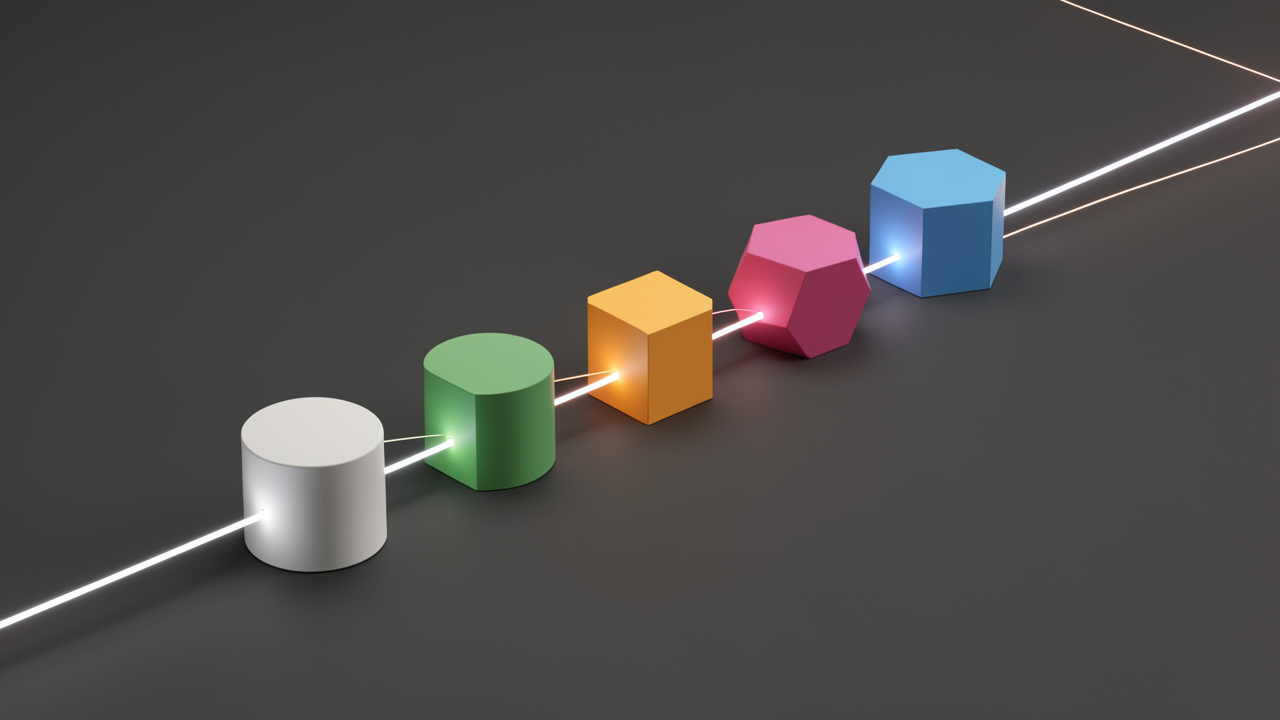
The following entries are short catalog descriptions taken from marketplace leaderboards; they are not independent audits.
| Server | Primary purpose (catalog description) |
|---|---|
| Claude Multi‑Agent Swarm Orchestrator | Orchestrates intelligent multi‑agent swarms for Claude, coordinating autonomous workflows and building conversational AI systems. |
| Autonomous Workflow Builder | Provides tools for constructing swarm‑based autonomous workflows that power advanced AI systems. |
| Managed AI Agents | Delivers fully‑managed agents and long‑running workflows with built‑in durability and observability. |
| Multi‑AI Agent Low‑Code Framework | Enables creation and management of multi‑AI agent systems through a low‑code visual framework. |
| Composable Workflow Patterns | Simplifies building AI agents using the Model Context Protocol (MCP) together with reusable workflow patterns. |
| MCP Workflow Orchestration | Connects models to tools and external resources to run automated, multi‑step workflows. |
| Multi‑Model CLI Orchestrator | Coordinates several AI models within CLI tools for collaborative development, code analysis, and problem‑solving. |
| Multi‑Model Claude Enhancer | Orchestrates multiple models to extend Claude’s capabilities in code analysis, debugging, and collaborative software development. |
Sources: catalog entries from the MCP Marketplace leaderboard [1].
| Platform | How it appears as an MCP server | Notable traits |
|---|---|---|
| n8n | Self‑hosted workflow automation that can be run as an MCP server, exposing entire workflows as callable tools. | Ideal for teams that prefer on‑premise control and avoid vendor lock‑in [2]. |
| Zapier | Provides an MCP endpoint that triggers any of its 6 000+ app integrations; acts as a “meta‑integration” when a dedicated server is missing. | Cloud‑hosted, no local process required [3]. |
| Make | Official MCP server that turns Make scenarios into callable tools for AI assistants. | Enables complex, no‑code pipelines to be invoked from language models [4]. |
| Taskade | Official Taskade MCP server plus an OpenAPI‑to‑MCP code‑generator, allowing any Taskade API to become an AI‑usable tool. | Focuses on collaborative task management and rapid prototyping [4]. |
Following this minimal‑stack approach keeps the orchestration surface small, reduces attack surface, and ensures that each component has a clear responsibility within a multi‑agent workflow.

Multi‑agent workflows are only as reliable as the layer that stores and streams their state. As Kong explains, every interaction in such a system is either a retrieval (fetching needed data) or a mutation (changing state that downstream agents depend on). When a retrieval fails or a mutation is lost, later agents operate on stale or inconsistent information, leading to wrong‑tool calls, duplicated work, or outright failure【8†source】.
| Tier | Typical lifespan | Purpose |
|---|---|---|
| Ephemeral | One step | Holds the prompt, tool inputs, and immediate responses. |
| Session | Across steps of a single workflow | Persists intermediate results and coordination flags. |
| Long‑term memory | Across sessions | Stores plans, reference data, or entity graphs that survive orchestrations. |
Memory‑class servers provide the persistence tier beneath an orchestrator. Examples include:
These services do not schedule agents or manage handoffs; they simply guarantee that the data needed for retrievals and mutations is available, consistent, and performant. By pairing a robust memory‑class server with a disciplined handoff pattern, developers can build multi‑agent pipelines that remain deterministic even as the number of parallel agents scales.

Autonomous workflows must continue running even when the underlying process crashes, the host VM restarts, or a new code version is deployed. Durability is therefore a core requirement for any production‑grade MCP‑served orchestrator.
Temporal’s replay model
Temporal stores every workflow event in an immutable history log. When a worker crashes or the service is redeployed, the runtime re‑hydrates the workflow from that log and deterministically re‑executes the user‑defined code until it reaches the last recorded step — completed activities are returned from the history without being re‑run 【1†https://intuitionlabs.ai/articles/agentic-ai-temporal-orchestration】. This guarantees exact‑once semantics for side‑effect‑free activities and makes long‑running pipelines (hours or days) resilient to restarts. Temporal is a general‑purpose workflow engine; it does not embed agent semantics, so it is typically paired with an agent framework that handles standing loops, memory, and tool calls.
LangGraph’s built‑in persistence
LangGraph supplies a checkpoint‑based state store that can serialize the entire graph after each super‑step. On interruption, the graph is re‑hydrated from the latest checkpoint and resumes execution from the exact node that failed 【2†https://docs.langchain.com/oss/python/langgraph/overview】. The framework also offers human‑in‑the‑loop nodes (approval gates) and supports cycles, branching, and interrupt‑resume patterns out of the box. Production deployments usually rely on the LangGraph Platform or a self‑managed persistence layer (e.g., Redis, DynamoDB) to guarantee durability at scale.
Managed AI Agents class
The MCP marketplace’s Managed AI Agents category bundles a durable workflow runtime with built‑in observability, retries, and logging 【3†https://mcpmarket.com/leaderboards】. These services essentially combine a Temporal‑style event log with agent‑friendly extensions, letting developers launch long‑running, auto‑scaled agents without wiring their own durability stack.
Deploy orchestrators on a durable substrate
Run swarm orchestrators (e.g., Claude’s multi‑agent swarm) on top of Temporal or a Managed AI Agents service so that any failure triggers an automatic retry rather than a hard outage.
Insert human‑approval gates at mutation boundaries
Use LangGraph’s HumanInTheLoop nodes—or equivalent API‑level checkpoints—to pause the workflow before any change to production state. This creates an explicit audit point and reduces accidental side effects.
Checkpoint between workflow phases
Serialize the workflow state after each logical phase (e.g., after a data‑ingest step, before a model‑training step). With Temporal, this is implicit in the event history; with LangGraph, call BaseCheckpointSaver.save() after critical nodes.
Leverage observability hooks
Managed AI Agents platforms expose tracing and retry metrics automatically. When using open‑source stacks, forward Temporal’s WorkflowExecution logs or LangGraph’s state snapshots to a monitoring system (e.g., OpenTelemetry) to detect stalled runs early.
By anchoring agentic swarms to a durable workflow engine and placing explicit checkpoints and approval nodes, developers can ensure that autonomous pipelines survive crashes, restarts, and deployments with minimal manual intervention.

The Model Context Protocol (MCP) defines the “contract” between an orchestration server and its client. Under the 2025‑11‑25 specification a server may expose six core primitives:
https://, file://, git://).In the 2026‑07‑28 revision two of these primitives are deprecated:
logging primitive is replaced by standard stderr streams or OpenTelemetry exporters for observability [source].Elicitation remains active and continues to be the recommended way to gather user input across protocol versions.
sampling/createMessage must be checked against the newer spec; its behavior may be incomplete or incompatible.initialize handshake’s protocolVersion field. Servers that lock to 2025‑11‑25 will expose deprecated primitives, while those targeting 2026‑07‑28 will embed their own model calls and use stderr/OpenTelemetry for logs.Caveat: MCP’s revision cadence is rapid; capability lists can shift between releases. Always confirm a server’s claimed features against the current specification rather than relying on outdated tutorials or third‑party blog posts.

MCP servers sit at the core of an agentic stack, turning tool descriptions into executable prompts for the model. Because the model cannot differentiate legitimate documentation from hidden directives, a compromised server can embed malicious instructions in those natural‑language descriptions—a class of attack known as tool poisoning【1†L1-L5】. In practice, an attacker can cause the model to read a private file and silently return its contents as a tool parameter, allowing data exfiltration without raising suspicion.
OWASP now lists tool poisoning as MCP‑03 in its MCP Top 10 guidance, emphasizing that any MCP server is effectively a trust boundary that must be protected and regularly reviewed【5†L1-L4】. Unlike traditional libraries, tool manifests are not cryptographically signed by default, so a server can serve a new or altered description at any time, undermining the integrity of previously vetted tooling【3†L1-L4】.
To keep the boundary visible, every tool invocation should be logged with:
mcp.method.name, mcp.session.id, etc.) defined by the OpenTelemetry semantic conventions for MCP【2†L1-L9】.These logs provide the data needed to spot abnormal patterns such as tools called outside their intended context or sudden spikes in call volume.
Practical hardening steps drawn from industry best‑practice guides include:
When multiple MCP servers are deployed, a centralized gateway can enforce uniform security and observability:
By routing all traffic through such a gateway, organizations gain end‑to‑end tracing of multi‑server workflows, can enforce policy (e.g., block tools that read from disallowed directories), and maintain a single source of truth for compliance reporting.
Together, these measures transform the MCP layer from a blind conduit into a controllable, observable component that can safely scale multi‑agent swarms without expanding the blast radius.