

Two open-source self-hosted PaaS platforms compete for the same audience: developers who want Heroku-style deploys without giving up their servers. Coolify, the more mature project, has become the default recommendation for single-server homelabs and small agencies. Dokploy, launched in 2024, takes a structurally different approach by anchoring its orchestration on Docker Swarm rather than plain Docker. The decision between them is not about feature lists alone; it is about which orchestration philosophy matches the scale and operational style of the team. This article compares the two on three axes that drive long-term behavior: the orchestration split, the control-plane implementation, and Traefik configurability.
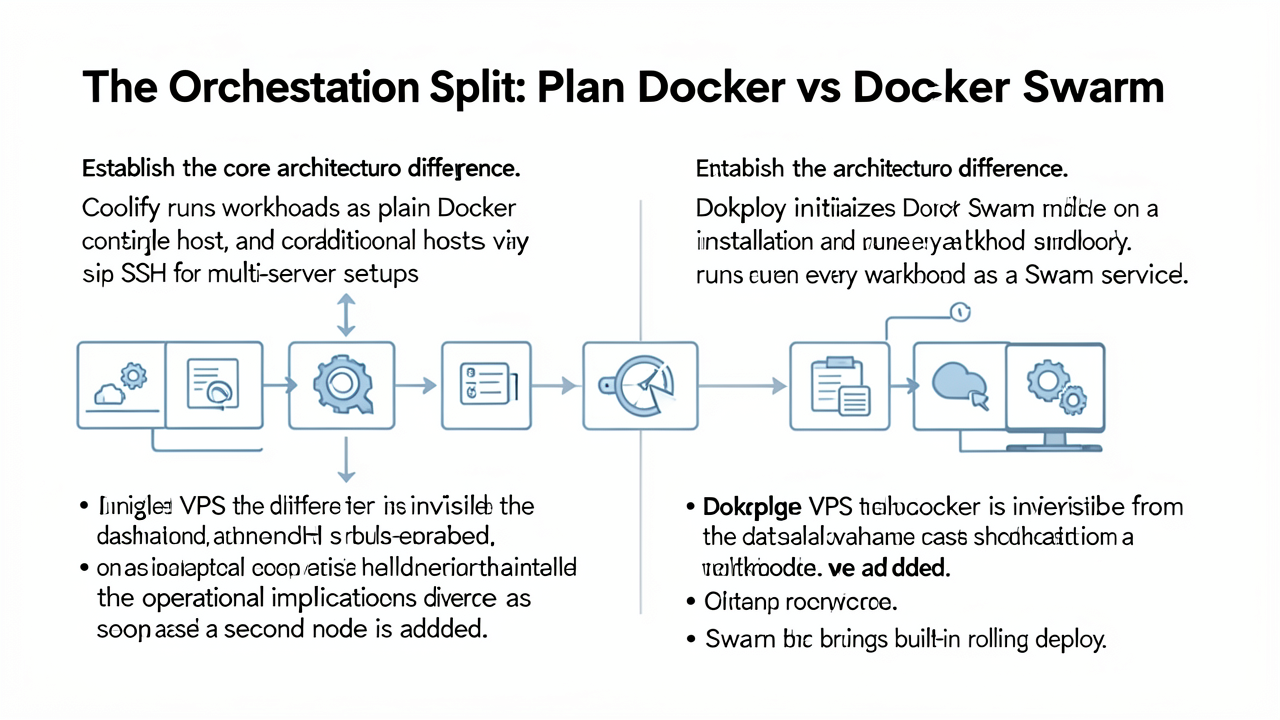
At the architectural core, Coolify and Dokploy make opposite choices about how containers are managed. Coolify schedules workloads as plain Docker containers on a single host and reaches additional hosts by coordinating over SSH, while Dokploy initializes Docker Swarm mode during installation and runs every workload as a Swarm service.
On a single VPS this difference is nearly invisible from the dashboard: both platforms expose the same Heroku-style view of services, domains, and deploys. The platforms diverge once a second node enters the picture.
Dokploy treats the cluster as a first-class object. Adding a worker node reduces to a single docker swarm join command, after which Swarm's built-in primitives take over:
Coolify can replicate much of that behavior, but it does so through application-level orchestration rather than the container runtime. Adding a second server means exchanging SSH keys, configuring Coolify's registry, and relying on its own coordination logic to keep state consistent across machines. The pieces fit together, but the integration is looser than Swarm's native guarantees.
The two paths also differ in how they isolate build pressure from production runtime. Coolify v4 ships a dedicated Build Server feature that runs compilations on a separate machine and pulls the resulting image to the runtime host. Dokploy achieves the same separation through Swarm placement constraints, so the manager handles builds while workers run the deployed apps. The outcome is similar, but the Coolify version is more explicit and the Dokploy version is more implicit.
Coolify's own Swarm support is worth flagging separately. As of the v4 changelog, Docker Swarm in Coolify remains experimental: servers can be attached as Swarm nodes, deployments go through docker stack deploy instead of container restarts, and Swarm service logs are retrievable. Sentinel-based metrics collection is not yet available on Swarm-attached servers, which removes a slice of the observability that plain-Docker hosts enjoy (Coolify v4 Changelog).
The practical takeaway is that Dokploy's design assumes you will eventually scale out and builds the cluster semantics in from day one, while Coolify treats plain Docker as the default and SSH-driven multi-server or Swarm mode as additions to that default (Lumadock, Cherry Servers).
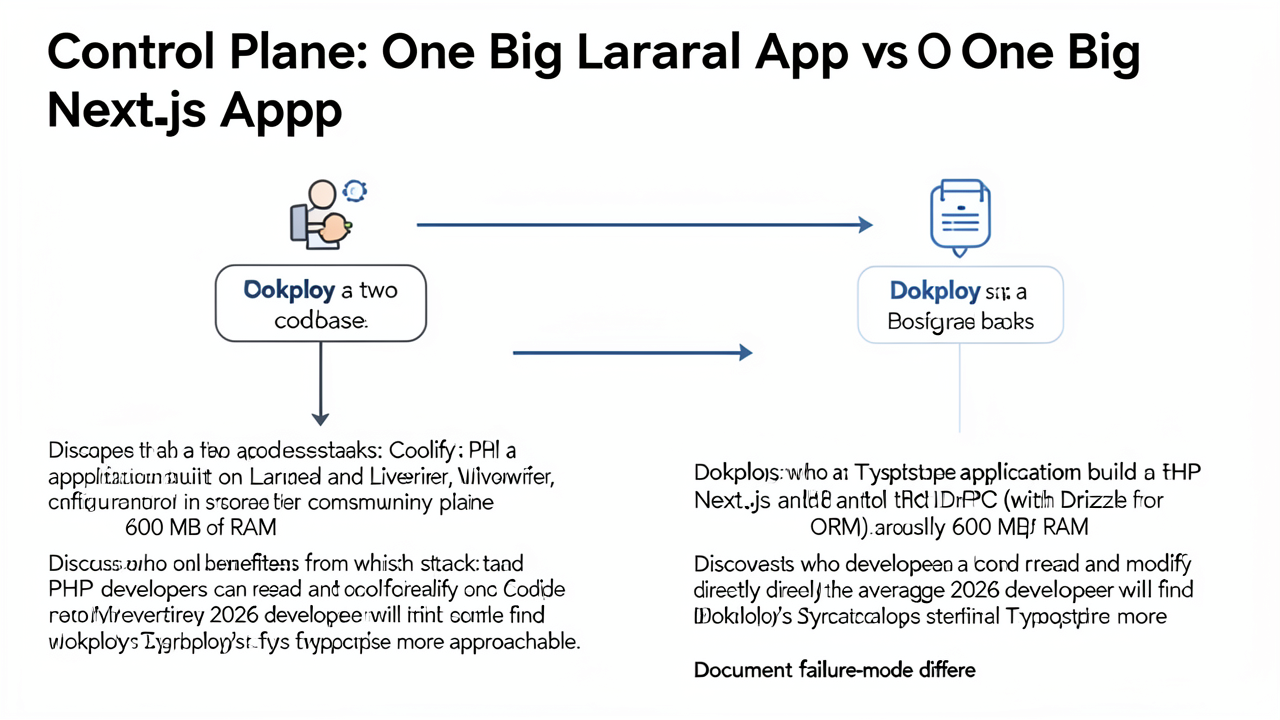
Both Coolify and Dokploy follow a similar "monolithic application that orchestrates containers" pattern, but the languages and frameworks they chose diverge sharply. Coolify is a PHP application built on Laravel with Livewire components on the frontend, while Dokploy is a TypeScript application built on Next.js with tRPC for type-safe API calls and Drizzle as the ORM. Each project's control plane consumes roughly 600 MB of RAM at idle, which is a non-trivial baseline on a 1 GB VPS but comparable between the two.
The stack choice has practical consequences for contributors and self-hosters who want to debug or extend their platform:
/proprietary directory under the Dokploy Source Available License (DSAL) 1.0, which requires a commercial agreement for production use of that portion. Teams that care about contribution paths should verify the licence terms before investing in patches upstream.Operational behaviour diverges in ways the marketing pages do not advertise:
docker service ls, and that reconciliation is not always instant.If your team is comfortable in PHP, Coolify's code is the easier place to land a fix. If your team writes TypeScript every day, Dokploy's codebase will feel familiar and patches will land faster. Either way, the stack choice is not neutral: it determines who on your team can answer a 2 a.m. incident by reading the source rather than waiting for an upstream fix.
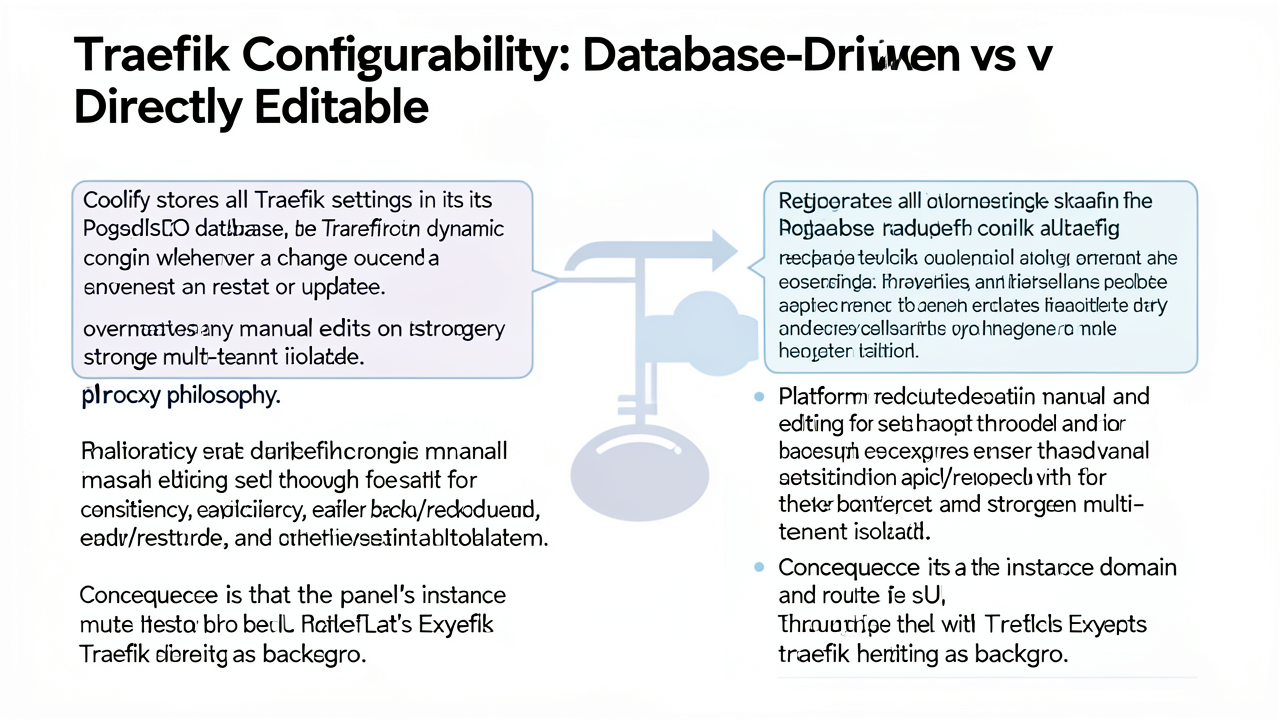
Coolify stores every Traefik setting in its PostgreSQL database rather than as standalone config files. When a change occurs anywhere in the UI, Coolify regenerates the Traefik dynamic configuration and restarts the proxy as a background job. Any configuration written directly to disk is overwritten on the next restart or platform update, so the panel's instance domain and per-application routes must be set through the UI. The same background workflow handles Let's Encrypt certificate issuance, so an SSH tunnel to port 8000 is required when that port is not reachable from the operator's network (zero-one-group.com).
This philosophy is deliberate. Regenerating config from a single source of truth keeps the proxy consistent with the database, simplifies backup and restore, and strengthens multi-tenant isolation. The trade-off is reduced flexibility for quick fixes and a steeper learning curve for operators used to editing proxy files by hand (zero-one-group.com).
The changelog lists four proxy options (github.com/coollabsio/coolify):
One notable split: Coolify Cloud forbids custom Traefik configuration, while self-hosted Coolify permits infrastructure-level tuning, including middleware and Docker daemon adjustments.
/etc/dokploy/traefik/dynamic/. Operators can drop in a custom dynamic config with a single write and then restart the dokploy-traefik container to load new routers, services, or middlewares without round-tripping through the UI (zero-one-group.com). This makes ad-hoc fixes, bespoke middleware chains, and one-off routing experiments straightforward.The trade-off is consistency. Because the proxy is not regenerated from a canonical database state, divergent manual edits can drift away from what the UI reports, and a future Dokploy update that rewrites the config files may silently overwrite them. Teams that rely on repeatable backup/restore should capture the entire /etc/dokploy tree, not just the database.
The database-driven approach suits teams that value single-source-of-truth consistency and centralized backup; the file-editable approach suits operators who need fast, low-level control over Traefik behavior without touching the UI.
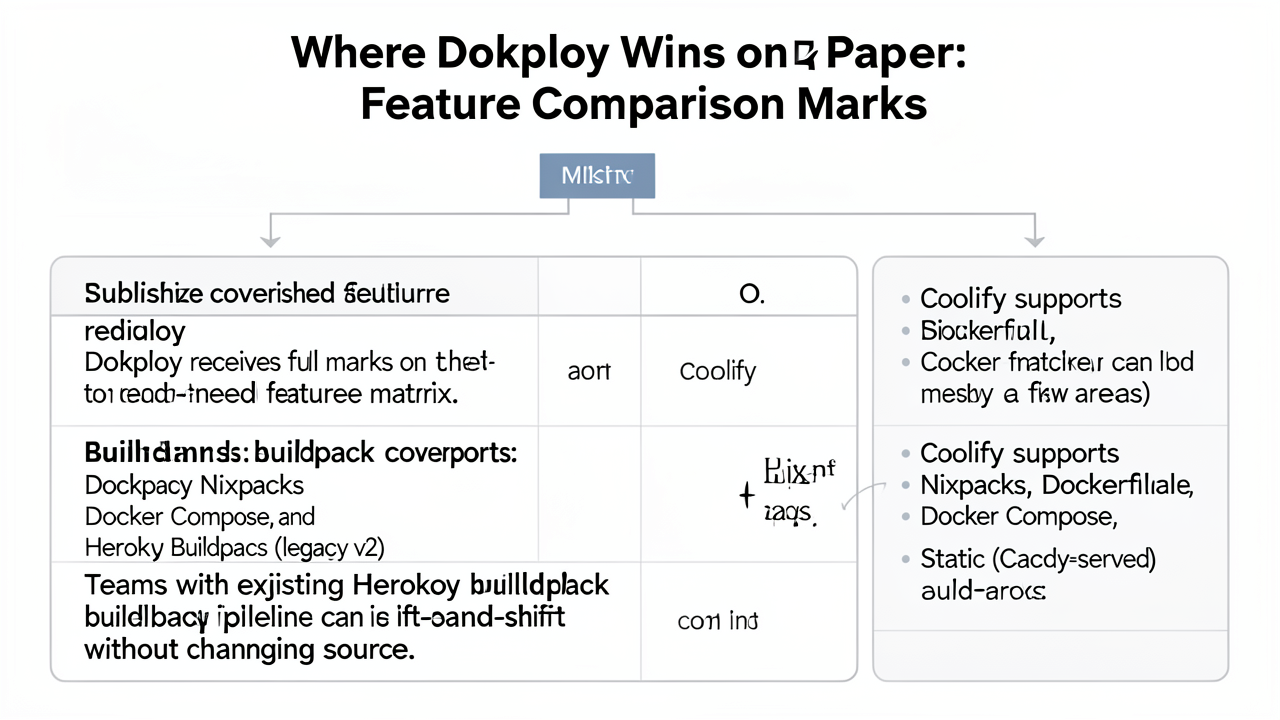
The published head-to-head feature matrix gives Dokploy full marks, with Coolify sitting just below on most rows. The clearest gap is buildpack coverage, and a few other entries compound the lead.
Buildpack coverage is the differentiator. Dokploy supports Nixpacks, Dockerfile, Docker Compose, and Heroku Buildpacks (legacy v2). Coolify covers Nixpacks, Dockerfile, Docker Compose, and a Static option served by Caddy, but does not recognize Heroku Buildpacks. For teams with an existing Heroku pipeline, that single omission forces a code change: either add a Dockerfile or rely on Nixpacks detecting the right runtime. Dokploy can run the existing buildpack without source modifications, which makes lift-and-shift from Heroku straightforward (lumadock.com).
Service templates extend the gap. Dokploy ships a substantial one-click service template library — the Lumadock comparison counts over 200 templates covering mainstream open-source applications, while other published matrices cite 350+ — versus Coolify's roughly 290-service catalog (cherryservers.com). The two libraries overlap heavily on mainstream software, and Dokploy's templates are tuned to its Swarm-native mode so replica counts and scheduling can be adjusted from the UI at deploy time.
Traefik v3 is native in Dokploy. Path-based routing and load balancing ship built in rather than requiring additional reverse-proxy plumbing. Coolify offers Traefik or Caddy as a choice at install time, which gives flexibility but trades it for a more manual routing configuration when Traefik is selected (cherryservers.com).
Metrics ship with both, but the scope differs. Self-hosted Dokploy exposes real-time per-resource metrics — CPU, memory, disk, and network — directly in the UI. The full Monitoring module, with longer retention, alerting workflows, and historical views, is reserved for the paid Dokploy Cloud tier. Coolify includes alerts in the self-hosted product, but its monitoring surface is lighter out of the box (cherryservers.com).
The catch: full marks on a comparison sheet is not the same as better in production. Heroku buildpacks are a non-issue for teams that never used them; an extra hundred templates are redundant if your stack is three services; Traefik v3 path-based routing is moot on a single host; and real-time metrics in self-hosted Dokploy do not include the alerting depth of the Cloud Monitoring module. Several of these marks only land cleanly because of Dokploy's Swarm-native architecture — a structural choice whose trade-offs the next section examines.
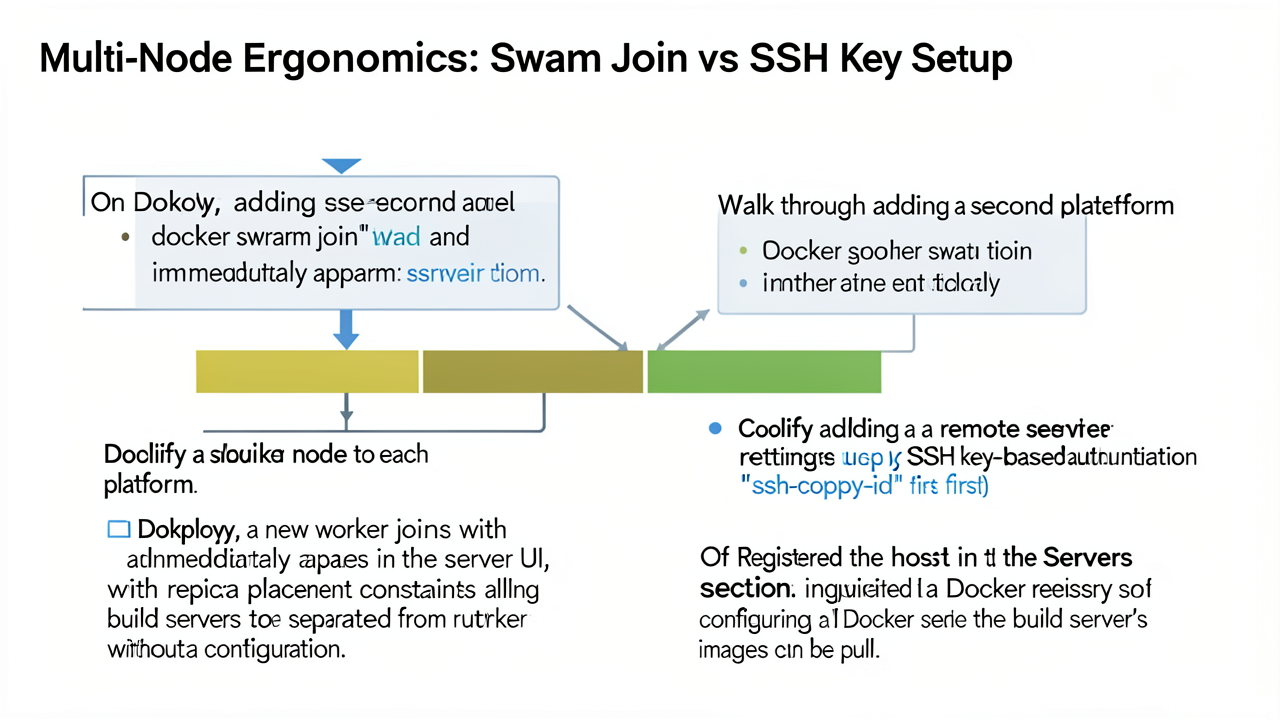
Adding capacity to a Dokploy cluster follows the path Docker itself prescribes. Because the Dokploy installer initializes Docker Swarm mode during setup (cherryservers.com), a new worker only needs to run docker swarm join --token <token> <manager-ip>:2377 to become part of the cluster (swarmcli.io). The node then appears in Dokploy's server UI without further wiring, and replica placement constraints let operators keep build-heavy nodes on separate workers from runtime workloads (contabo.com). On Swarm, those constraints are an intrinsic property of the orchestrator, not a per-platform convention.
Coolify takes the plain-Docker path, so adding a remote server requires three manual steps before any container runs there:
ssh-copy-id from the Coolify host to the new target (use-apify.com).Coolify v4 introduced a dedicated Build Server feature, controlled by the use_build_server option (github.com/coollabsio/coolify). Build servers are a strictly separate role: they cannot host runtime resources, run no proxy, have Sentinel disabled, and are filtered out of resource lists. Coolify pulls the latest image from the registry when building remotely, while the .env file is written to the deployment server instead. This is the explicit counterpart to Dokploy's implicit Swarm constraints — both exist to keep CPU-hungry Nixpacks or Docker builds off production nodes (massivegrid.com).
The backup stacks differ in emphasis rather than capability. Both schedule automatic database dumps to S3-compatible storage with retention policies (lumadock.com). Coolify layers a one-click restore UX on top of those dumps so an operator can locate a snapshot and roll back with minimal downtime (coolify.io). Dokploy matches that surface and adds volume backups, so files inside container volumes — not only database tables — can be snapshotted alongside the database (introserv.com). Teams whose workloads rely on persistent file state therefore get broader coverage from Dokploy out of the box; teams that prioritize recovery speed over volume-level fidelity get a more streamlined flow from Coolify.
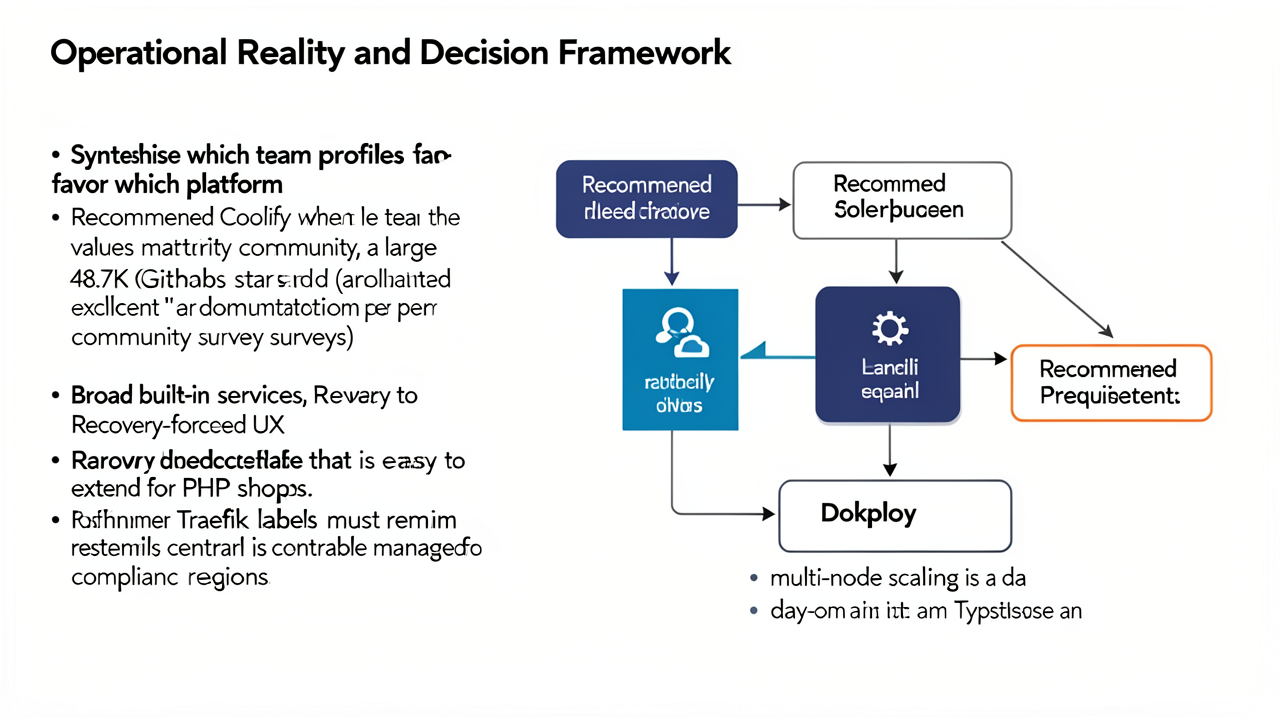
Neither platform dominates the other; each is a strong fit for a specific operational profile. The decision should be made by matching team skills, compliance constraints, and scaling expectations to the architecture each project was built around.
Coolify is the safer choice for teams that prioritize maturity and breadth. Its community has grown to roughly 48.7K GitHub stars, and its documentation is widely rated "excellent" and LLM-optimized, which shortens onboarding for new operators. The control plane is written in Laravel and Livewire, so PHP shops can extend it without leaving their primary language. The service catalog of around 290 one-click apps and databases is broad enough that most homelab and small-agency workloads need no custom plumbing, and the recovery-focused UX (one-click backups, per-app rollbacks, granular notification routing) is well-suited to single-VPS environments running several client sites. Traefik labels in Coolify are managed centrally by the platform, which is the right default for teams that need a single source of truth for routing configuration to satisfy compliance or change-control requirements.
Dokploy is the better fit when scale and modern DX lead the requirements list. Because it anchors orchestration on Docker Swarm rather than plain Docker, multi-node scaling is a day-one capability rather than a future migration: worker nodes join the Swarm and appear in the dashboard without manual cluster configuration. The codebase is TypeScript with Next.js and tRPC, which suits teams already working in that stack. Dokploy supports Heroku Buildpacks alongside Nixpacks and Dockerfile builds, making it a more natural landing pad for teams carrying buildpack-style workloads off Heroku. Its approach to Traefik also differs: direct proxy file edits are part of the incident-response model, so operators who expect to patch routing rules by hand during outages will find less friction.
Both projects remain under active development and are converging on a similar roadmap that includes Kubernetes support, deeper monitoring, and expanded security systems. Both run comfortably on a dedicated server or a 4–8 GB cloud VPS, and neither requires a long-term commitment.
The pragmatic path is to deploy a small trial workload on each, exercise a deploy, a rollback, and a recovery scenario, and pick the platform whose daily friction best matches the team's habits.